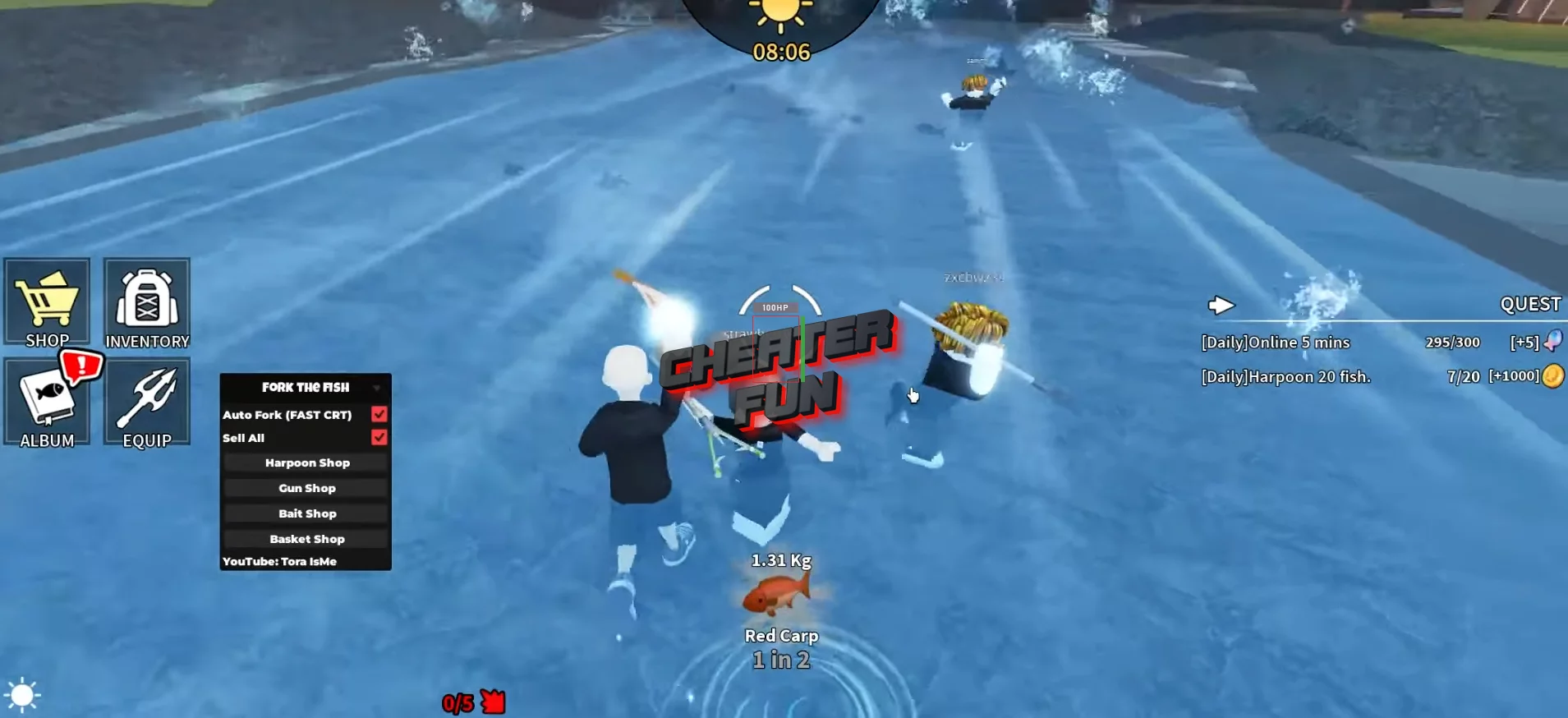
Fork the Fish Script is the ultimate upgrade for players who want to turn their harpoon-hunting grind into a smooth, high-profit fishing spree. In Fork the Fish, every throw counts - precision hits, lucky spawns, and quick reactions all stack up to help you snag rare catches and unlock stronger harpoons. With this script’s powerful features like Auto Fork, Sell All, and Auto Buy, you can farm fish, earn cash, and gear up faster than ever.
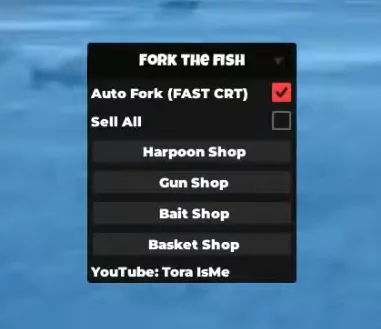
Auto Fork locks in hits with clean, consistent throws so you're landing catches nonstop without wearing out your fingers. Sell All keeps your inventory flowing and your wallet climbing, letting you convert fish into instant profit with zero downtime. And Auto Buy helps you instantly pick up new harpoons and upgrades as soon as you can afford them, keeping your power curve rising at all times.
Aim sharp, throw fast, and rake in the fish like a legend. With the Fork the Fish Script, every shot hits harder and every catch brings you closer to becoming the top hunter on the water.
The Best Scripts and Hacks for Fork the fish
Script Fork the fish Roblox ToraScript
loadstring(game:HttpGet("https://raw.githubusercontent.com/gumanba/Scripts/refs/heads/main/Forkthefish", true))()