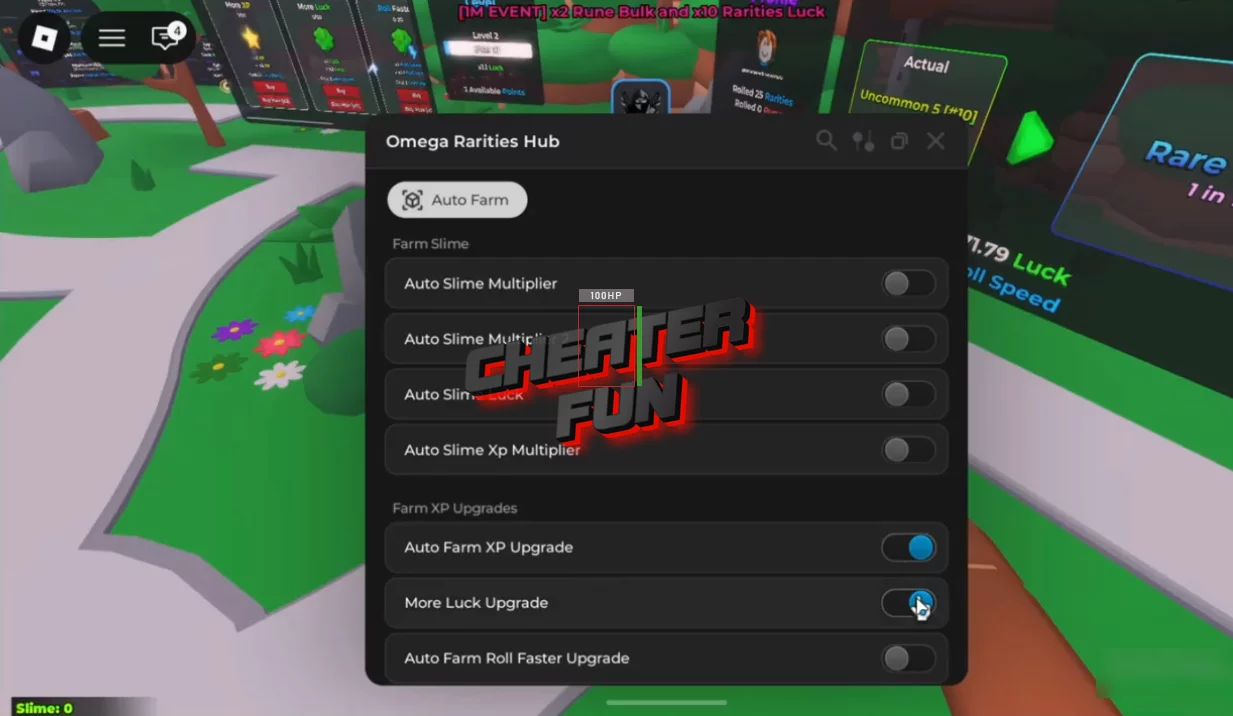
I am sharing with you the new updated Omega Rarities 2 script with Auto Slime Farm, Auto Farm XP, Auto Upgrade, and many other scripts for the new version of the game. At the moment, this is the best script with a convenient GUI, a large selection of functions and settings. It is the perfect tool and assistant for achieving high results in the Omega Rarities 2 game. Use this script yourself in the game and surprise your friends with your high rank and rare items.
Omega Rarities 2 is all about luck, patience, and pushing your RNG to absurd levels. You roll, upgrade, reset layers, and chase rarities that feel almost impossible to hit. The problem? The grind can get slow fast.
This script is designed to keep everything moving without killing the fun.
Omega Rarities 2 Script GUI Roblox - Auto Slime Farm, Auto Farm XP
local Rayfield = loadstring(game:HttpGet('https://sirius.menu/rayfield'))()

local Window = Rayfield:CreateWindow({
   Name = "Omega Rarities Hub",
   Icon = 0,
   LoadingTitle = "Omega Rarities Hub",
   LoadingSubtitle = "by Michael",
   ShowText = "Rayfield",
   Theme = "Default",
   ToggleUIKeybind = "K",
   DisableRayfieldPrompts = false,
   DisableBuildWarnings = false,
   ConfigurationSaving = {
      Enabled = true,
      FolderName = nil,
      FileName = "Big Hub"
   },
   Discord = {
      Enabled = false,
      Invite = "noinvitelink",
      RememberJoins = true
   },
   KeySystem = false,
})

local Tab = Window:CreateTab("Auto Farm", 4483362458)
local Section = Tab:CreateSection("Farm Slime")

local toggleStates = {
   Toggle1 = false,
   Toggle2 = false,
   Toggle3 = false,
   Toggle4 = false,
}

local function createAutoUpgradeToggle(name, upgradeId, flag)
   return Tab:CreateToggle({
      Name = name,
      CurrentValue = false,
      Flag = flag,
      Callback = function(Value)
         toggleStates[flag] = Value
         while toggleStates[flag] do
            local args = {upgradeId, true}
            game:GetService("ReplicatedStorage"):WaitForChild("Events"):WaitForChild("Upgrade"):FireServer(unpack(args))
            wait(1)
         end
      end,
   })
end

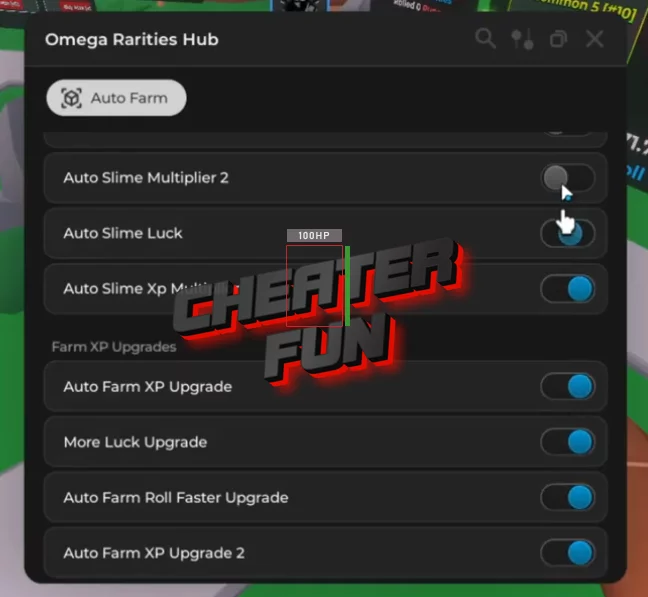
createAutoUpgradeToggle("Auto Slime Multiplier", "SlimeUpgrades_1", "Toggle1")
createAutoUpgradeToggle("Auto Slime Multiplier 2", "SlimeUpgrades_1", "Toggle2")
createAutoUpgradeToggle("Auto Slime Luck", "SlimeUpgrades_2", "Toggle3")
createAutoUpgradeToggle("Auto Slime Xp Multiplier", "SlimeUpgrades_3", "Toggle4")

Section = Tab:CreateSection("Farm XP Upgrades")

createAutoUpgradeToggle("Auto Farm XP Upgrade", "LevelUpgrades_1", "XpToggle1")
createAutoUpgradeToggle("More Luck Upgrade", "LevelUpgrades_2", "XpToggle2")
createAutoUpgradeToggle("Auto Farm Roll Faster Upgrade", "LevelUpgrades_3", "XpToggle3")
createAutoUpgradeToggle("Auto Farm XP Upgrade 2", "LevelUpgrades_4", "XpToggle4")
With Auto Slime Farm, your slimes are constantly generating progress in the background, stacking resources and bonuses without manual effort. Auto Farm XP handles leveling automatically, while luck and XP multipliers make sure every roll actually feels worth it. Instead of babysitting upgrades, the script applies them as soon as they’re available, letting you focus on chasing higher tiers and runes.
