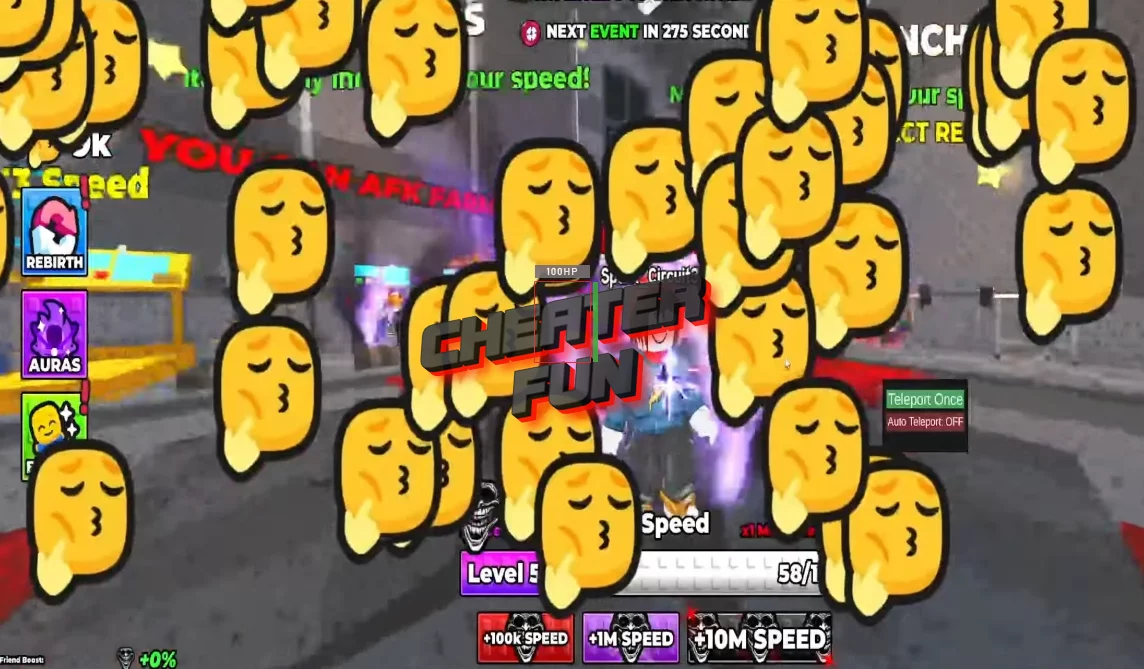
On this page, I am sharing with you the best new script for the +1 Aura Speed Escape, which has features such as Auto Farm Win and Auto Teleport. This fast script has powerful functionality. Simply copy it to gain additional capabilities in the game and get an advantage over other players or your friends.
With Instant Win, you can clear stages instantly and earn respect without repeating runs. Auto Teleport takes you straight to key zones, saving time and allowing you to focus on aura growth. Train efficiently, unlock multipliers faster, and reach evolution milestones without slowing down.
As you level up, the evolution system unlocks new aura forms, and the phonk-powered soundtrack reacts to your progress and failures, keeping the vibe intense every run.
Script +1 Aura Speed Escape Roblox ZAZA Hub | Auto Farm Wins, Auto Spin, Auto Rebirth
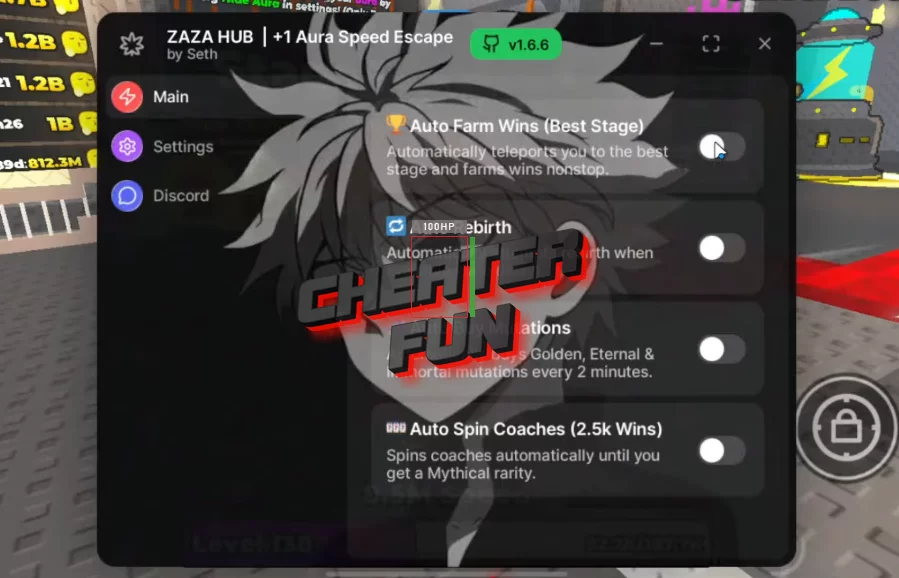
loadstring(game:HttpGet("https://raw.githubusercontent.com/SETHHHX/zaza-hub/refs/heads/main/zaza%20hub"))()+1 Aura Speed Escape Script Best Mehmos Auto Hub
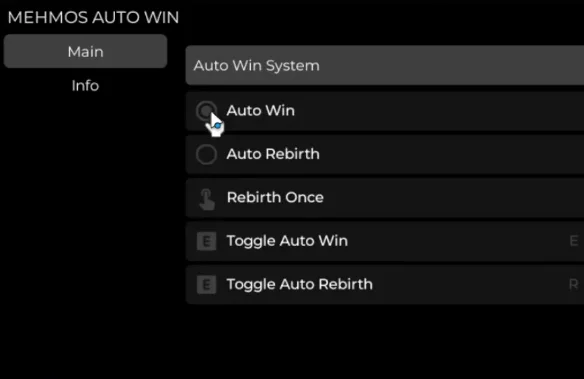
loadstring(game:HttpGet("https://raw.githubusercontent.com/MEHMOS35/SSSA/refs/heads/main/MEHMOS35"))()Get Script +1 Aura Speed Escape Roblox (Auto Farm Win, Auto Teleport):
-- Services
local Players = game:GetService("Players")
local UserInputService = game:GetService("UserInputService")

local player = Players.LocalPlayer

-- Target position
local TARGET_CFRAME = CFrame.new(3849, 213, 39)

-- State
local autoTeleport = false

-- UI
local gui = Instance.new("ScreenGui")
gui.Name = "TeleportMenu"
gui.ResetOnSpawn = false
gui.Parent = player:WaitForChild("PlayerGui")

local frame = Instance.new("Frame")
frame.Size = UDim2.new(0, 220, 0, 140)
frame.Position = UDim2.new(0.6, -110, 0.5, -70)
frame.BackgroundColor3 = Color3.fromRGB(25, 25, 25)
frame.BorderSizePixel = 0
frame.Active = true
frame.Parent = gui

-- Dragging
local dragging, dragStart, startPos
frame.InputBegan:Connect(function(input)
    if input.UserInputType == Enum.UserInputType.MouseButton1 then
        dragging = true
        dragStart = input.Position
        startPos = frame.Position
    end
end)

frame.InputEnded:Connect(function(input)
    if input.UserInputType == Enum.UserInputType.MouseButton1 then
        dragging = false
    end
end)

UserInputService.InputChanged:Connect(function(input)
    if dragging and input.UserInputType == Enum.UserInputType.MouseMovement then
        local delta = input.Position - dragStart
        frame.Position = UDim2.new(
            startPos.X.Scale,
            startPos.X.Offset + delta.X,
            startPos.Y.Scale,
            startPos.Y.Offset + delta.Y
        )
    end
end)

-- Teleport function
local function teleport()
    local character = player.Character or player.CharacterAdded:Wait()
    local hrp = character:WaitForChild("HumanoidRootPart")
    hrp.CFrame = TARGET_CFRAME
end

-- Auto teleport loop
task.spawn(function()
    while true do
        if autoTeleport then
            teleport()
        end
        task.wait(0.1) -- you can change speed here
    end
end)

-- Buttons
local tpButton = Instance.new("TextButton")
tpButton.Size = UDim2.new(1, -20, 0, 36)
tpButton.Position = UDim2.new(0, 10, 0, 20)
tpButton.Text = "Teleport Once"
tpButton.TextScaled = true
tpButton.BackgroundColor3 = Color3.fromRGB(70, 160, 90)
tpButton.TextColor3 = Color3.new(1, 1, 1)
tpButton.Parent = frame

tpButton.MouseButton1Click:Connect(teleport)

local autoButton = Instance.new("TextButton")
autoButton.Size = UDim2.new(1, -20, 0, 36)
autoButton.Position = UDim2.new(0, 10, 0, 64)
autoButton.Text = "Auto Teleport: OFF"
autoButton.TextScaled = true
autoButton.BackgroundColor3 = Color3.fromRGB(180, 70, 70)
autoButton.TextColor3 = Color3.new(1, 1, 1)
autoButton.Parent = frame

autoButton.MouseButton1Click:Connect(function()
    autoTeleport = not autoTeleport

    if autoTeleport then
        autoButton.Text = "Auto Teleport: ON"
        autoButton.BackgroundColor3 = Color3.fromRGB(70, 160, 90)
    else
        autoButton.Text = "Auto Teleport: OFF"
        autoButton.BackgroundColor3 = Color3.fromRGB(180, 70, 70)
    end
end)
