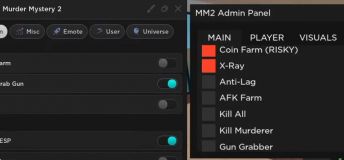
You can find some of the best scripts for the popular game Roblox on this page. Only verified, high-quality scripts from developers. Quick access to the code, with the ability to simply copy and use it without any issues or extra steps—unlike other sites.
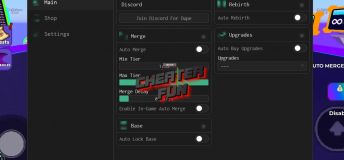
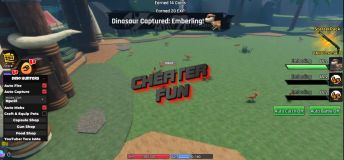
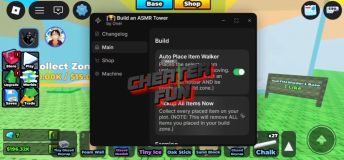
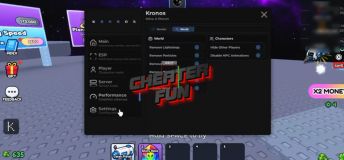
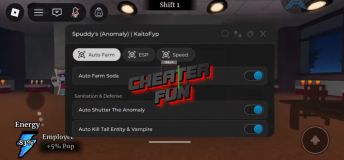
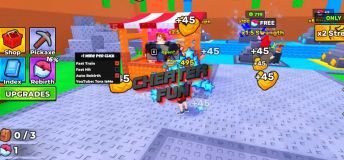
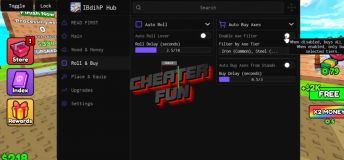
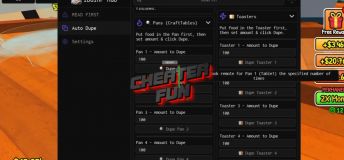
Up-to-date and in-demand features for popular and new games from the Roblox universe. AutoFarm, ESP, GodMode, Infinite Stamina, Super Jump, Fly, and many other features. Scripts can be simple with a single function or multifunctional with a user-friendly GUI and easy-to-understand controls right in the game.
Safe and Updated Roblox Script Collection
Our team tests all scripts independently, and we assure you that we only post working and verified scripts, as well as scripts that do not require keys.
Frequently Asked Questions
Is it safe to use Roblox hacks?
While some hacks may seem harmless, using them can violate Roblox's terms of service and risk your account being banned. Always proceed with caution and use trusted sources.
Do I need to pay for Roblox cheats?
Most Roblox hacks available online are free, though some premium tools offer additional features. Make sure to avoid scams and only download from reliable websites.
How do I install a Roblox script?
Typically, you’ll need an executor to run a script on Roblox. Download a compatible executor, paste the script code, and execute it while in the game.
Can I use hacks on mobile devices?
Most Roblox hacks are designed for Windows PCs. Mobile hacks exist but are much more limited and riskier to use.
Why is my hack not working?
This can happen if the script is outdated, your executor is incompatible, or Roblox has patched the exploit. Always keep your tools updated and check for new versions.
Open CS2 and change video settings to Fullscreen Windowed or Windowed (the overlay will not appear in exclusive fullscreen).
2. Load the Driver
Extract the Valthrun Loader files.
Right-click the loader application and select Run as Administrator to initialize the kernel driver.
3. Start the Overlay
Launch CS2.
Open the CS 2 Enhancements folder and run the Controller executable.
4. Configure ESP
In-game, press the PAUSE (or INSERT) key to open the menu overlay.
Check the boxes to enable Player ESP (skeletons or 2D/3D boxes).
It will dump the json files on every cs2 update you just need too redo all the steps above. It works like a charm.
Step by step guide:
You must turn off Core Isolation (Memory Integrity) and Windows Defender Protection for Valthrun to load at first. [1, 2]
This happens because the program uses a standard manual mapper (KDMapper) to inject its stealth kernel driver into Windows memory without an official digital signature from Microsoft. Windows Security blocks this by default to prevent unauthorized low-level modifications. [1, 2, 3]
Because you have changed your system settings to run the program, you should revert them when you are finished playing to keep your PC secure: [1]
1. Turn Core Isolation (Memory Integrity) Back On
Leaving this off makes your system vulnerable to low-level kernel attacks. [1, 2]
Open Windows Settings -> Privacy & Security -> Windows Security.
Click on Device Security -> Core isolation details.
Toggle Memory Integrity back to ON.
Note: You must restart your PC for this security layer to reactivate fully. [1, 2, 3, 4]
2. Reactivate Windows Defender Real-Time Protection
In Windows Security, click on Virus & threat protection.
Click Manage settings under Virus & threat protection settings.
Toggle Real-time protection back to ON.
Reactivating these features completely restores your Windows shields to their original
After any update in cs2 you just redo these steps and the softwware automaticly dumps the updated json files.

![RIVALS (Roblox) Script - Aimbot, ESP, NoClip, TriggerBot [NEW]](/uploads/mini/shortstory/87/e5564c12648ade680c6d1075e00898.jpg)