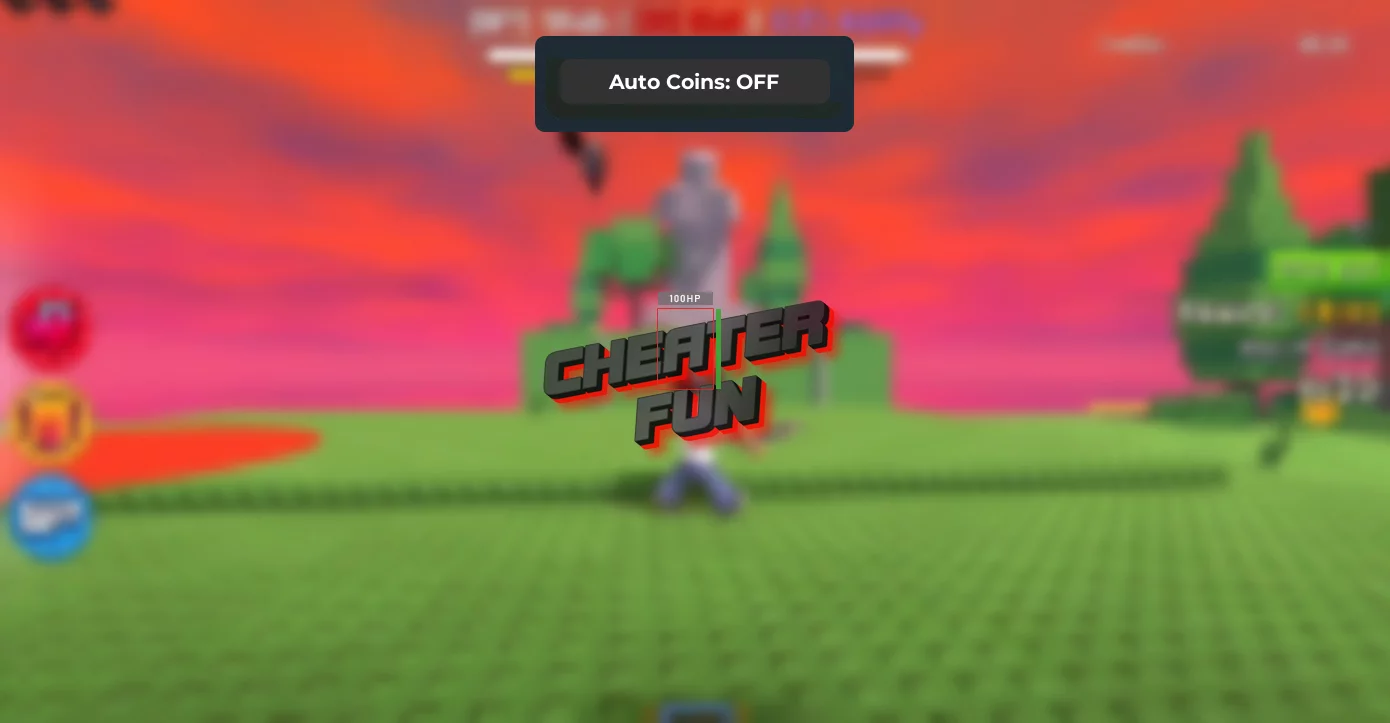
New working and safe keyless Stick Battles script from Roblox universe with Auto Coins feature. This is a cool script with which you can get coins in automatic mode while playing with friends. With the earned coins you will be able to get the top sticks with super cool features, thereby eliminating all your opponents rising in the ranking of the best players. Surprise your friends with your new stick in Stick Battles game, the script will help you with that.
Use it now, the probability that the script will stop working in the future is very high, so hurry up!
Get Script Stick Battle No Key
local Players = game:GetService("Players")
local VirtualUser = game:GetService("VirtualUser")
local player = Players.LocalPlayer
local character = player.Character or player.CharacterAdded:Wait()
local hrp = character:WaitForChild("HumanoidRootPart")

local orbsFolder = workspace:WaitForChild("__THINGS"):WaitForChild("Orbs")

local screenGui = Instance.new("ScreenGui", player.PlayerGui)
screenGui.Name = "AutoCoinsGui"
screenGui.ResetOnSpawn = false

local frame = Instance.new("Frame", screenGui)
frame.Size = UDim2.fromOffset(200, 50)
frame.Position = UDim2.new(0.5, -100, 0.9, -25)
frame.BackgroundColor3 = Color3.fromRGB(30,30,30)
frame.BorderSizePixel = 0
frame.BackgroundTransparency = 0.1
frame.Active = true
frame.Draggable = true
frame.AnchorPoint = Vector2.new(0.5,0.5)
Instance.new("UICorner", frame).CornerRadius = UDim.new(0, 12)

local button = Instance.new("TextButton", frame)
button.Size = UDim2.new(1, -20, 1, -20)
button.Position = UDim2.fromOffset(10, 10)
button.BackgroundColor3 = Color3.fromRGB(50,50,50)
button.Text = "Auto Coins: OFF"
button.TextColor3 = Color3.new(1,1,1)
button.Font = Enum.Font.GothamBold
button.TextSize = 16
button.BorderSizePixel = 0
Instance.new("UICorner", button).CornerRadius = UDim.new(0, 8)

local looping = false

local function teleportToOrbs()
    for _, orb in ipairs(orbsFolder:GetDescendants()) do
        if not looping then return end
        if orb:IsA("MeshPart") then
            hrp.CFrame = orb.CFrame + Vector3.new(0,3,0)
            task.wait(0.4)
        end
    end
end

button.MouseButton1Click:Connect(function()
    looping = not looping
    button.Text = looping and "Auto Coins: ON" or "Auto Coins: OFF"
    button.BackgroundColor3 = looping and Color3.fromRGB(0,170,0) or Color3.fromRGB(50,50,50)

    if looping then
        task.spawn(function()
            while looping do
                teleportToOrbs()
                task.wait(0.2)
            end
        end)
    end
end)

player.CharacterAdded:Connect(function(char)
    character = char
    hrp = character:WaitForChild("HumanoidRootPart")
end)

player.Idled:Connect(function()
    VirtualUser:CaptureController()
    VirtualUser:ClickButton2(Vector2.new(0,0))
end)

task.spawn(function()
    while true do
        task.wait(300)
        local cam = workspace.CurrentCamera
        cam.CFrame *= CFrame.Angles(0, math.rad(10), 0)

        if character and character:FindFirstChildOfClass("Humanoid") then
            local humanoid = character:FindFirstChildOfClass("Humanoid")
            if humanoid and humanoid:GetState() ~= Enum.HumanoidStateType.Dead then
                humanoid:ChangeState(Enum.HumanoidStateType.Jumping)
            end
        end
    end
end)