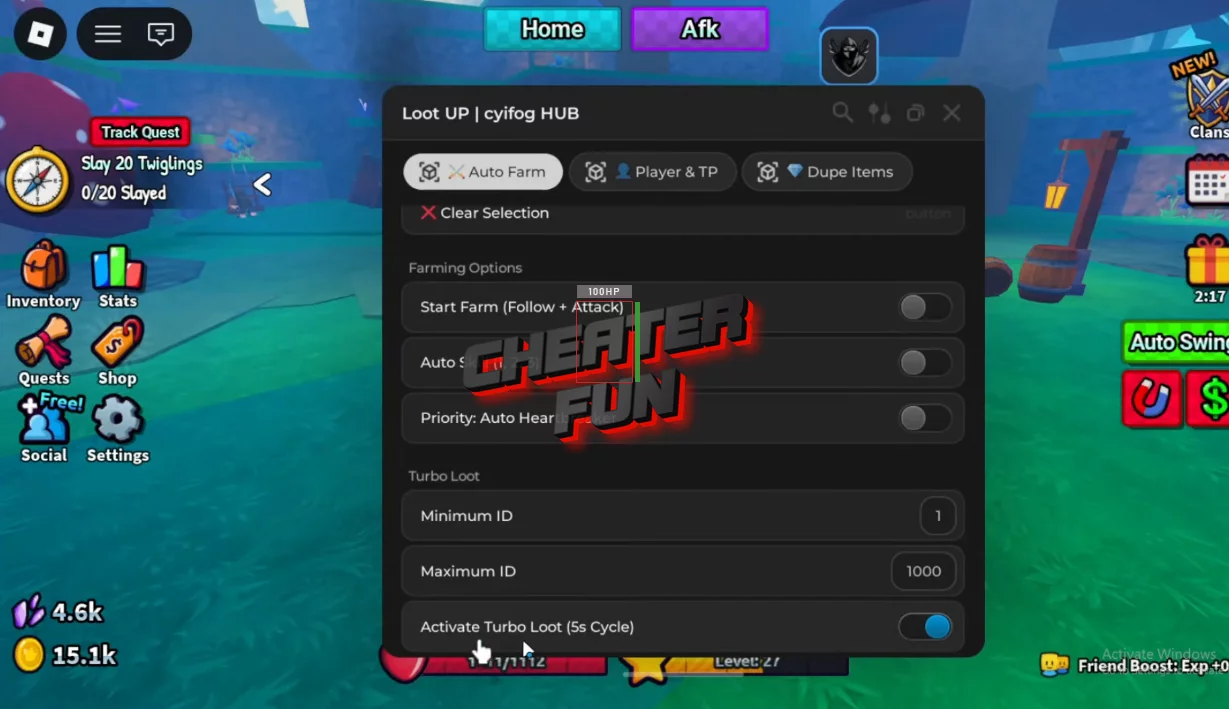
One of the best scripts on Loot Up from the Roblox universe, with constant updates and a wide range of features such as Auto Farm, Turbo Loot, Auto Skills, Teleports, Dupe Items, and many others, can be copied from this page without a key or any other additional actions. A multifunctional script if you want to improve your gameplay in Loot Up!
Loot grinding is the whole point of Loot Up… but let’s be real - running the same fights over and over just to maybe get something decent gets old fast.
This script is built for players who want to stay efficient instead of stuck in endless manual farming. It helps you stay on targets, rotate abilities automatically, and maximize loot flow without constantly micromanaging every fight.
Loot Up Script Ouroboros Hub | AUTO FARM, AUTO SKILL, AUTO LOOT
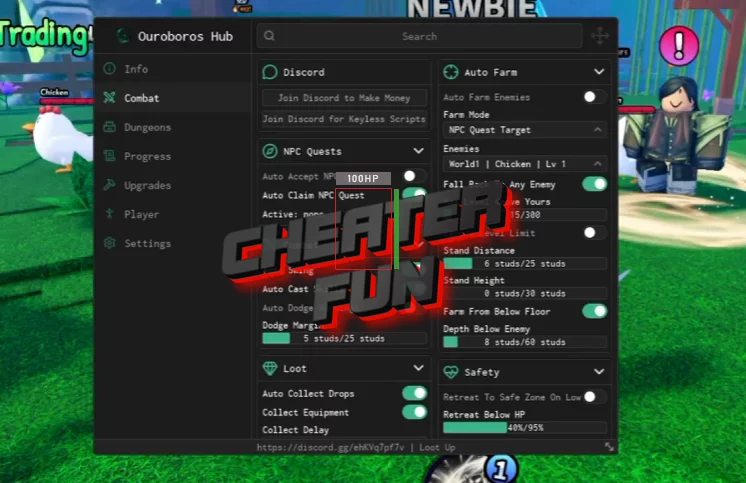
-- https://discord.gg/f3dJhDgyTq
loadstring(game:HttpGet("https://raw.githubusercontent.com/joustingmatch/Ouroboros/main/loader.lua"))()
Get Script Loot Up GUI Roblox
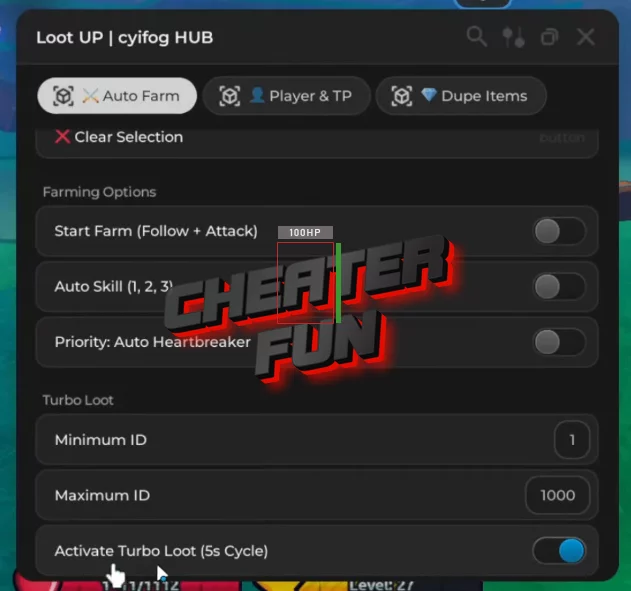
loadstring(game:HttpGet("https://raw.githubusercontent.com/GomesPT7/meu-script/refs/heads/main/loot%20up.lua", true))()Loot Up Script Features:
Start Farm (Follow + Attack) – automatically tracks enemies and engages them
Auto Skill (1, 2, 3) – cycles your abilities for smoother combat
Priority: Auto Heartbreaker – focuses stronger targets when available
Turbo Loot System
- Set Minimum ID
- Set Maximum ID
- Activate Turbo Loot (5s cycle) for faster drop farming
You also get access to:
- Player & Teleport tools
- Dupe Items tab
