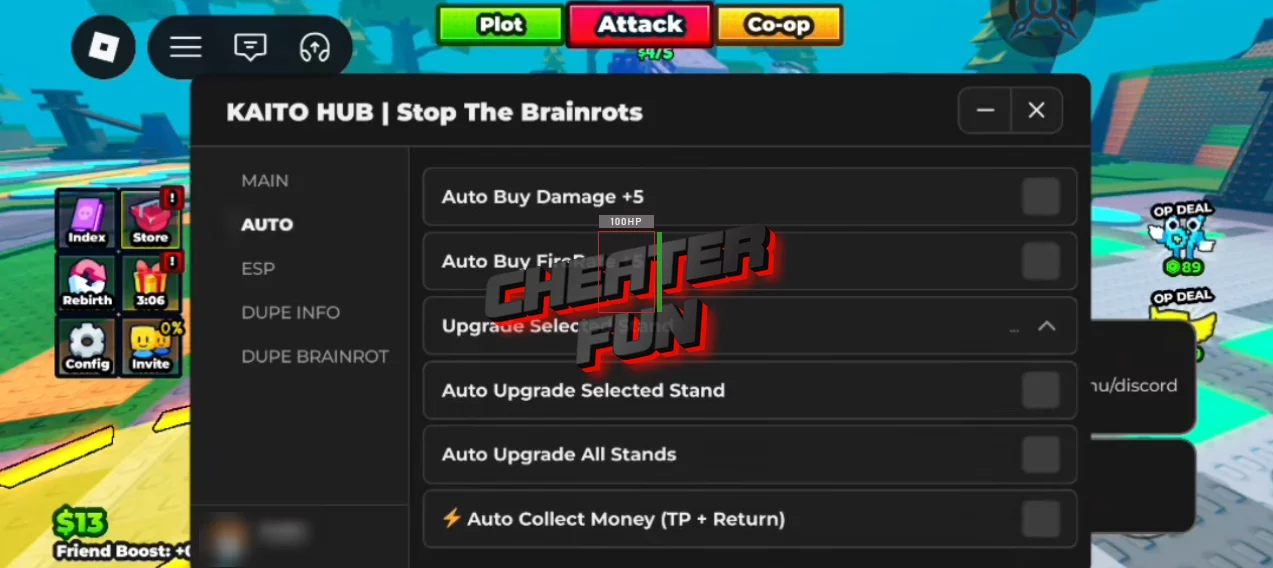
The first working script for Stop The Brainrots from the Roblox universe with great functionality such as Auto Upgrade, Auto Buy Damage, Auto Collect Money, ESP, Dupe, and other auxiliary functions and settings. Using this script, you can easily raise your game rating and surprise your friends in Stop The Brainrots. The script is compatible with PC and Mobile.
In Stop The Brainrots, your job is simple: defend your base and push them back before everything collapses. But grinding upgrades manually while waves keep coming? Yeah… that’s not it. This script steps in and handles the heavy lifting for you.
From automatically boosting your Damage and FireRate to upgrading your defense stands and collecting cash without running back and forth - everything flows smoother so you can focus on survival instead of button spam.
Get Script Stop The Brainrots GUI Roblox (Kaito Hub)
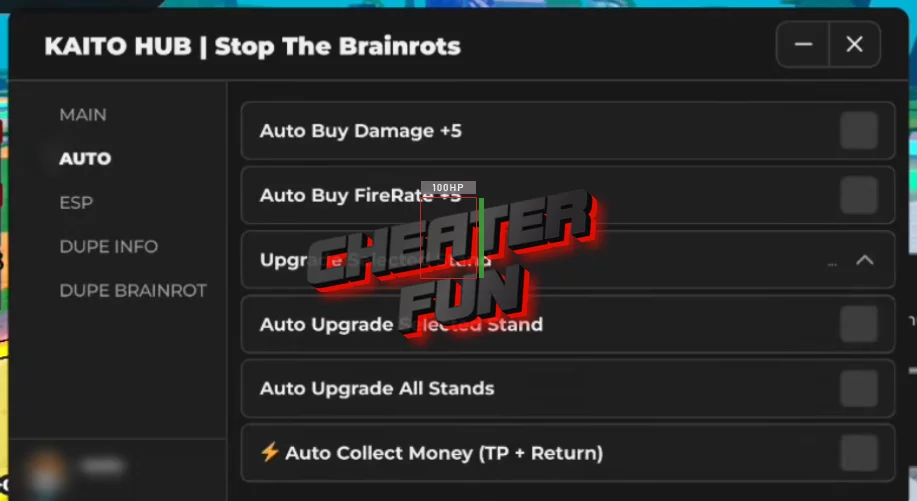
loadstring(game:HttpGet("https://raw.githubusercontent.com/Kaitofyp/-CO-OP-Stop-The-Brainrots-Op-Script/refs/heads/main/obf_bQnnBOjA0kbZVWCB3h4XalYpNGcxNDI8RcUz7WZ9YTueOGId9evqALjKyP109676.lua.txt"))()Stop The Brainrots Script Features:
Auto Buy Damage +5
Auto Buy FireRate +5
Auto Upgrade Selected Stand
Auto Upgrade All Stands
Auto Collect Money (with TP return)
ESP
Dupe
