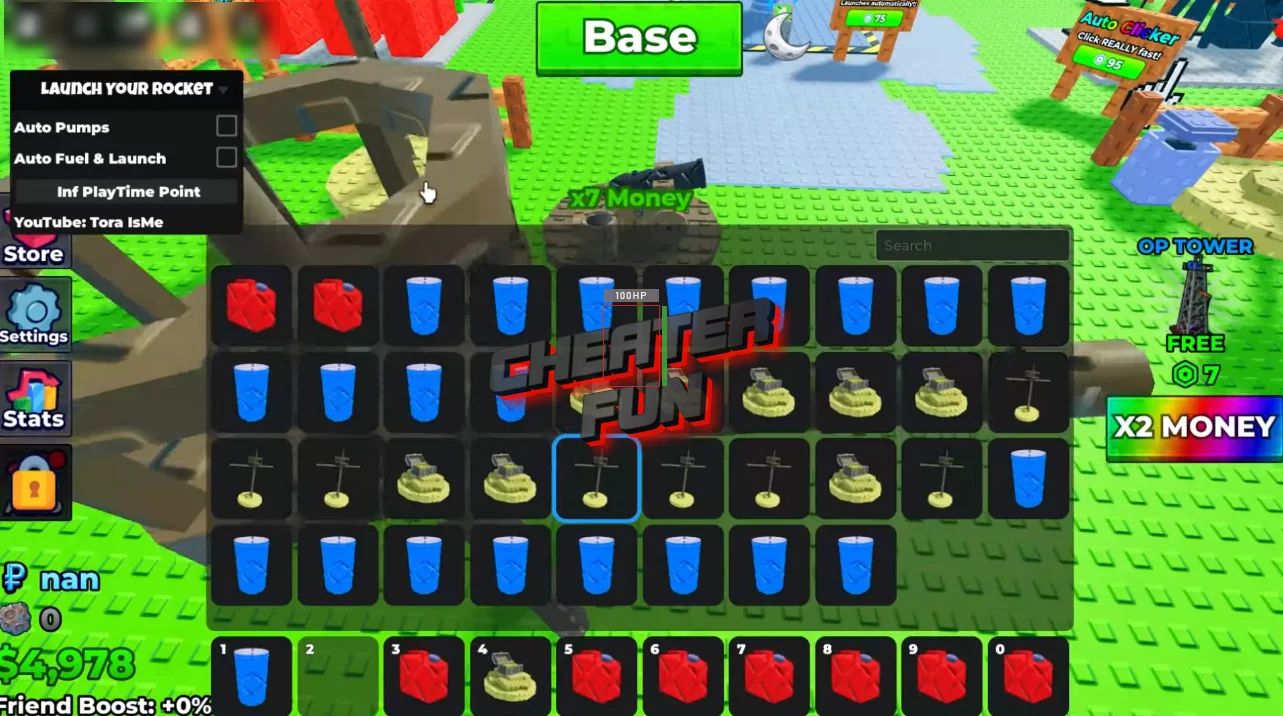
Many players are looking for new working scripts for Launch Your Rocket from the world of Roblox with features such as Auto Pumps, Auto Fuel & Launch, Infinite Playtime Points, and you can get such a script on this page without a key or any other additional actions. This script fully automates your gaming experience in Launch Your Rocket.
Launch Your Rocket is all about building momentum - pump fuel, launch higher, buy better machines, then prestige and do it all again with bigger rewards.
This script is made for players who want to speed up that whole loop without sitting there mashing the same actions over and over.
Get Script Launch Your Rocket GUI Roblox (ToraHub)
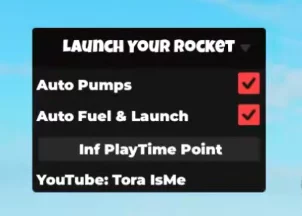
loadstring(game:HttpGet("https://raw.githubusercontent.com/gumanba/Scripts/main/LaunchYourRocket"))()Launch Your Rocket Script Features:
Auto Pumps – continuously handles the pumping process for you
Auto Fuel & Launch – fills your rocket and launches it automatically
Infinite PlayTime Point – boosts long-session progression and passive rewards
That means you can keep earning while your rocket keeps cycling through fuel, launches, and upgrades - even when you’re not actively managing every step.
