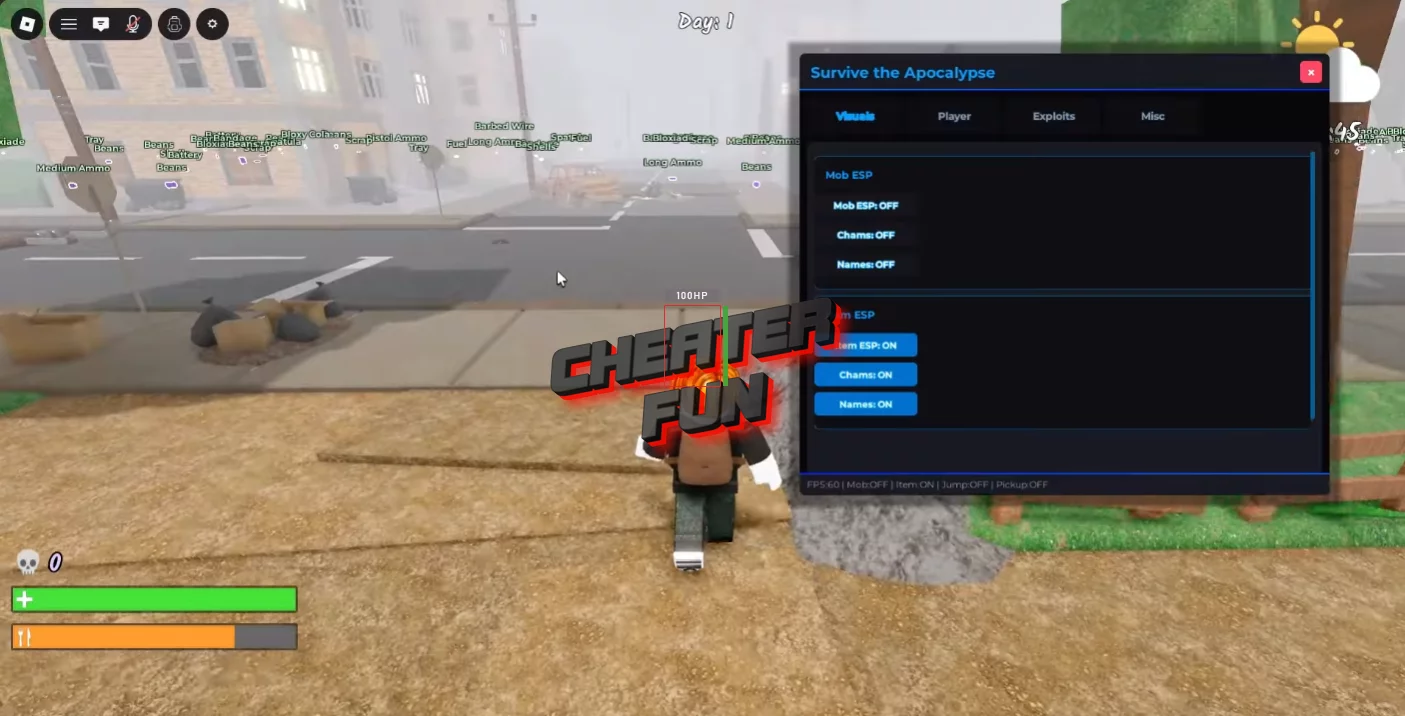
New working scripts for the updated version of the Roblox game *Survive the Apocalypse*, featuring Item ESP, Auto Pickup, Auto Store, Infinite Jump, Kill Aura, and many other features. A simple and user-friendly GUI lets you manage script settings on PC and mobile without any issues.
“Survive the Apocalypse” is one of those survival games in Roblox where every second counts. You scavenge through a ruined city, searching for useful loot, trying not to get surrounded by zombies, and hoping your next run doesn’t end because you missed a single item or found yourself in a dead-end situation at the wrong moment. This Survive the Apocalypse script is clearly built around the need to survive and quickly gather loot.
As for the visual elements, there’s an ESP for items and characters with settings for displaying names, health, distance, and points which is crucial in a game where finding supplies before the zombies find you can determine the outcome of your run. Instead of wandering blindly, you get much clearer information about your surroundings. There’s “Infinite Jump,” adjustable speed, and “Auto-Collect,” which automatically picks up all items. This greatly simplifies resource gathering, especially in areas where stopping to manually collect everything would simply result in you being surrounded.
Survive the Apocalypse Script Drynyx Hub | Auto Farm, Kill Aura, ESP, Auto Pickup
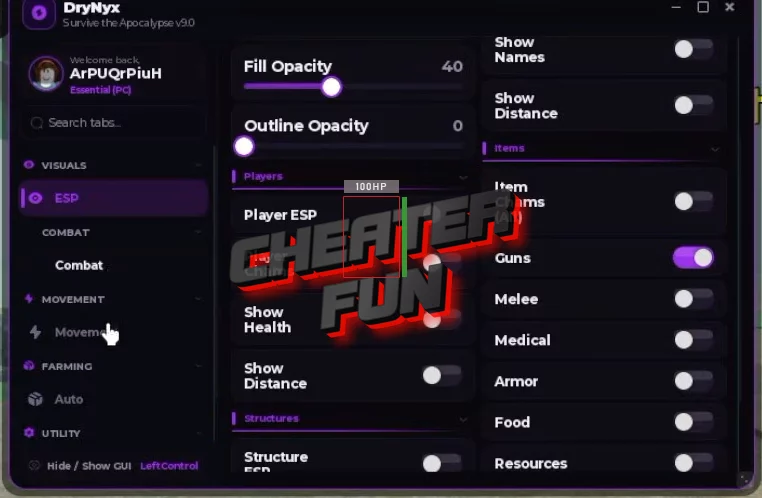
loadstring(game:HttpGet("https://synex.lat/loaders/survive.lua"))()Survive the Apocalypse Script Best Hub | FARM GEMS, KILL AURA, INF JUMPS, ESP
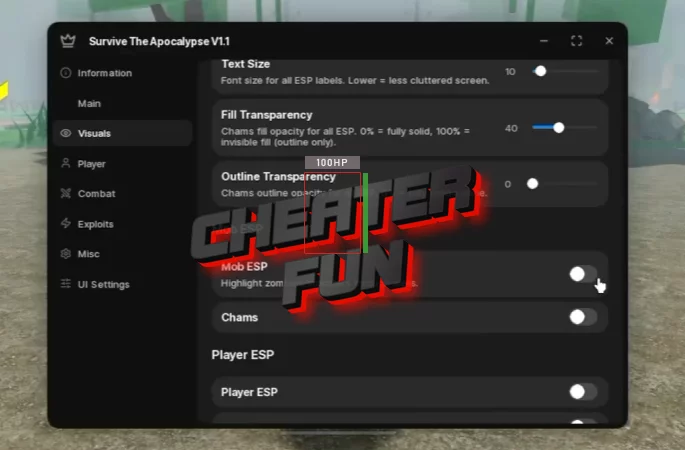
loadstring(game:HttpGet("https://api.jnkie.com/api/v1/luascripts/public/06ab7bff6fe000f8683046194088e4e6b5b240316e8c25cfcd785ec53f76d542/download"))()Survive the Apocalypse Script Mint Hub - Kill Aura, Auto Pickup, ESP, Inf Jumps
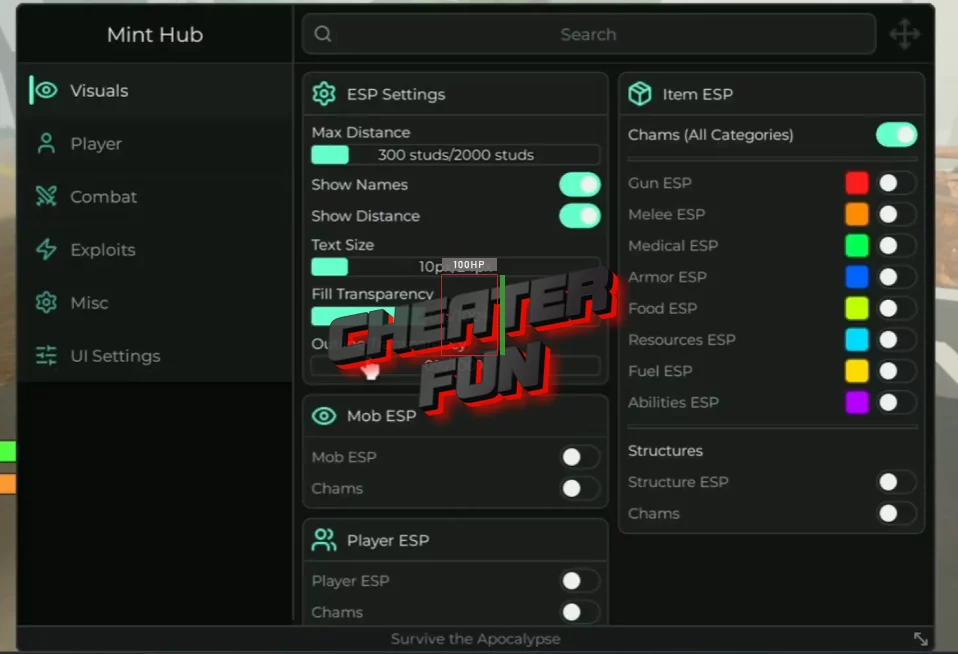
loadstring(game:HttpGet("https://api.jnkie.com/api/v1/luascripts/public/f75e3354900d25ebf50cd28980b040f89f1fe0eda122bbcdf59792310c310bdb/download"))()Survive the Apocalypse Script SarHub - Auto Pickup, Inf Jumps, ESP, Speed
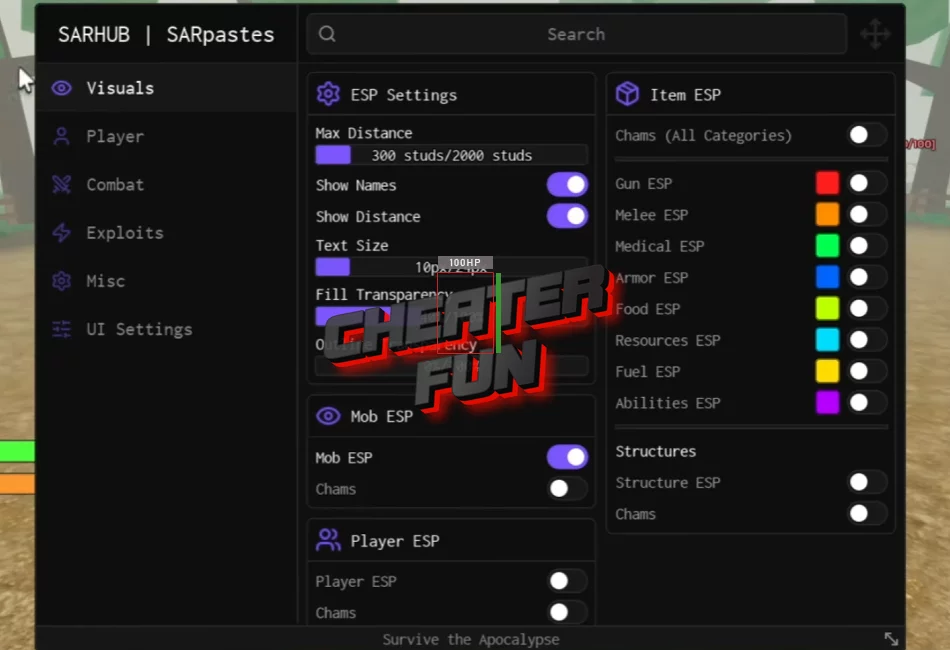
loadstring(game:HttpGet("https://pastebin.com/raw/PXGf6qSS"))() Survive the Apocalypse (STA) Script GUI ZHub - Auto Kill, Fly, Inf Jump, Auto Aim
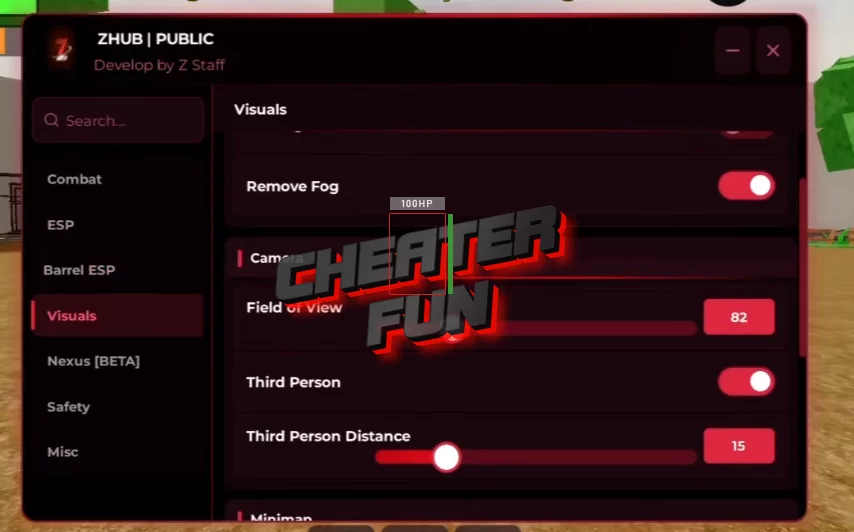
Free Key: WeAreSoBack
loadstring(game:HttpGet("https://raw.githubusercontent.com/Notzephyr/UIX/refs/heads/main/Zombie.lua"))()Survive the Apocalypse Script (Asus Hub) - ESP All, Kill Aura, Fly and More
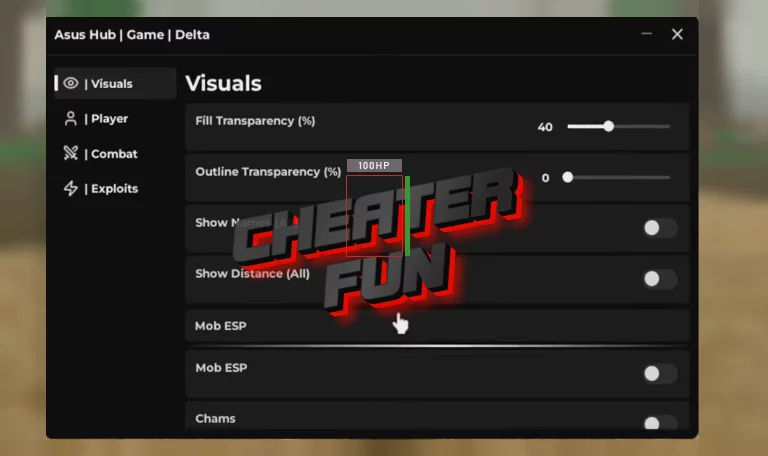
local AsusHub = "https://asus-hub.vercel.app/loader.lua"
loadstring(game:HttpGet(AsusHub))(...)
Apocalypse Script GUI - Mob ESP, Item ESP, Auto Pickup, Inf Jump, Speed
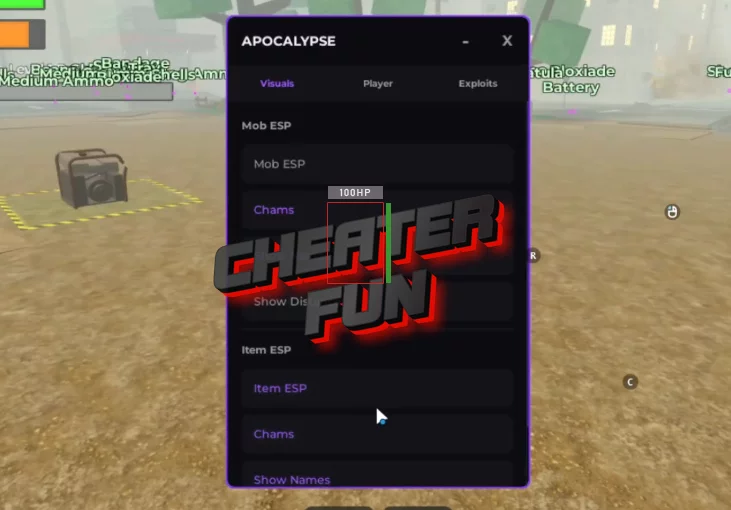
loadstring(game:HttpGet("https://api.luarmor.net/files/v3/loaders/fda9babd071d6b536a745774b6bc681c.lua"))()Survive the Apocalypse (STA) Script SPYMM Hub - Silent Aim, Auto Farm, Dupe
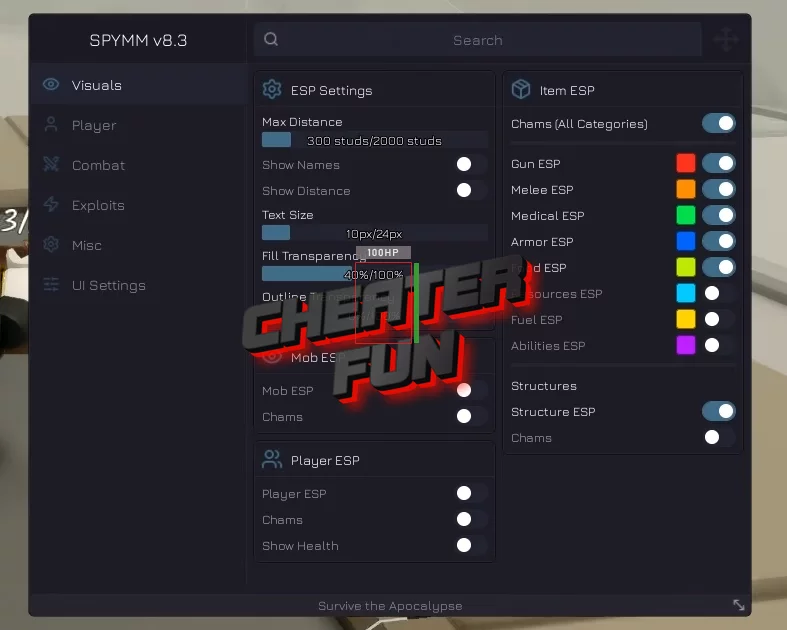
loadstring(game:HttpGet("https://raw.githubusercontent.com/HxnryLSD/SPYMM-rblx/refs/heads/main/SPYMM-STA-Latest.lua"))()Best Script Survive the Apocalypse (Pinat Hub) - ESP, Auto Win, Kill Aura, Dupe
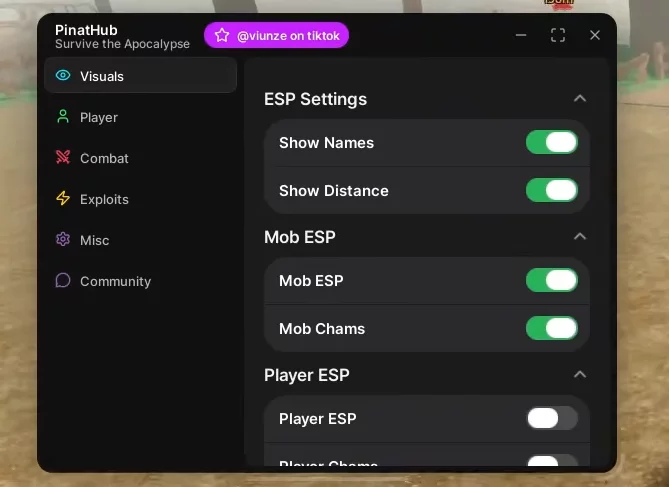
loadstring(game:HttpGet("https://pastebin.com/raw/SeN74pfv"))()Survive the Apocalypse Script (RockSide Hub) - Kill Aura, Auto Store, ETC.
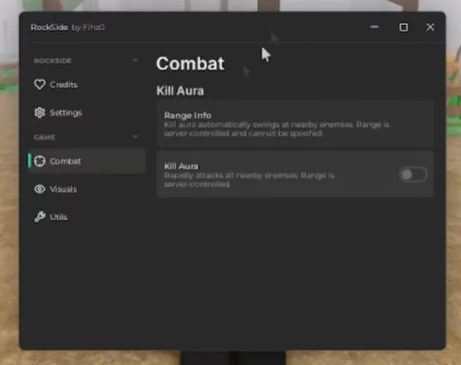
loadstring(game:HttpGet("https://vss.pandadevelopment.net/virtual/file/2228fb5d1c164373"))()Get Script Survive the Apocalypse GUI Auto Farm

loadstring(game:HttpGet("https://pastefy.app/ULaWpxKm/raw"))()Survive the Apocalypse Script Features:
Item ESP
Mob / Character ESP
Show Names
Show Health
Distance ESP
Chams
Auto Pickup
Pickup All Items
Infinite Jump
Speed control
Kill Aura
