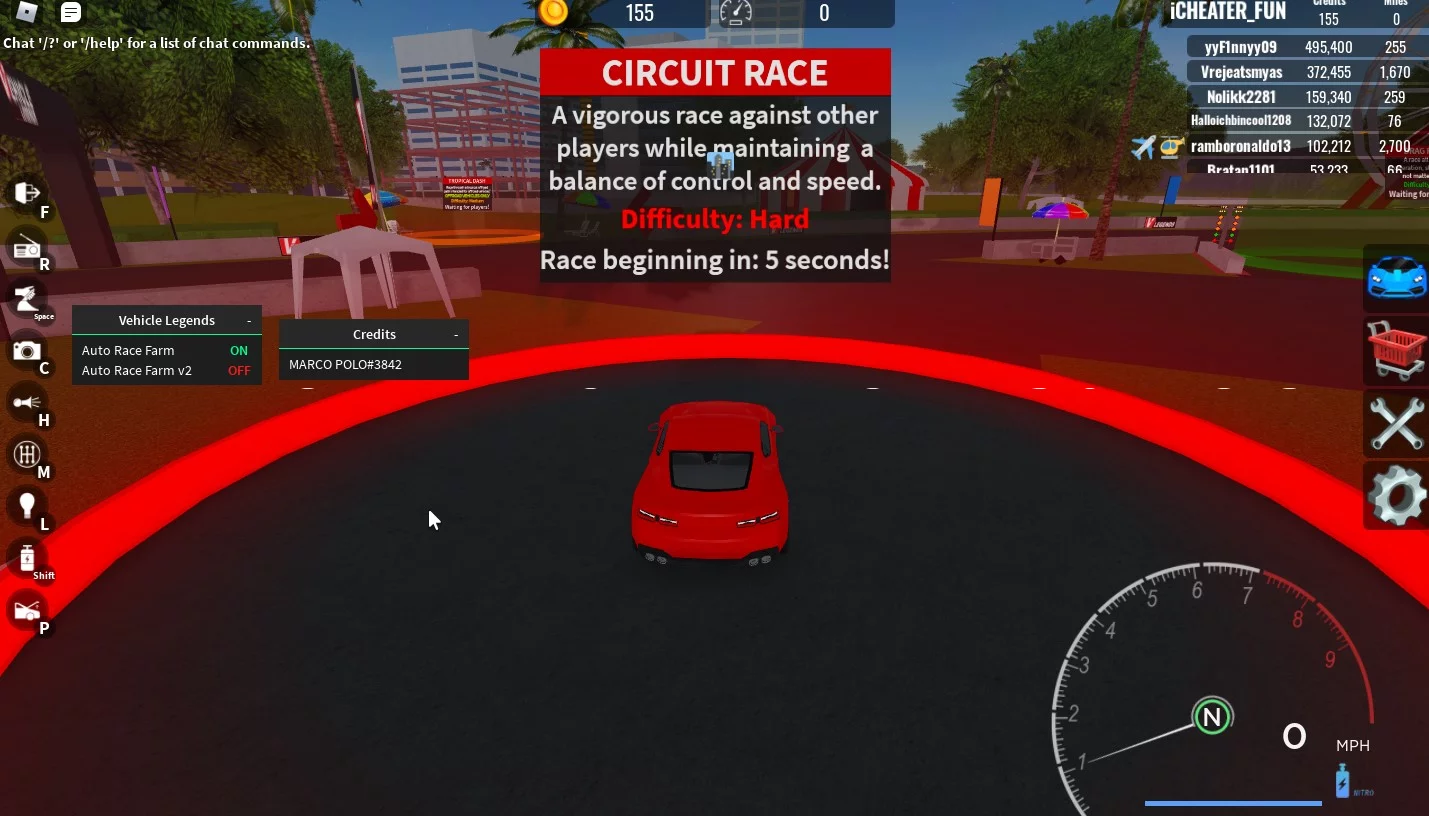
Roblox Vehicle Legends Script - Auto Race Farm

Project Information

Developer: Aaron999S
Scripts available: 0
Status: UNDETECTED
Updated: December 23, 2024 at 5:54 AM
Version: 1.1
Compatibility: PC (Windows, MacOS) - Mobile (iOS, Android)
Updates & Support:

Released a new script for a fairly popular roblox game Vehicle Legends. The mode was created in 2020 and already has over 540 million hits, and almost 8,000 online players. In the game you race and improve yourself and your vehicle, the more you drive, and explore, the more money you earn. Not to do it all yourself, we offer you a script with Auto Race Farm function, which will earn money instead of you. You only need to turn on the script and it will do everything by itself, magic.

Get Script Vehicle Legends - Race Farms
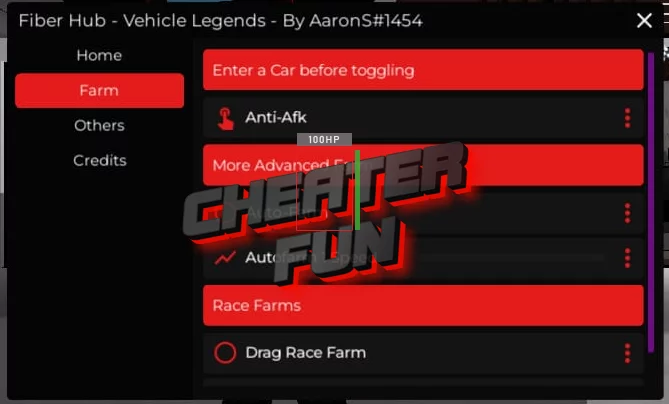
Script Vehicle Legends

loadstring(game:HttpGet("https://raw.githubusercontent.com/Aaron999S/FiberHub/main/Main"))()

ChangeLogs:

23-12-2024, 05:54: - Added Script Vehicle Legends - Race Farms

Free Download Roblox Vehicle Legends Script - Auto Race Farm

Only authorized users can download files. Please Log in or Register on the website.
Comments: 2 Views: 48 446

2 comments

  1. sebastian18
    User
     1
     0
    8 December 2024 19:50

    it shoots my car into the air and when i race finises i dont get money


  2. ibrahim30i
    User
     1
     0
    21 May 2022 13:40

    I still don't now how to make it work!


New Comments
all
Viragpina80 Viragpina80

Go to this website  https://valth.run/download

1. Game Setup

  • Open CS2 and change video settings to Fullscreen Windowed or Windowed (the overlay will not appear in exclusive fullscreen).


2. Load the Driver

  • Extract the Valthrun Loader files.
  • Right-click the loader application and select Run as Administrator to initialize the kernel driver.


3. Start the Overlay

  • Launch CS2.
  • Open the CS 2 Enhancements folder and run the Controller executable.


4. Configure ESP

  • In-game, press the PAUSE (or INSERT) key to open the menu overlay.
  • Check the boxes to enable Player ESP (skeletons or 2D/3D boxes).

It will dump the json files on every cs2 update you just need too redo all the steps above. It works like a charm.

Step by step guide:  

You must turn off Core Isolation (Memory Integrity) and Windows Defender Protection for Valthrun to load at first. [1, 2]


This happens because the program uses a standard manual mapper (KDMapper) to inject its stealth kernel driver into Windows memory without an official digital signature from Microsoft. Windows Security blocks this by default to prevent unauthorized low-level modifications. [1, 2, 3]

Because you have changed your system settings to run the program, you should revert them when you are finished playing to keep your PC secure: [1]


1. Turn Core Isolation (Memory Integrity) Back On

Leaving this off makes your system vulnerable to low-level kernel attacks. [1, 2]

  • Open Windows Settings -> Privacy & Security -> Windows Security.
  • Click on Device Security -> Core isolation details.
  • Toggle Memory Integrity back to ON.
  • Note: You must restart your PC for this security layer to reactivate fully. [1, 2, 3, 4]


2. Reactivate Windows Defender Real-Time Protection

  • In Windows Security, click on Virus & threat protection.
  • Click Manage settings under Virus & threat protection settings.
  • Toggle Real-time protection back to ON.

Reactivating these features completely restores your Windows shields to their original


After any update in cs2 you just redo these steps and the softwware automaticly dumps the updated json files. 

You are welcome. Have fun! But use it wisely.

tuna1 tuna1

ı love you pls update :)

Viragpina80 Viragpina80

after the major update cs2 change from decimal format to hexadecimal format so they need to reconfigure the entire esp. It will take time.

Viragpina80 Viragpina80

Needs to be updated bro