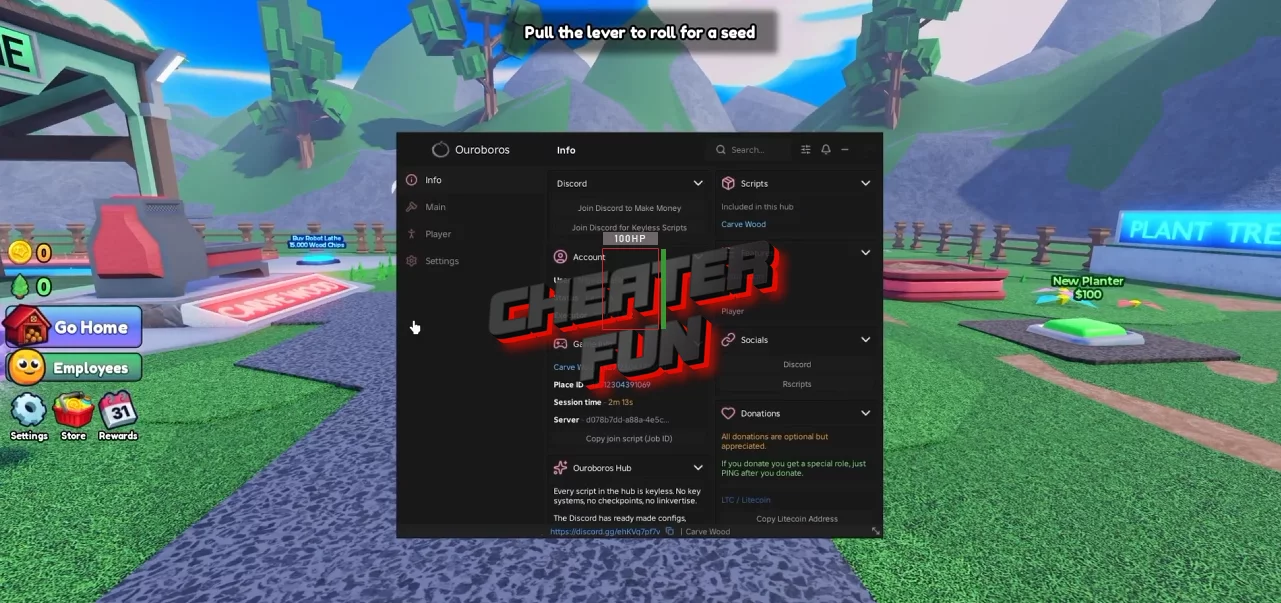
A successful lumberyard has a lot of moving parts. Seeds need planting, trees need chopping, drops need collecting, and finished wood needs to make its way onto the shelves. Doing all of that manually is fine at first but once your business starts growing, it can turn into a lot of back-and-forth.
The Carve Wood Script helps automate those repetitive jobs, keeping your workflow moving from seed to finished product.
Features may change after game updates, so some options can vary depending on the current version of Carve Wood.
About Carve Wood
Carve Wood is a Roblox tycoon-style experience built around growing, harvesting, and transforming trees into products worth selling. The bigger your operation becomes, the more there is to manage.
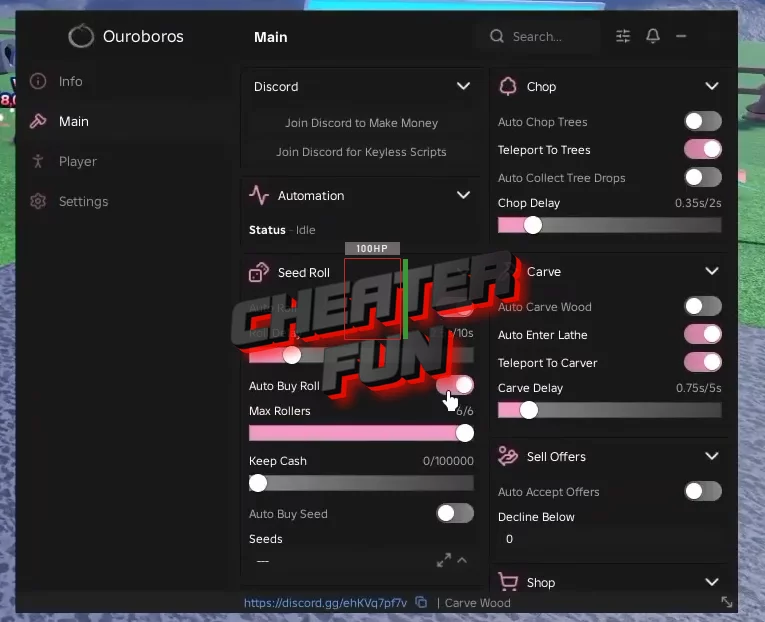
Carve Wood Script Ouroboros Hub | AUTO FARM, AUTO CHOP, AUTO CARVE, AUTO ROLL
loadstring(game:HttpGet("https://raw.githubusercontent.com/joustingmatch/Ouroboros/main/loader.lua"))()
Carve Wood Script Features
🌲 Tree Farming
Auto Plant Seed
Auto Buy Seed
Auto Chop Trees
Auto Collect Tree Drops
Teleport To Trees
Teleport To Planters
🪵 Wood Processing
Auto Carve Wood
Auto Enter Lathe
Teleport To Carver
Auto Shelf Carved Wood
Auto Accept Offers
🛒 Buying & Upgrades
Auto Roll
Auto Buy Roll
Auto Buy Planters
Auto Buy Shelves
Auto Buy Investor Upgrades
🏃 Movement & Teleports
WalkSpeed
Fly
NoClip
Infinite Jump
🛠️ Utility
Anti AFK
No Gameplay Paused
Menu Bind
