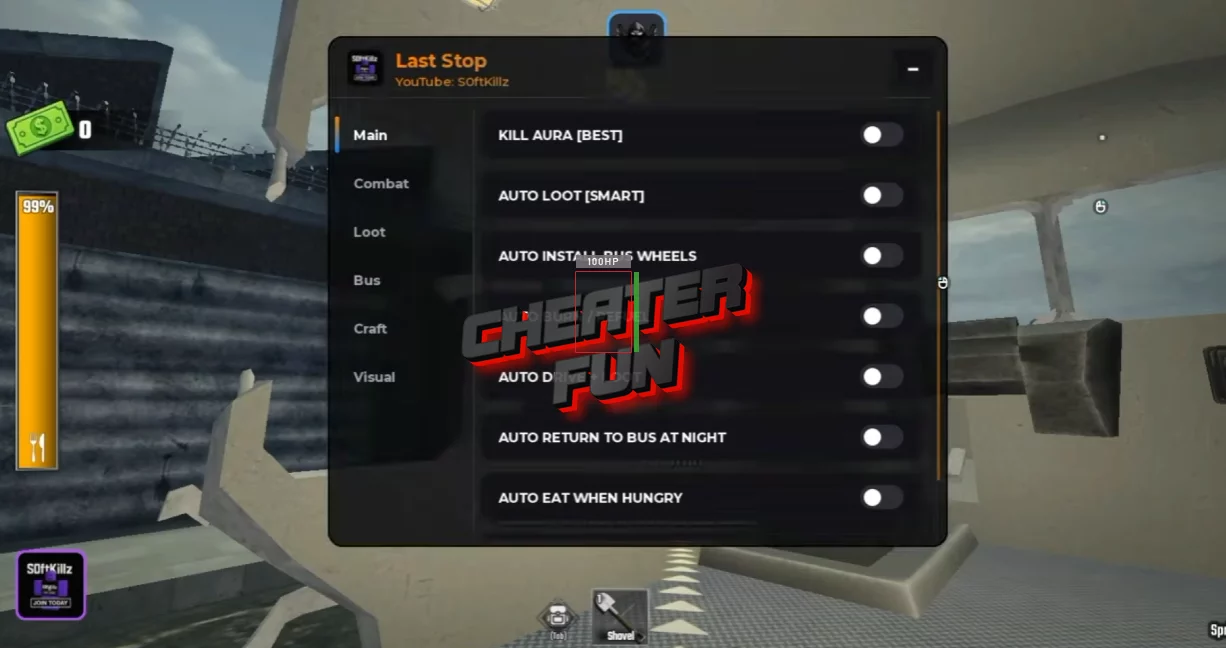
The Last Stop Script focuses on automating the grind-heavy parts of the survival journey. It can help with looting abandoned locations, managing fuel and food, fighting nearby enemies, collecting resources, and keeping your bus moving.
It is particularly useful for players who want automated looting, better enemy detection, smarter resource priorities, easier combat, automatic food and fuel management, and more efficient bus progression.
About Last Stop
Last Stop drops you into a post-apocalyptic journey where your bus is more than just transportation - it’s your mobile base, your storage, and your best chance of making it to the end. Scavenge abandoned buildings, grab anything useful, sell valuable loot, stock up on supplies, and keep moving before the zombies overwhelm you.
Last Stop Script Ouroboros Hub | Auto Farm Mobs, Kill Aura, Auto Play and More
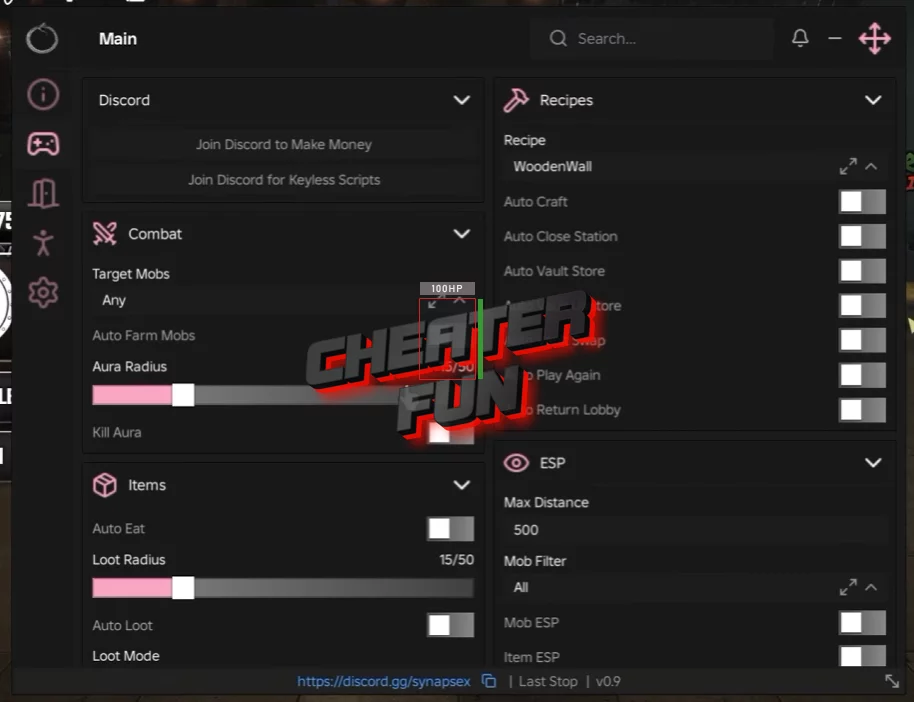
loadstring(game:HttpGet("https://raw.githubusercontent.com/joustingmatch/Ouroboros/main/loader.lua"))()
Last Stop Script S0ftKillz Hub | Kill Aura, Auto Loot, Zombie ESP
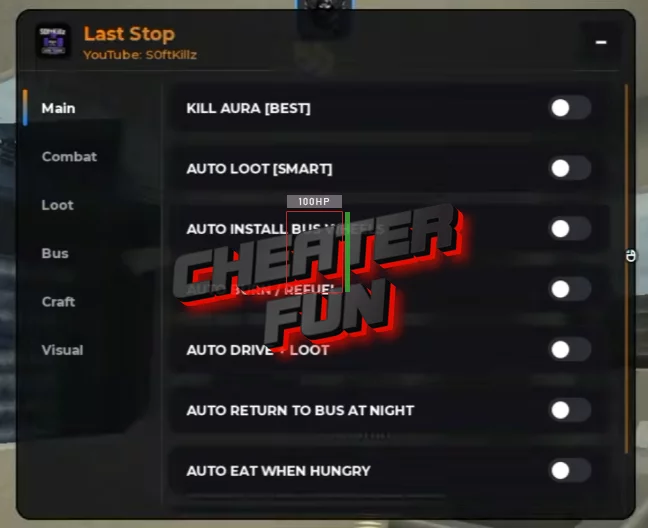
loadstring(game:HttpGet("https://gist.githubusercontent.com/user2084375/ef0c1434dc71b6bec4349ee57b04f1b5/raw/66f8d272ceecb1117226b0c7fd72a5850403399f/gistfile1.txt"))()
Last Stop Script Features
🚌 Bus & Driving
Auto Drive + Loot - Automatically drive around while handling nearby loot.
Teleport To Bus - Quickly teleport back to your bus.
Auto Burn / Refuel - Automatically manage fuel and refueling.
Return To Bus When Finished - Return to the bus after completing a loot run.
Auto Return At Night - Automatically head back when night arrives.
Drive Forward Now - Instantly drive forward.
Speed Multiplier - Adjust driving speed.
Speed / Anti Slow - Increase movement speed and reduce slowing effects.
Horn - Use the bus horn.
🎒 Loot & Storage
Auto Loot [Tp + Grab] - Teleport toward loot and collect it automatically.
Auto Loot [Smart] - Automatically choose and collect useful loot.
Auto Grab Nearby - Grab nearby items automatically.
Auto Collect / Loot Nearby - Automatically collect surrounding loot.
Auto Store To Backpack - Store collected items in your backpack automatically.
Loot ESP - Highlight available loot.
Loot Range - Adjust the range used for loot detection.
Drive Before Loot Seconds - Set how long to drive before beginning a loot action.
🎯 Loot Priorities
Choose what the script should look for first:
Priority: Weapons
Priority: Fuel
Priority: Medical
Priority: Resources
Priority: Ammo
Priority: Food
Priority: Valuables
🔫 Combat
Kill Aura - Automatically attack nearby enemies.
Aura Range - Configure the Kill Aura range.
Tp Kill [Op] - Teleport-based enemy attacking.
Auto Aim Enemy - Automatically aim toward enemies.
Attack Delay - Adjust the delay between attacks.
Attack Nearest Now - Immediately attack the nearest target.
Auto Equip Best Weapon - Automatically equip your strongest available weapon.
Equip Best Weapon - Manually equip the best weapon.
No Recoil / Camera Shake - Reduce weapon recoil and camera shake.
🧟 ESP & Enemy Detection
Entity / Zombie ESP - Highlight zombies and other entities.
Airdrop ESP - Locate airdrops more easily.
Bus ESP - Highlight your bus.
🍖 Survival
Auto Eat When Hungry - Automatically eat when hunger gets low.
Auto Eat Threshold % - Set the hunger percentage at which food is consumed.
Auto Burn / Refuel - Keep the bus supplied with fuel automatically.
Burn Delay - Configure the fuel burn/refuel timing.
Grab Nearest Fuel - Automatically collect the closest fuel source.
🔧 Bus Upgrades & Crafting
Install All Available Wheels - Install every available wheel upgrade.
Auto Install Basic Wheels - Automatically install basic wheels.
Install Next Wheel - Install the next available wheel.
Auto Craft Wooden Wall - Automatically craft a wooden wall for the bus.
🌙 Visual & Utility
Fullbright / No Fog - Improve visibility by reducing darkness and fog.
Burn / Refuel Once - Trigger a single burn/refuel action.
Return To Bus When Finished - Automatically wrap up a farming run by returning to the bus.
