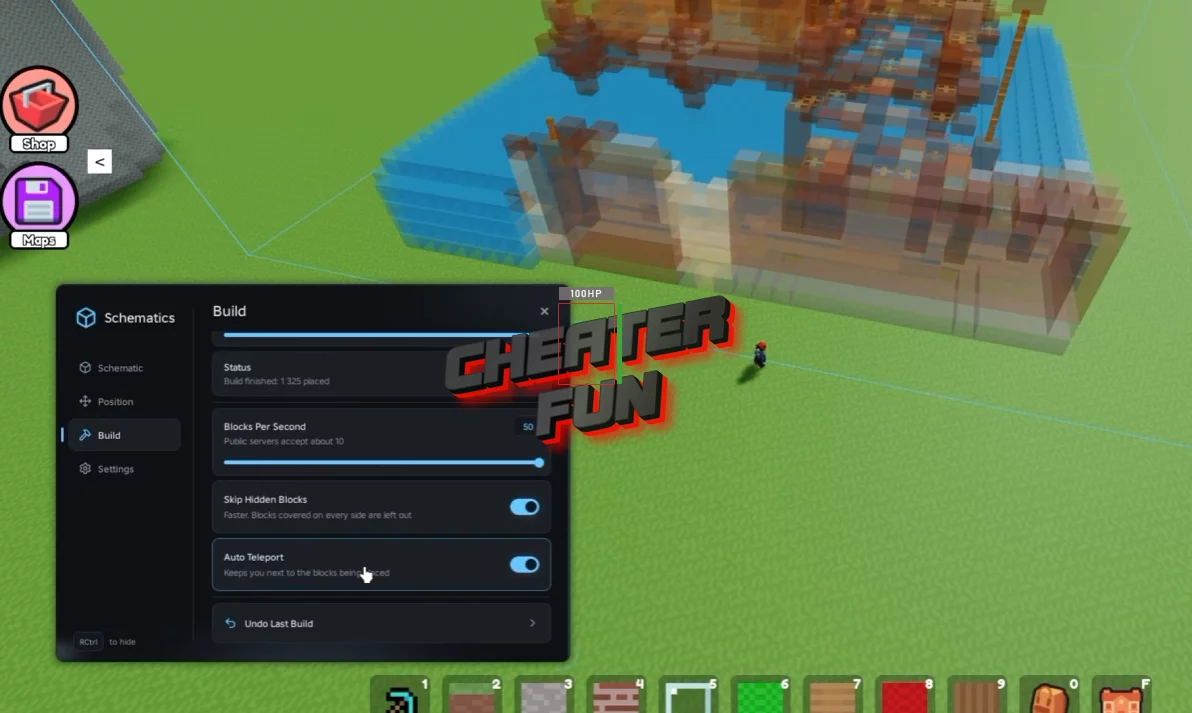
Build with Voxels Script is built for players who want to automate large-scale construction using schematic files. Rather than manually placing every block, you can select a schematic, preview the design, configure its position and rotation, and start an automated build with progress tracking.
It also includes utilities for checking missing blocks, skipping hidden blocks, undoing the last build, and adjusting the number of blocks placed per second. Support for .schematic and .schem files makes it useful for players working with saved voxel blueprints.
About Build with Voxels
Got a huge building idea but don't feel like placing every single block by hand? Build with Voxels gives you a flat, grid-based space where you can turn almost any idea into a voxel creation. From simple houses and detailed interiors to massive structures, the game gives you hundreds of different blocks to work with.
Build with Voxels Script Bac0nHck Hub | Load Schematic, Auto Build, Auto Teleport
loadstring(game:HttpGet("https://raw.githubusercontent.com/Bac0nHck/Scripts/refs/heads/main/BuildwithVoxels.lua"))()Build with Voxels Script Features
🏗️ Automated Building
Auto Build Schematic – Automatically builds a selected schematic, with start, stop, and progress controls.
Schematic Picker – Choose the schematic you want to build.
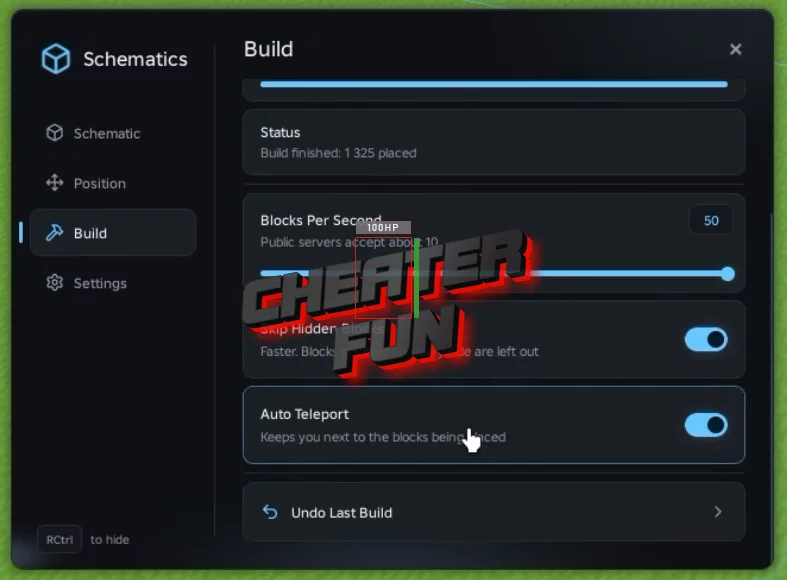
Blocks Per Second – Configure the building speed.
Skip Hidden Blocks – Skip blocks hidden from view during construction.
Undo Last Build – Undo the most recent build operation.
Missing Blocks Check – Check for blocks missing from the build requirements.
📁 Schematic Files & Preview
Load Schematic File – Load .schematic and .schem files.
Show Preview – Preview a schematic before building.
Refresh List – Refresh the available schematic list.
📐 Position & Orientation
Rotation – Rotate the schematic before placing it.
X, Y, Z Offset – Adjust the schematic's position along each axis.
Auto Teleport – Automates teleportation for supported building actions.
Move To Player – Moves the build position to a player's location.
⚙️ Menu & Control
Anti Idle – Helps prevent inactivity-related interruptions.
Menu Keybind – Set a keybind to open or control the menu.
Stop All – Stops active automation.
Unload – Unloads the script.
