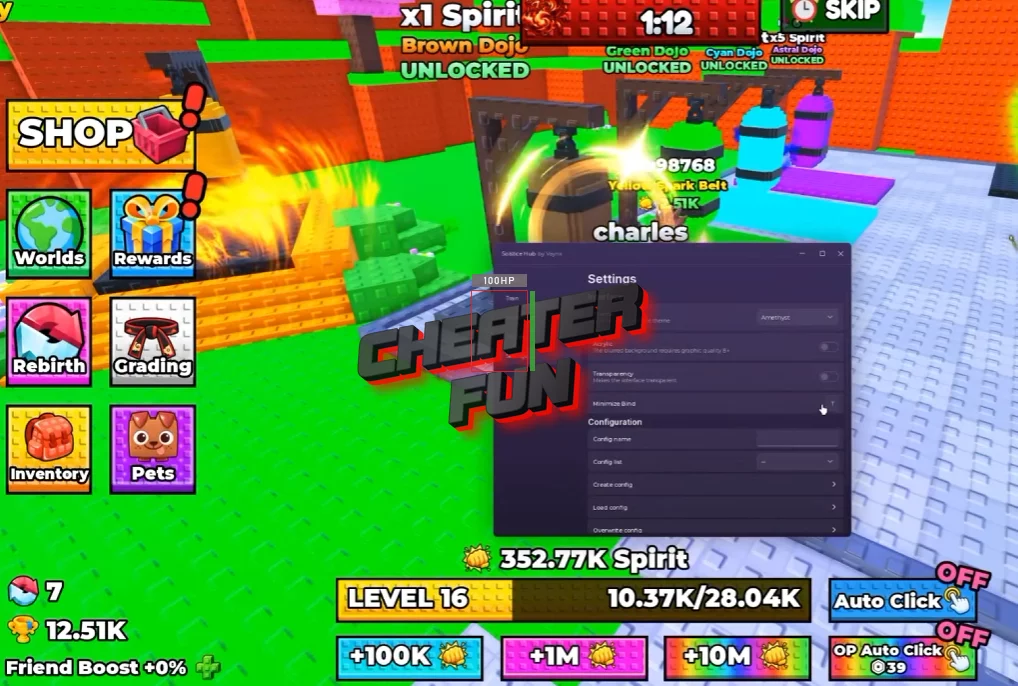
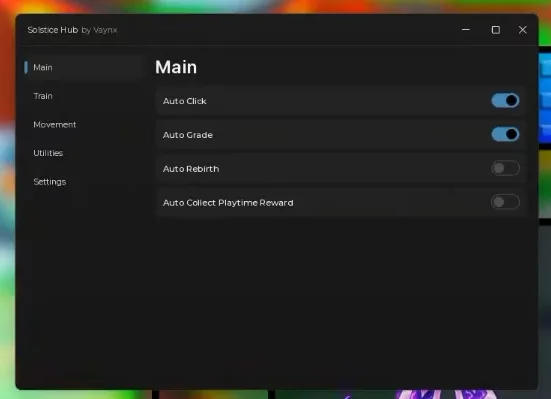
+1 Karate Evolution Script brings together training automation, grade progression, player teleports, and server utilities. Auto Click helps automate repetitive clicking, while Auto Grade handles the game's grade-related progression feature. You can also collect playtime rewards automatically, rebirth, teleport to selected training dummies, and move between players or servers. Visual options and customizable movement settings provide additional ways to configure your setup.
About +1 Karate Evolution
Every karate master starts somewhere. In +1 Karate Evolution, you'll build your spiritual power through training, improve your gi, and challenge increasingly powerful masters as you work your way up through the belts. What begins with basic training gradually turns into a journey toward becoming a true martial arts champion.
+1 Karate Evolution Script Solstice Hub | Auto Train, Auto Birth, Auto Farm
loadstring(game:HttpGet("https://raw.githubusercontent.com/vaynxxyz-beep/Solstice/refs/heads/main/Hub"))()+1 Karate Evolution Script Features
👊 Training & Progression
Auto Click – Automatically clicks to support training.
Auto Grade – Automates grade-related progression.
Auto Rebirth – Automatically performs rebirths.
Auto Collect Playtime Reward – Automatically collects available playtime rewards.
🎯 Player & Dummy Teleports
Teleport to Player – Teleports to a selected player.
Teleport to Selected Dummy – Teleports to the selected training dummy.
Refresh Player List – Refreshes the available player list.
Spectate Player – Spectates a selected player.
🌐 Server Controls
Server Hop – Switches to another server.
Rejoin Server – Rejoins the current server.
Auto Reconnect – Automatically attempts to reconnect after a disconnection.
🏃 Movement
Fly – Enables flying movement.
Fly Speed – Adjusts flight speed.
WalkSpeed – Customizes walking speed.
Noclip – Allows movement through obstacles.
Infinite Jump – Enables repeated jumping.
🌗 Visuals & Time Settings
Fullbright – Improves visibility in darker areas.
Daytime – Sets the environment to daytime.
Nighttime – Sets the environment to nighttime.
Enable Custom – Enables the custom setting option.
🛠️ Performance & Utility
Anti-AFK – Helps prevent inactivity-related interruptions.
FPS Boost – Provides performance-related options.
Disable 3D Rendering – Disables 3D rendering to reduce rendering workload.
