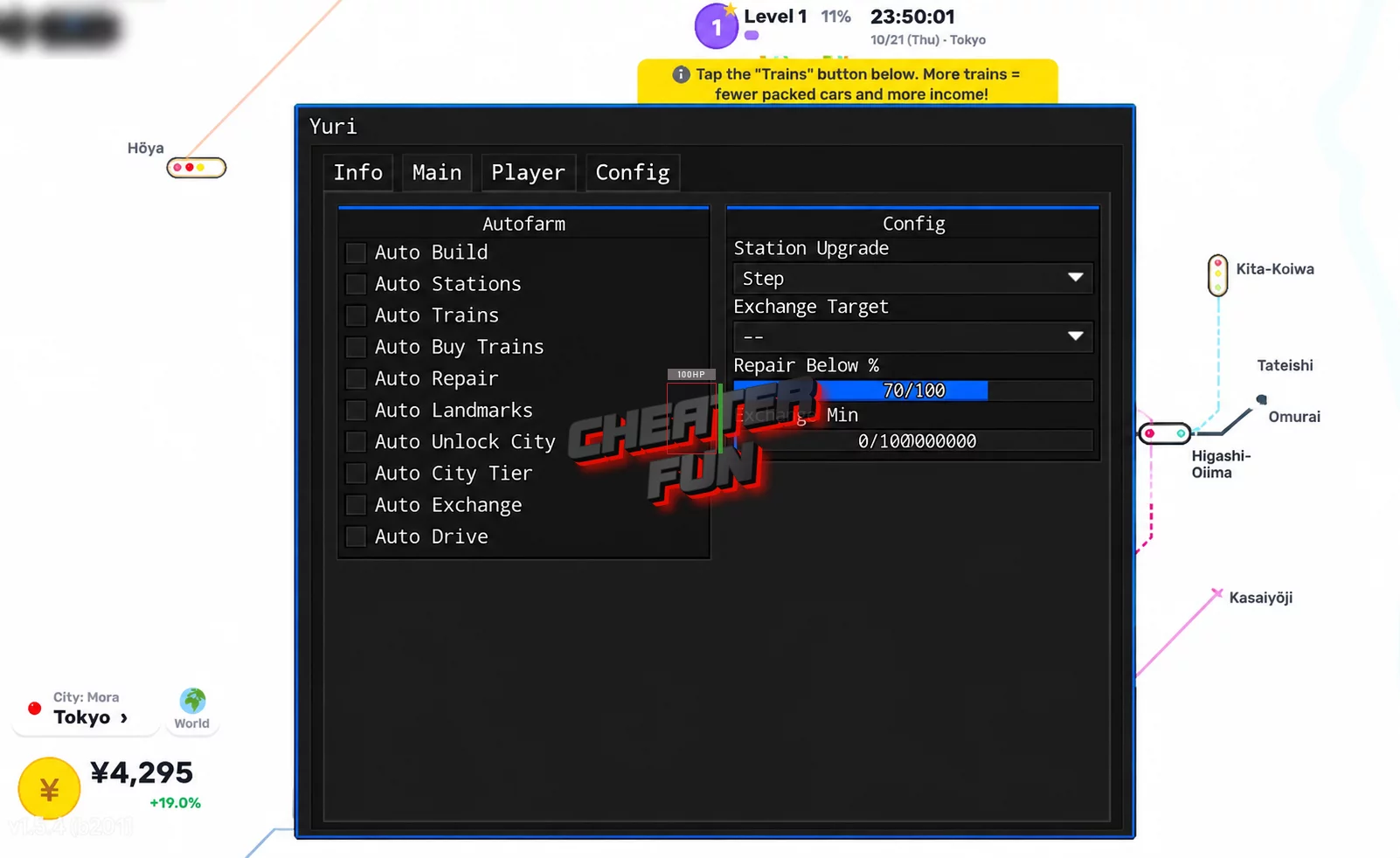
LINE UP! Metro Tycoon Script focuses on automating railway management, city expansion, train purchases, and construction. Auto Drive handles driving-related activities, while Auto Build and Auto Stations help automate the development of your railway infrastructure.
You can also automate city unlocking, train purchases, repairs, landmarks, and city-tier progression. Additional movement modifications, teleport-based walking, visual enhancements, and performance settings provide more control over your gameplay. The script includes session-management features such as Auto Reconnect, Auto Execute, and Anti-AFK, making it suitable for extended tycoon progression sessions.
About LINE UP! Metro Tycoon
Build a railway network, connect busy stations, and transform small cities into thriving metropolitan hubs! LINE UP! Metro Tycoon is a Roblox tycoon game where you design your own railway lines, transport passengers, and generate income to expand your transportation empire.
Start in any available city and gradually develop your railway infrastructure. Build new stations, connect routes, purchase better trains, and increase passenger capacity to earn more money. Your earnings can also be invested in station upgrades and famous landmarks to make your cities even more successful.
The experience takes you across different parts of the world, including South Korea, Japan, Hong Kong, and the United States. Each expansion gives you new opportunities to develop routes, unlock cities, and grow your railway network.
LINE UP! Metro Tycoon Script Yuri Hub | Auto Build, Auto Trains
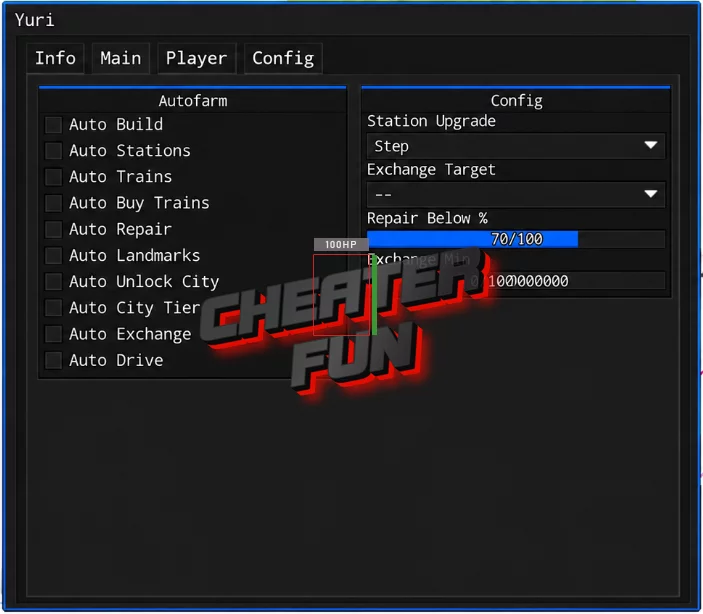
loadstring(game:HttpGet("https://raw.githubusercontent.com/iLove-yuri/leeeeesbian/refs/heads/main/homumado.lua"))()LINE UP! Metro Tycoon Script Features
🚆 Railway & Train Automation
Auto Drive – Automates driving-related activities.
Auto Buy Trains – Automatically purchases available trains.
Auto Trains – Automates supported train-related activities.
Auto Stations – Automates station-related construction and progression.
Auto Repair – Automatically handles available repairs.
🏗️ Construction & City Development
Auto Build – Automates supported building activities.
Auto Landmarks – Automates landmark-related construction.
Auto City Tier – Automates city-tier progression.
Auto Unlock City – Automatically unlocks available cities.
Auto Exchange – Automates supported exchange activities.
💰 Farming & Progression
Auto Farm – Automates farming activities to support railway and city progression.
🏃 Movement & Character Modifications
WalkSpeed – Adjusts character movement speed.
JumpPower – Changes jumping strength.
TPWalk – Provides teleport-based walking movement.
HipHeight – Adjusts character height relative to the ground.
NoClip – Allows movement through certain solid objects.
Gravity – Provides gravity customization.
Anti Knockback – Includes protection intended to reduce knockback effects.
Auto Jump – Automates jumping.
📷 Camera & Visual Settings
Camera Zoom – Adjusts camera zoom.
Field of View – Changes the camera's field of view.
Fullbright – Brightens the game environment.
No Fog – Removes or reduces fog effects.
Time Of Day – Provides time-of-day customization.
Instant Prompt – Speeds up supported ProximityPrompt interactions.
⚡ Performance Optimization
FPS Boost – Provides an option aimed at improving frame rates.
Set Max FPS – Allows you to configure the maximum frame rate.
Disable 3D Rendering – Disables 3D rendering to reduce graphical workload.
No Gameplay Paused – Prevents gameplay from pausing under supported conditions.
🛠️ Session & Automation Utilities
Anti-AFK – Helps reduce inactivity-related disconnections.
Auto Reconnect – Automatically attempts to reconnect after disconnection.
Auto Execute – Automatically executes the configured setup.