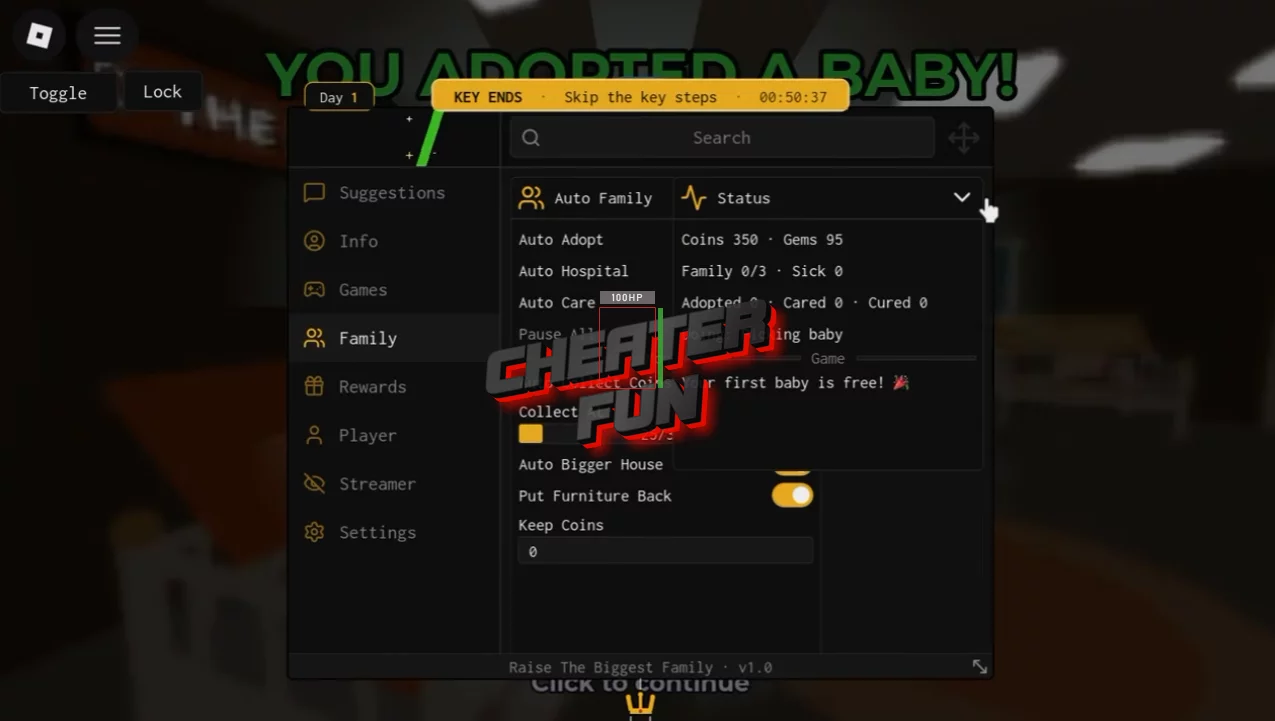
Raise The Biggest Family Script includes a collection of automation tools for adoption, childcare, currency farming, house upgrades, and reward collection.
Automate adoption and everyday care activities with Auto Adopt, Auto Care, and Auto Hospital. You can also collect coins automatically with a configurable collection threshold and manage your currency using the Keep Coins option.
About Raise The Biggest Family
Ready to build the biggest family in town? In Raise The Biggest Family, your adventure begins with adopting a child and giving them a loving home. Complete the adoption process, bring your new family member home, and take care of them as they grow!
Getting started is easy. First, receive your adoption approval letter and travel to the adoption center. Complete the required interview, adopt your child, and bring them home. From there, you'll need to handle everyday responsibilities such as feeding, bathing, and providing care.
Raise The Biggest Family Script ComboWick Hub (NO KEY) | Auto Adopt, Auto Care, Auto Hospital, Auto Bigger House
loadstring(game:HttpGet("https://raw.githubusercontent.com/checkurasshole/Script/main/IQ"))()Raise The Biggest Family Script Features
🧸 Adoption & Childcare Automation
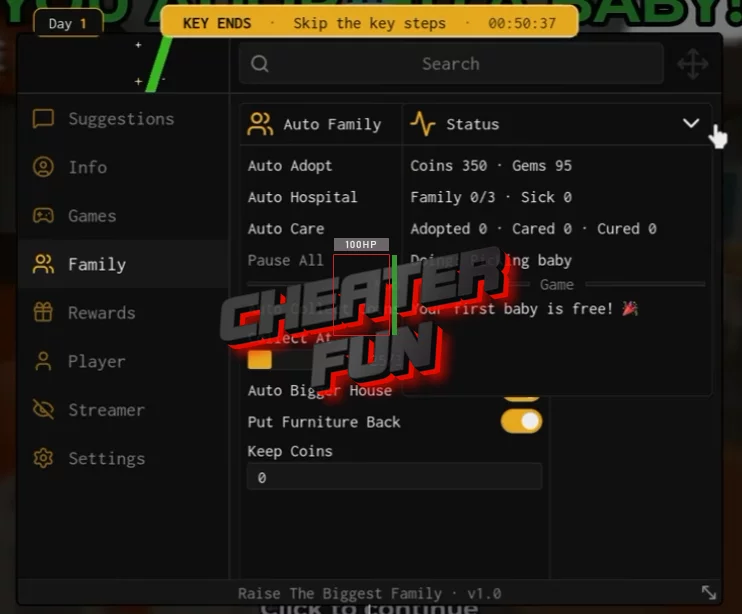
Auto Adopt – Automates the available adoption process.
Auto Care – Automates childcare activities to help take care of your children.
Auto Hospital – Automates hospital-related interactions and activities.
💰 Coins & Currency Collection
Auto Collect Coins – Automatically collects available coins.
Collect At Threshold – Allows you to configure the coin amount required before automatic collection.
Keep Coins – Helps preserve a selected amount of your currency instead of spending everything.
Collect Gems – Automates the collection of available gems.
🏠 House & Furniture Management
Auto Bigger House – Automates house upgrades to expand your living space.
Put Furniture Back – Automatically returns furniture to its designated positions.
🎁 Automatic Rewards & Events
Auto Claim Rewards – Automatically collects different available rewards:
- Daily Reward
- Free Wheel
- Forever Pack
- Codes
Token Rain – Includes automation for collecting Token Rain rewards.
Token Crates – Supports collecting available token crates.
🏃 Movement & Teleportation
Speed – Adjusts your character's movement speed.
Jump – Provides jumping power customization.
Noclip – Allows movement through certain objects.
Teleport – Provides teleportation options for navigating the game world.
⚙️ Additional Utilities & Customization
Anti AFK – Helps prevent inactivity-related interruptions.
Hide Offers – Hides available offer interfaces.
Hide Name – Hides your displayed player name.
Fake Name – Provides an option to display a custom or fake name.
Hide UI / Chat – Allows you to hide interface elements and chat.

0 comments
Information
Users of Guests are not allowed to comment this publication.
If you have a problem, write to us.