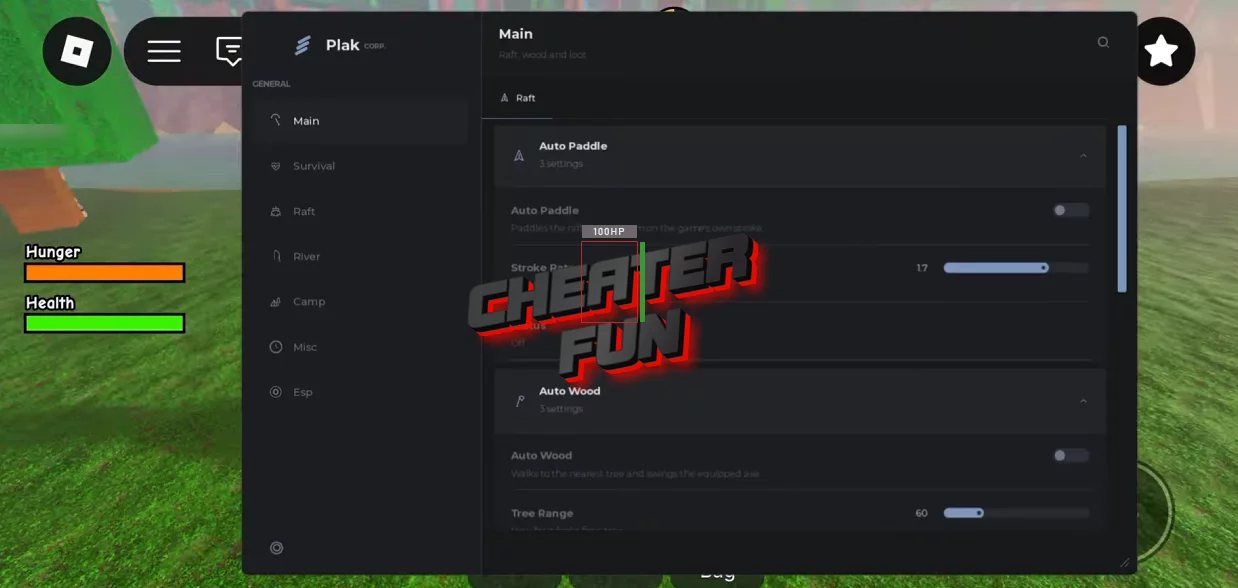
100 Miles Down the River Script provides an extensive collection of survival automation, resource gathering, raft management, and team assistance features. Automatically paddle your raft, collect wood, pick up supplies, and deposit resources. Keep your character alive with Auto Eat, Auto Heal, Auto Brew, and automatic campfire management.
About 100 Miles Down the River
Nobody has ever made it to the 100th mile. Are you ready to find out why?
Welcome to 100 Miles Down the River, a cooperative survival adventure where you and your friends must build a raft and travel down a dangerous river. Gather resources, collect supplies, maintain your raft, and work together to survive as long as possible.
100 Miles Down the River Script Plak Hub Keyless | Auto Paddle, Auto Wood & Auto Repair
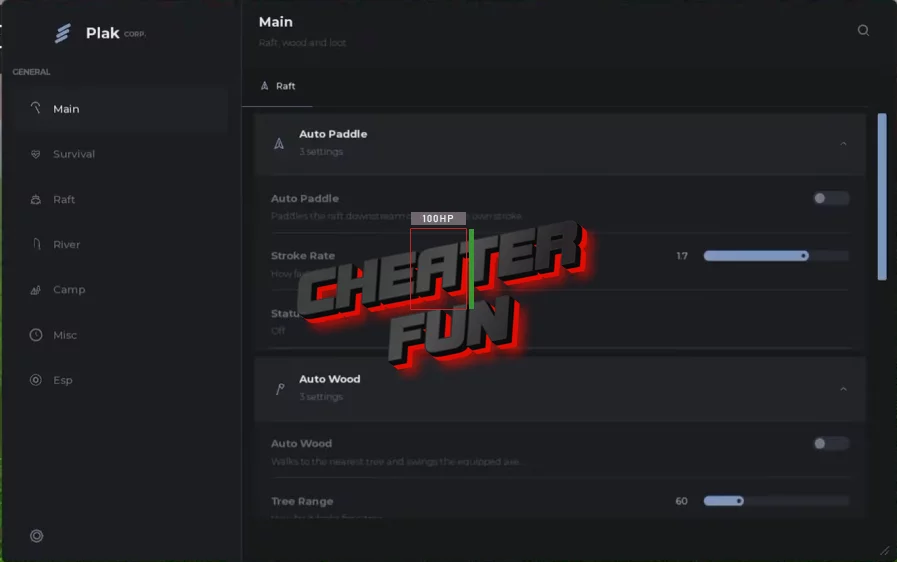
loadstring(game:HttpGet("https://api.flowauth.net/v1/loaders/22cb301da4b50eaf7e00d61e44a6ac85.lua"))()100 Miles Down the River Script Features
🚣 Auto Paddle & Raft Movement
Keep your raft moving down the river without constantly controlling the paddles:
Auto Paddle – Automatically paddles your raft to maintain steady movement without manual input.
Auto Engine – Automatically operates and fuels your raft engine for faster river travel.
🪓 Auto Wood & Resource Collection
Automate gathering and managing essential survival resources:
Auto Wood – Automatically chops trees and gathers wood from nearby trees and riverbanks.
Auto Pick Up – Collects nearby dropped items, supplies, and floating loot.
Auto Deposit – Automatically deposits collected wood and materials into storage or available raft slots.
🍖 Auto Survival & Health Management
Keep your character alive during long and dangerous river expeditions:
Auto Eat – Automatically consumes food when your hunger level drops.
Auto Heal – Restores health automatically whenever your character takes damage.
Auto Brew – Automatically prepares potions, remedies, and survival tonics when needed.
🛟 Auto Rescue, Revive & Respawn
Help your team recover from dangerous situations:
Auto Rescue – Automatically rescues stranded teammates and downed players along the river.
Auto Revive – Automatically revives fallen allies during dangerous encounters.
Auto Respawn – Automatically respawns your character after death to minimize downtime.
⚡ Auto Mash & Quick-Time Events
Auto Mash – Automatically handles button-mashing prompts and struggle quick-time events at high speed.
🔥 Auto Flare & Campfire
Manage lighting and warmth as you travel through dark areas:
Auto Flare – Automatically deploys flares to illuminate dark areas or signal your position.
Auto Campfire – Automatically builds, lights, and maintains campfires for warmth and cooking.
🔧 Auto Repair & Raft Maintenance
Auto Repair – Automatically repairs raft damage and helps prevent your raft from sinking.
🎣 Auto Fishing
Auto Fish – Automatically casts fishing lines and catches fish for additional food and supplies.
Test Cast – Includes a quick casting test option.
🚨 Auto Beacon
Auto Beacon – Automatically activates and maintains beacons along your route.
🔄 Auto Play Again
Auto Play Again – Automatically queues and starts a fresh run after your current expedition ends.
👁️ Full ESP Suite
Track important objects, resources, and potential threats throughout your journey.
ESP Categories:
Dropped Items ESP – Highlights dropped supplies and collectible items.
Trees ESP – Displays nearby trees for resource gathering.
Threats ESP – Highlights dangerous creatures and threats around the river.
Rafts ESP - Shows other rafts in the surrounding area.
Players ESP – Displays other players and teammates.
ESP Display Options:
Enable ESP – Activates the visual tracking system.
Boxes – Draws boxes around highlighted objects and entities.
Names – Displays names above relevant targets.
Distance – Shows the distance to nearby objects, players, and threats.
💤 Anti-AFK
Anti-AFK – Helps prevent Roblox inactivity kicks during extended river expeditions.
🔑 No Key – Instant Use
NO KEY – Listed as a keyless execution option, with no key-system steps or advertising links required according to the provided feature details.

0 comments
Information
Users of Guests are not allowed to comment this publication.
If you have a problem, write to us.