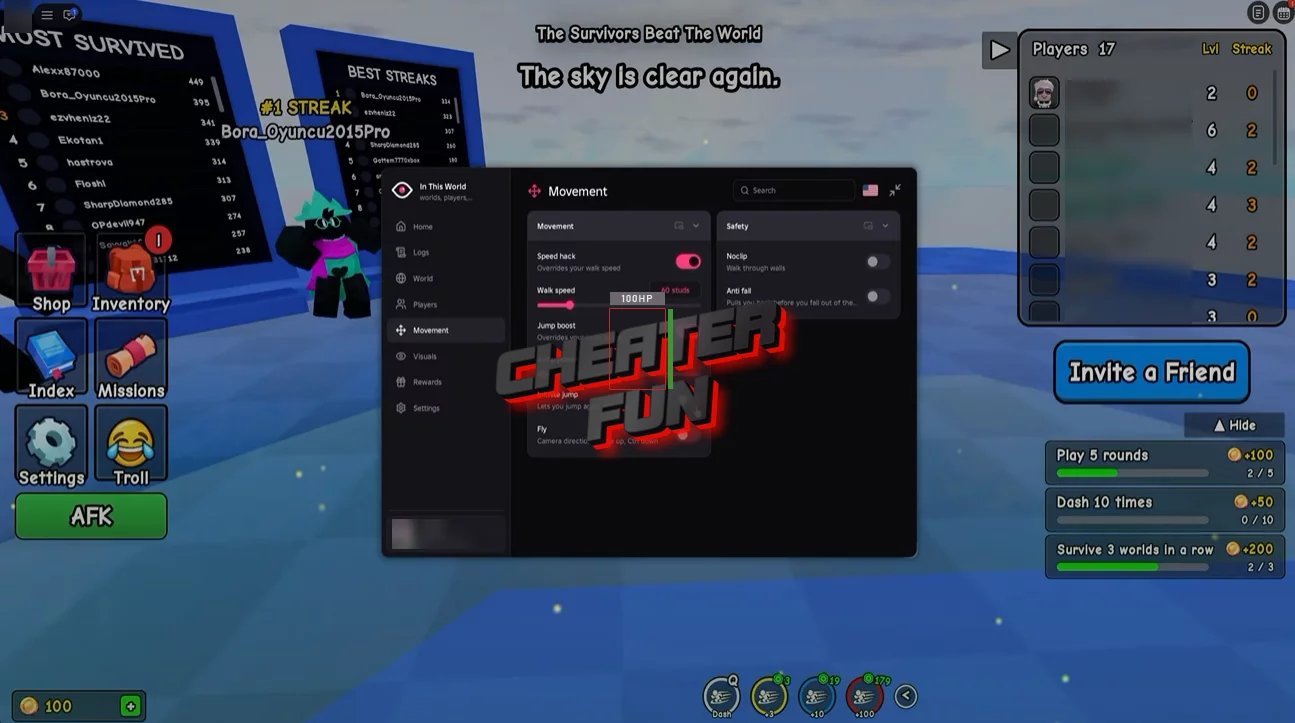
In This World Script includes a collection of survival automation, movement enhancements, teleportation, and visual customization features. Use Auto Revive to automate recovery, Player ESP to track other players, and movement options such as Fly, Speed Hack, Noclip, and Infinite Jump to navigate the map more freely.
About In This World
Anything can happen in In This World, a chaotic Roblox survival game where every round brings unexpected disasters, unpredictable events, and hilarious mini-games!
Your goal is simple: survive whatever the game throws at you and become the last player standing. One round might challenge you with a crazy natural disaster, while the next could introduce a completely different mini-game or unexpected event.
In This World Script Boblo Hub
loadstring(game:HttpGet("https://raw.githubusercontent.com/bobloscript/robscript/refs/heads/main/InThisWorld"))()In This World Script Features
🛡️ Survival & Recovery
- Auto Revive – Automatically handles character revival.
- Anti Fall – Helps prevent falling-related deaths.
- Unchain Me – Provides an option to remove character restraints.
- Freeze Position – Keeps your character's position fixed.
🚀 Movement & Mobility
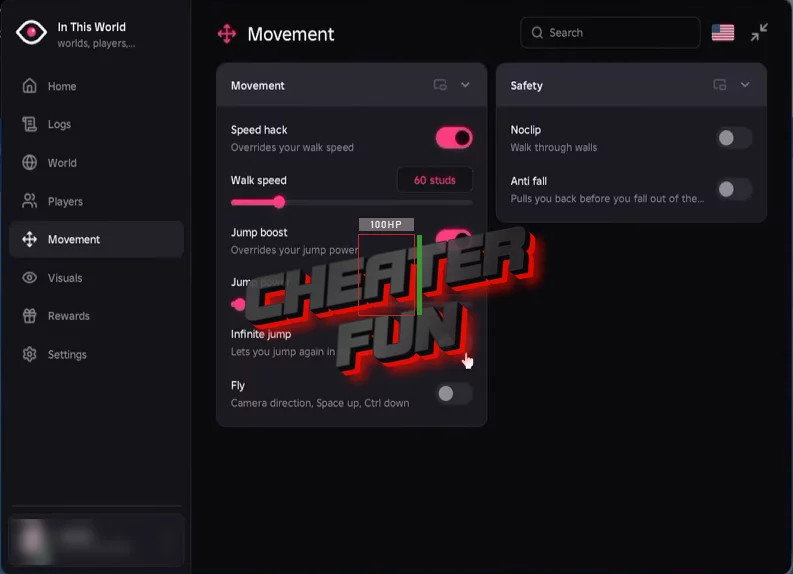
- Speed Hack – Adjusts movement speed.
- Fly – Enables flight for easier navigation.
- Auto Walk – Automates character movement.
- Jump Boost – Increases jumping capabilities.
- Auto Jump – Automatically performs jumps.
- Infinite Jump – Allows repeated jumping.
- Noclip – Enables movement through obstacles.
📍 Teleportation & Position Management
- Teleport To Cursor – Teleports your character to your cursor location.
- Teleport To Player – Teleports directly to another player.
- Save Position – Saves your current location.
- Return To Saved – Returns to your previously saved position.
👁️ ESP & Player Tracking
- Player ESP – Highlights other players around the map to improve visibility.
🎨 Visual Customization
- Fullbright – Brightens the environment for improved visibility.
- Hide Screen Effects – Hides selected screen effects.
- Field Of View – Adjusts the camera's field of view.
- No Fog – Removes fog effects.
- Reset Visuals – Restores visual settings.

0 comments
Information
Users of Guests are not allowed to comment this publication.
If you have a problem, write to us.