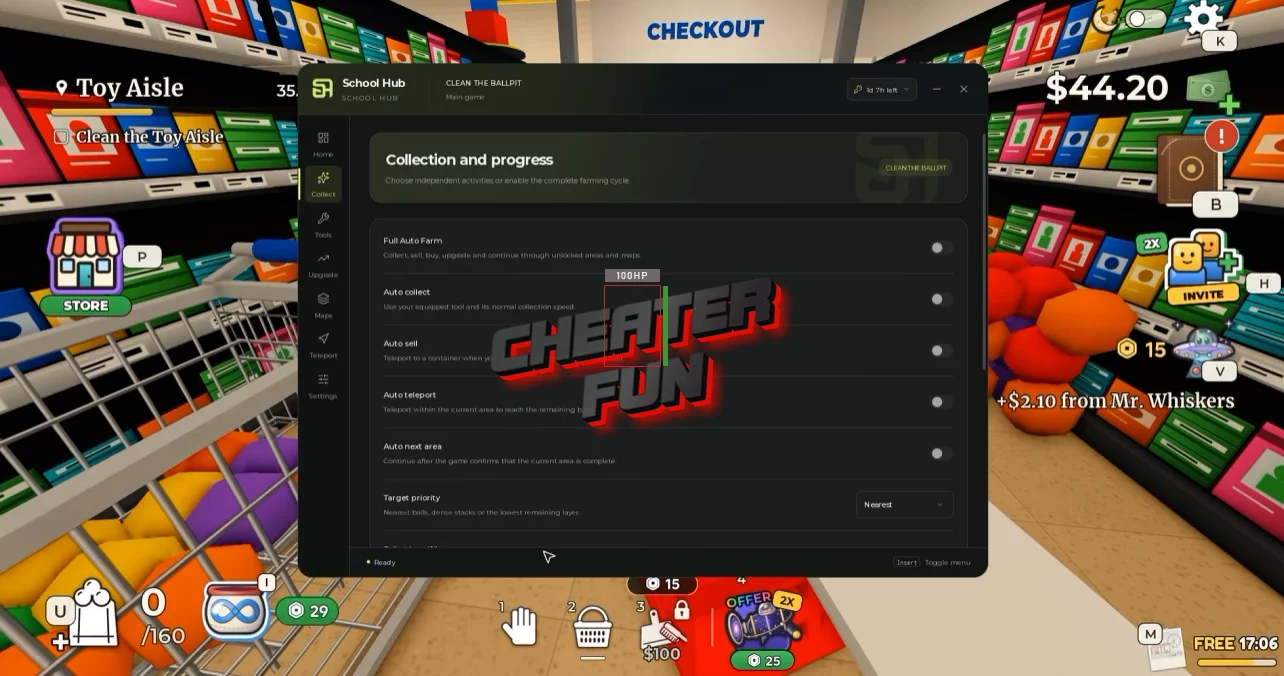
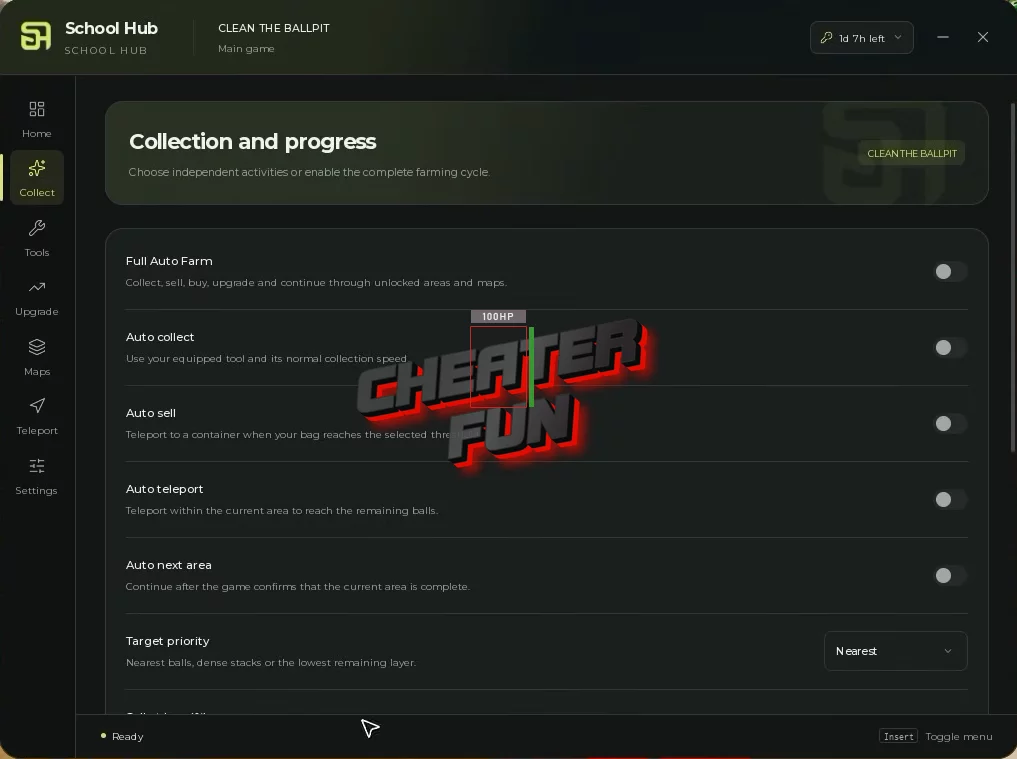
Clean The Ballpit Script features a comprehensive automation system for ball collection, selling, tool purchases, upgrades, and map progression. Enable Full Auto Farm to automate collection and selling, configure teleport-based collection, and automatically progress through newly unlocked areas and maps. You can also prioritize specific collection targets, manage bag capacity, and control how much money is spent on upgrades.
About Clean The Ballpit
Grab your cleaning tools and get ready to collect thousands of colorful plastic balls in Clean The Ballpit, a relaxing Roblox simulator where cleaning, organizing, and collecting rare items are the keys to progression!
Clean The Ballpit Script School Hub
loadstring(game:HttpGet("https://raw.githubusercontent.com/suzukir987/School-Hub/main/loader.lua"))()Clean The Ballpit Script Features
🧹 Auto Farm & Ball Collection
Automate the main cleaning and collection process.
- Full Auto Farm – Automates farming activities for continuous progression.
- Automatic Ball Collection – Automatically collects colorful plastic balls.
- Teleport Collection – Uses teleportation to streamline collection.
- Collection Target Priority – Configure which collection targets should be prioritized.
- Collection Teleport Interval – Adjust the interval between collection teleports.
- Target Duration – Configure how long collection targets are handled.
💰 Automatic Selling & Bag Management
Manage your collected balls and control when your inventory gets sold.
- Automatic Selling – Automatically sells collected items.
- Bag Selling Threshold – Configure the collection amount or threshold that triggers selling.
- Sell Bag Now – Manually sell your current bag whenever needed.
🛒 Tools & Equipment
Automate tool purchases and equipment selection.
- Automatic Tool Purchases – Automatically buys available cleaning tools.
- Automatic Tool Equipment – Automatically equips purchased tools.
- Owned Tool Selection – Select from tools you already own.
📈 Complete Upgrade Automation
Automatically improve your character's collection and movement capabilities.
- All-Upgrade Automation – Automates available upgrade purchases.
- Bag Capacity Upgrades – Increases your collection bag capacity.
- Walking Speed Upgrades – Improves movement speed.
- Collection Reach Upgrades – Extends collection reach.
- Collection Power Upgrades – Improves collection power.
- Upgrade Purchase Priority – Configure which upgrades should be purchased first.
🗺️ Area & Map Progression
Automate progression through different cleaning locations.
- Next-Area Progression – Automatically progresses to the next available area.
- Next-Map Progression – Automatically advances to the next available map.
- Unlocked-Map Selection – Choose from maps you have unlocked.
- Opened-Area Selection – Select previously opened areas.
🚀 Manual Travel & Navigation
Additional controls for managing your exploration.
- Manual Map Travel – Travel to a selected map.
- Manual Area Travel – Travel to a selected area.
- Cancel Current Travel – Stops an active travel action.
💵 Spending & Farming Configuration
Customize how automation handles your earnings and purchases.
- Cash Reserve – Set aside a specific amount of money.
- Session Spending Budget – Configure how much money can be spent during a session.
- Per-Purchase Cost Limit – Set a maximum cost for individual purchases.
- Purchase Interval – Adjust the delay between purchases.
- Saved Preferences – Save your preferred script configurations for future sessions.

0 comments
Information
Users of Guests are not allowed to comment this publication.
If you have a problem, write to us.