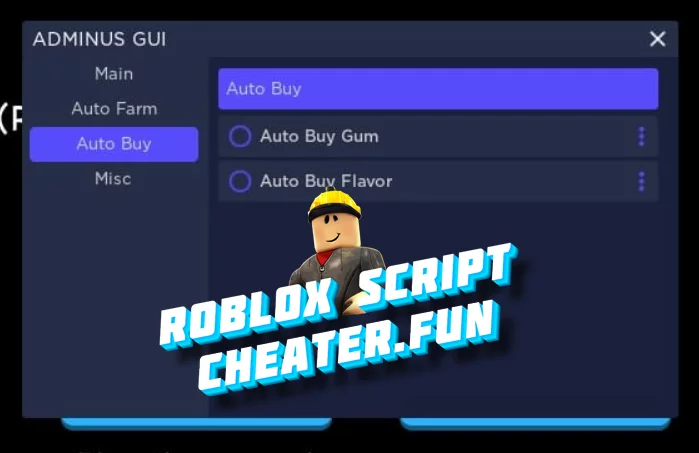
Script for Roblox - Bubble Gum Simulator 2022. Convenient and beautiful GUI menu through which you can get in one click all the game items, weapons and more. There are two main functions Auto Buy, Auto Farm, which are divided into categories, in addition there are other less important functions.
The main goal of the game is purely competitive in nature. All you need to do is to become the smartest participant and get as far as possible through the levels. The developers from Rumble Studios did not forget about animals, that they have implemented in this simulator. The pets in Simulator are not useless. Like in many games, they earn coins faster and look nice on the general background. Using the scripts you can get pets in one click. Here's the link to the script below, take advantage of it :)
How to use:
To run the cheat you just need to download any working Exploit for Roblox, copy the script from our website and paste.
It's very simple and easy!
Where can I find Exploit for Roblox?
You just need to use the search on our site and you will find actual injectors for the game Roblox.
For example: DuckySploit Roblox Level 7 Executor Free, EZlauncher | Roblox executor, Opexx V2.5 | Keyless Roblox Exploit, Free Exploit KRNL for Roblox
