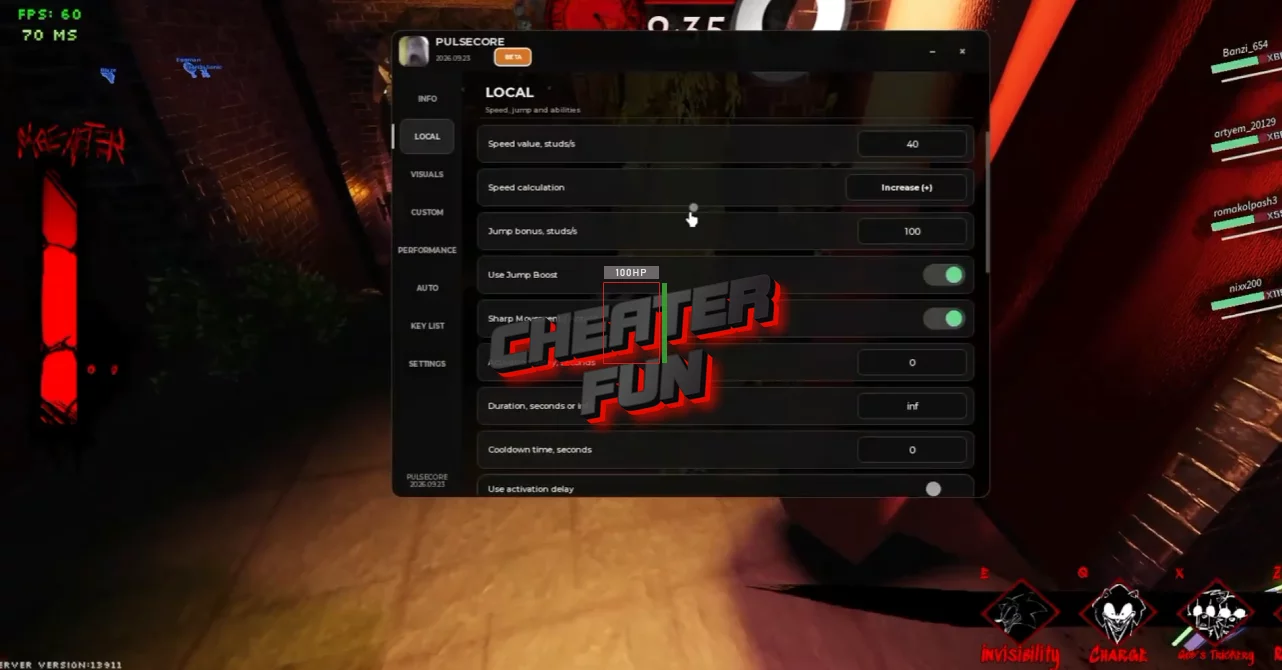
Outcome Memories Script focuses on movement, flight, player awareness, performance optimization, and ability customization. It gives you extra control over movement speed, jumping, flight, ability timing, and ESP information for both survivors and executioners. Performance tools can also reduce visual effects and other rendering-heavy elements for smoother gameplay.
About Outcome Memories
Welcome to Outcome Memories, a fan-made EXE survival experience where every match comes down to one side escaping and the other side making sure they don't.
The game puts you into the middle of a strange looping void where the outcome can repeat again and again. Depending on the role you get, you'll either play as a Survivor trying to stay alive or an Executioner hunting down everyone in your way.
Outcome Memories Script Om Hub | Manual Aimbot, ESP, Super Sonic, Inf Jump
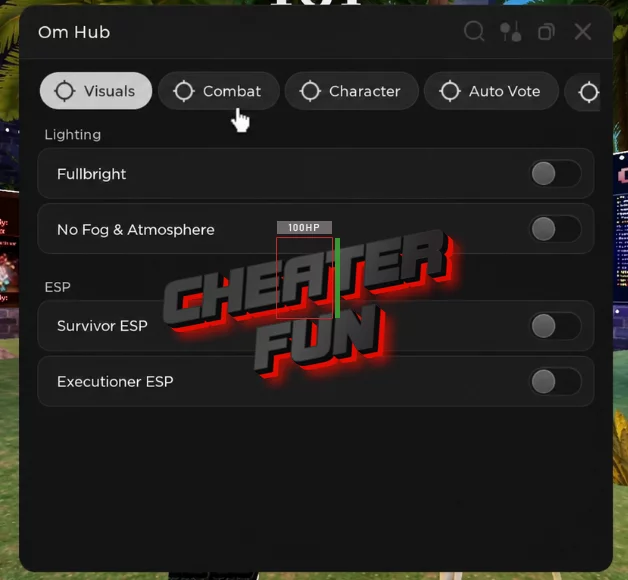
loadstring(game:HttpGet("https://raw.githubusercontent.com/TheGittlerDiddler/EpsteinTemple/refs/heads/main/AsymScripts/Om.luau"))()Outcome Memories Script PulseCore Hub | SURVIVOR ESP, KILLER ESP, WELKSPEED, TELEPORT
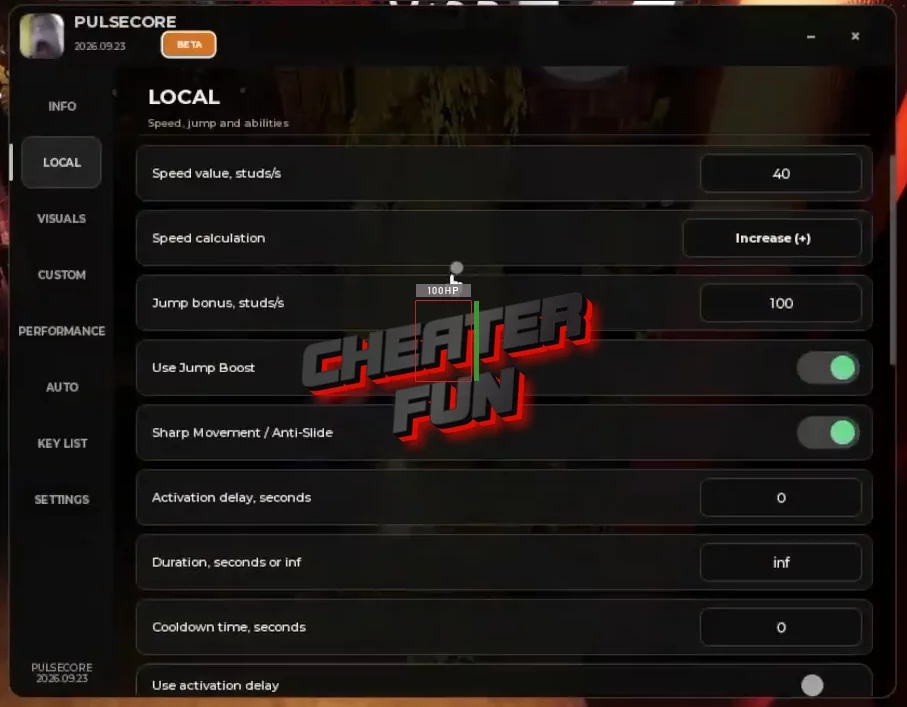
loadstring(game:HttpGet(
    "https://raw.githubusercontent.com/Marckoq/loader/main/PulseCore.lua?v=" .. tostring(os.time()) .. tostring(math.random(1000, 9999))
))()
Outcome Memories Script Features
🏃 Movement & Mobility
Speed Boost - Increase your movement speed.
Jump Boost - Improve jump height.
Sharp Movement / Anti-Slide - Make movement more responsive and reduce sliding.
Noclip - Move through certain obstacles.
Infinity Jump - Jump repeatedly without the normal limitation.
Flight - Enable flight movement.
Inf Flight - Maintain continuous flight.
Flight Speed - Adjust flight speed.
🧩 Ability Controls
Activation Delay - Configure how long abilities wait before activating.
Duration - Adjust ability duration settings.
Cooldown - Configure cooldown-related timing.
Add Custom Ability - Add a custom ability configuration.
👁️ Survivor & Executioner ESP
ESP Survivors - Highlight survivor players.
ESP Executioners - Highlight executioner players.
ESP Distance - Display the distance to detected players.
ESP Tracers - Add tracers toward targets.
ESP Survivor HP / Status - Show survivor health and status information.
ESP Abilities / Cooldown - Display ability availability and cooldown information.
⚡ Performance
Performance Mode - Optimize the game for smoother performance.
Disable Particles / Trails / Beams - Reduce visual effects.
Disable Post-Processing - Turn off supported post-processing effects.
Disable Global Shadows - Remove global shadow rendering.
FPS Limiter - Set an FPS limit.
