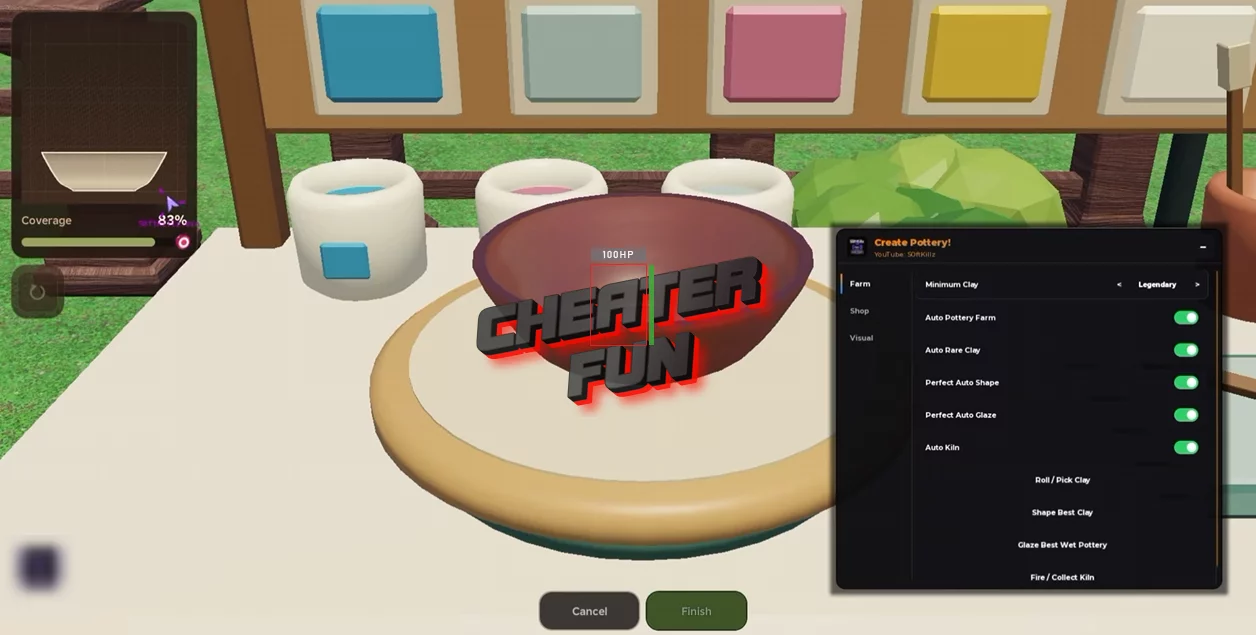
Create Pottery Script automates the main production and business-management systems in the game. It can shape clay, reroll for different clay types, glaze and fire pottery, purchase supplies, and automatically place finished pieces on shelves.
It also includes filters for clay rarity, offer management settings, and customizable upgrade selections. Features such as Keep Coins Reserve and Use Rarest Clay First let you fine-tune your farming routine, while session statistics help you track your progress.
About Create Pottery
Create Pottery is a Roblox simulation game where you start with a small pottery studio and work your way toward building a thriving pottery business. Get your hands on rare clay, shape it on the pottery wheel, apply the perfect glaze, and fire your creations in the kiln before putting them up for sale.
Create Pottery Script Ouroboros Hub | Auto Shape Clay and More
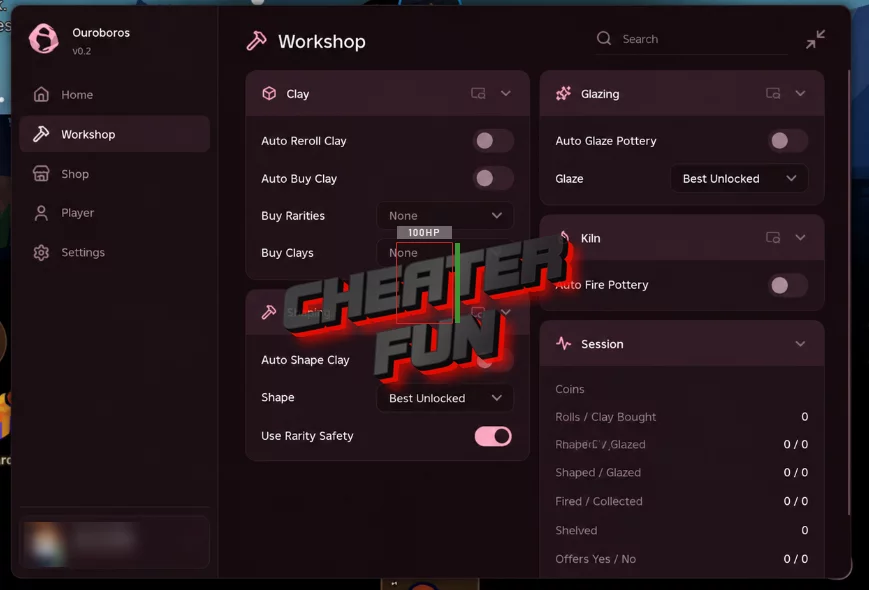
loadstring(game:HttpGet("https://raw.githubusercontent.com/joustingmatch/Ouroboros/main/loader.lua"))()
Create Pottery Script SoftKillz Hub | AUTO POTTERY FARM, PERFECT SHAPE, RARE CLAY, AUTO JOBS
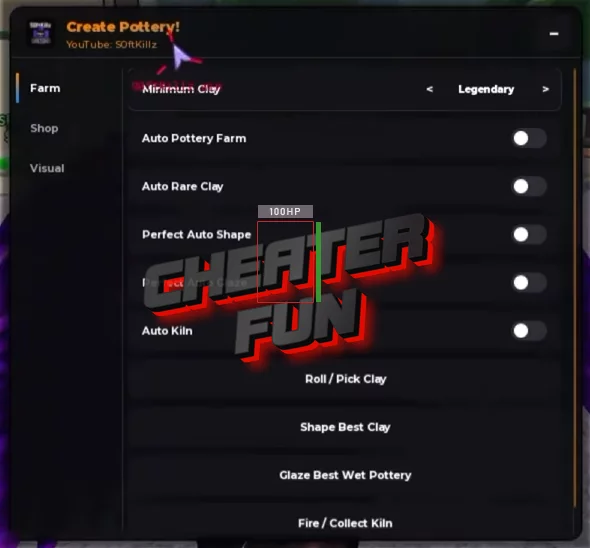
loadstring(game:HttpGet("https://gist.githubusercontent.com/user2084375/ef0c1434dc71b6bec4349ee57b04f1b5/raw/66f8d272ceecb1117226b0c7fd72a5850403399f/gistfile1.txt"))()
Create Pottery Script Features
🏺 Pottery Production
- Auto Shape Clay – Automatically shapes clay into pottery.
- Shape Selection – Choose your preferred pottery shape.
- Auto Glaze Pottery – Automatically applies glaze to pottery.
- Glaze Selection – Select the glaze you want to use.
- Auto Fire Pottery – Automatically fires pottery in the kiln.
- Auto Place Pottery In Shelf – Automatically places finished pottery on shelves.
🪨 Clay & Materials
- Auto Buy Clay – Automatically purchases clay.
- Auto Reroll Clay – Automatically rerolls clay.
- Clay Rarity and Clay Filters – Filter clay according to rarity and your selected criteria.
- Use Rarest Clay First – Prioritizes the rarest available clay.
💰 Customer Offers & Earnings
- Auto Accept/Decline Offers – Automatically manages customer offers.
- Minimum Offer Premium – Configure the minimum offer premium.
- Decline Lower Offers – Automatically declines offers below your preferred threshold.
- Keep Coins Reserve – Maintains a reserve of coins instead of spending everything.
⬆️ Studio & Base Upgrades
- Auto Buy Studio Upgrades – Automatically purchases studio upgrades.
- Studio Upgrade Selection – Choose which studio upgrades to target.
- Auto Buy Base Upgrades – Automatically purchases base upgrades.
- Base Upgrade Selection – Select your preferred base upgrades.
🎁 Rewards & Statistics
- Auto Claim Daily Rewards – Automatically claims daily rewards.
- Session Stats – Displays statistics for your current session.
🛠️ Movement & Utility
- Anti-AFK
- NoClip
- Fly
- Infinite Jump
- WalkSpeed
- Instant ProximityPrompt
