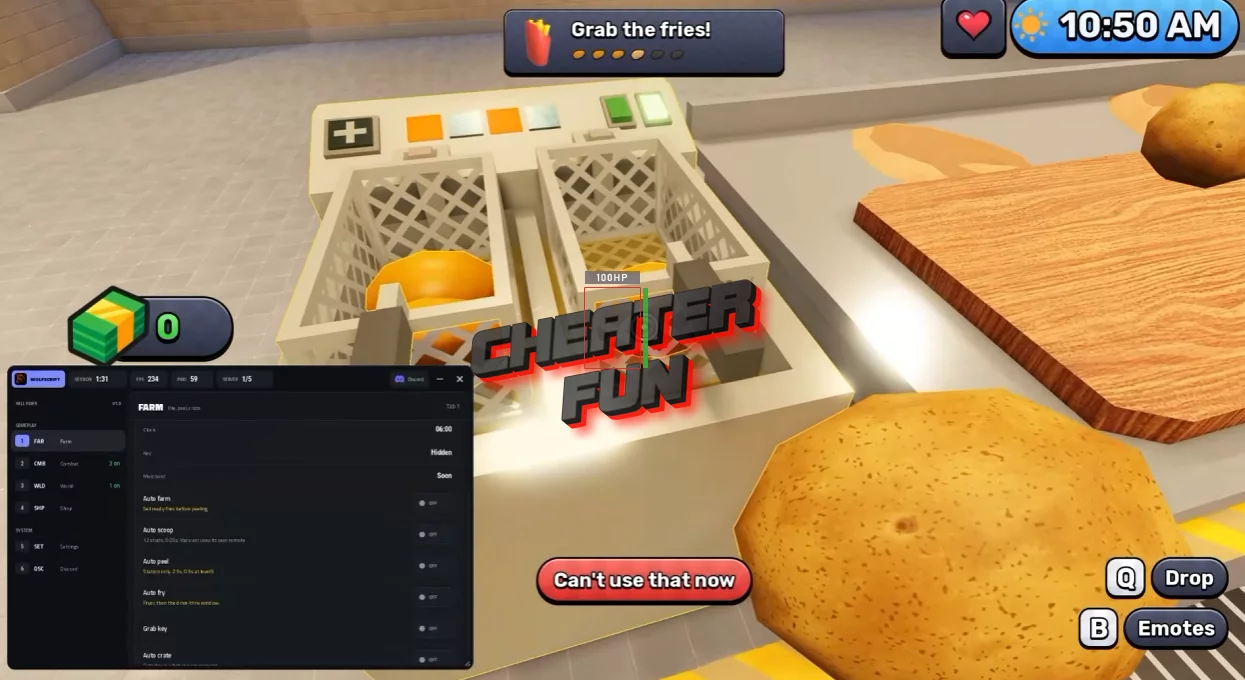
Sell Fries Script combines farming automation, upgrades, anomaly detection, and movement tools to make both sides of the game easier to manage. Its AFK farming feature supports selling ready fries before peeling, while Auto Scoop includes configurable range, delay, and vacuum options.
The script also provides markers for anomalies, players, collection spots, and the merchant. Tools such as the Anomaly Gun, Flamethrower, and Auto Ability add further options for handling nighttime encounters, while live stats help you keep track of money, carried items, the potato pile, the current day, time, keys, and merchant information.
About Sell Fries
Sell Fries starts as a simple restaurant business simulator with a surprisingly strange twist. Your job is to collect potatoes, turn them into crispy fries, serve hungry customers, and reinvest your profits into kitchen upgrades to build a more efficient business.
During the day, the focus is on keeping production moving and making money. But once night arrives, the atmosphere changes completely. The restaurant becomes a place full of mysterious anomalies, hidden keys, and escape-room-style challenges that require you to explore and figure out what's going on.
Sell Fries Script WolfScript Hub | Auto Farm, Auto Peel, Auto Scoop
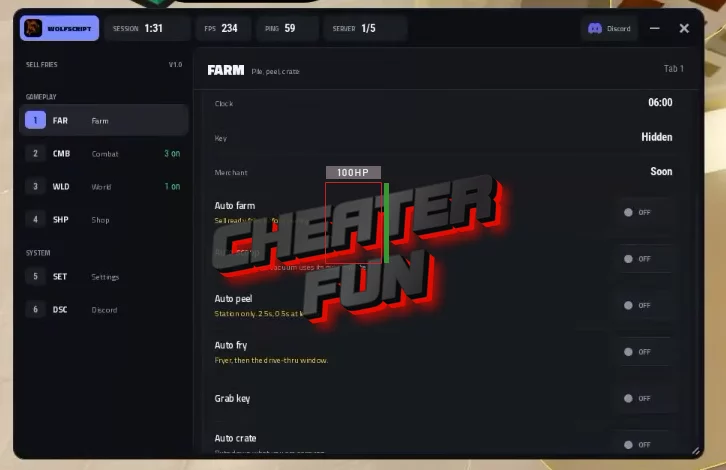
loadstring(game:HttpGet("https://api.jnkie.com/api/v1/loaders/public/79e178c15f8c6fcb88bef1fbf124dd2d52888f7b5d902f30272f2b8abc5b68f7/download"))()Sell Fries Script Features
🥔 Farming & Collection
AFK Farm – Automates farming, with an option to sell ready fries before peeling.
Auto Scoop – Configure scoop range, scoop delay, and vacuum behavior.
Buy Vacuum – Purchases the vacuum tool.
Buy Bucket – Purchases the bucket.
💰 Upgrades & Progression
Buy Next Upgrade – Automatically purchases the next available upgrade.
Skip Tutorial – Skips the introductory tutorial.
👁️ ESP & Anomaly Detection
Markers ESP – Displays markers for anomalies, spots, players, and the merchant.
Anomaly Gun – Includes options for selecting the hotbar gun and targeting anomalies only.
🔥 Combat & Abilities
Flamethrower – Aims ahead of the target.
Auto Ability – Automatically uses available abilities.
🏃 Movement
Walk Speed – Adjust movement speed.
Flight – Fly with a configurable flight speed.
No Clip – Move through obstacles.
Jump Height – Customize jump height.
🌗 Visuals & Environment
Fullbright – Improves visibility in dark areas.
Day and Night Screen – Provides a day-and-night display.
📊 Live Stats & Controls
Live Stats – Displays money, carry amount, pile, day, clock, key, and merchant information.
Open and Close Keybind – Configure a keybind to open and close the interface.

0 comments
Information
Users of Guests are not allowed to comment this publication.
If you have a problem, write to us.