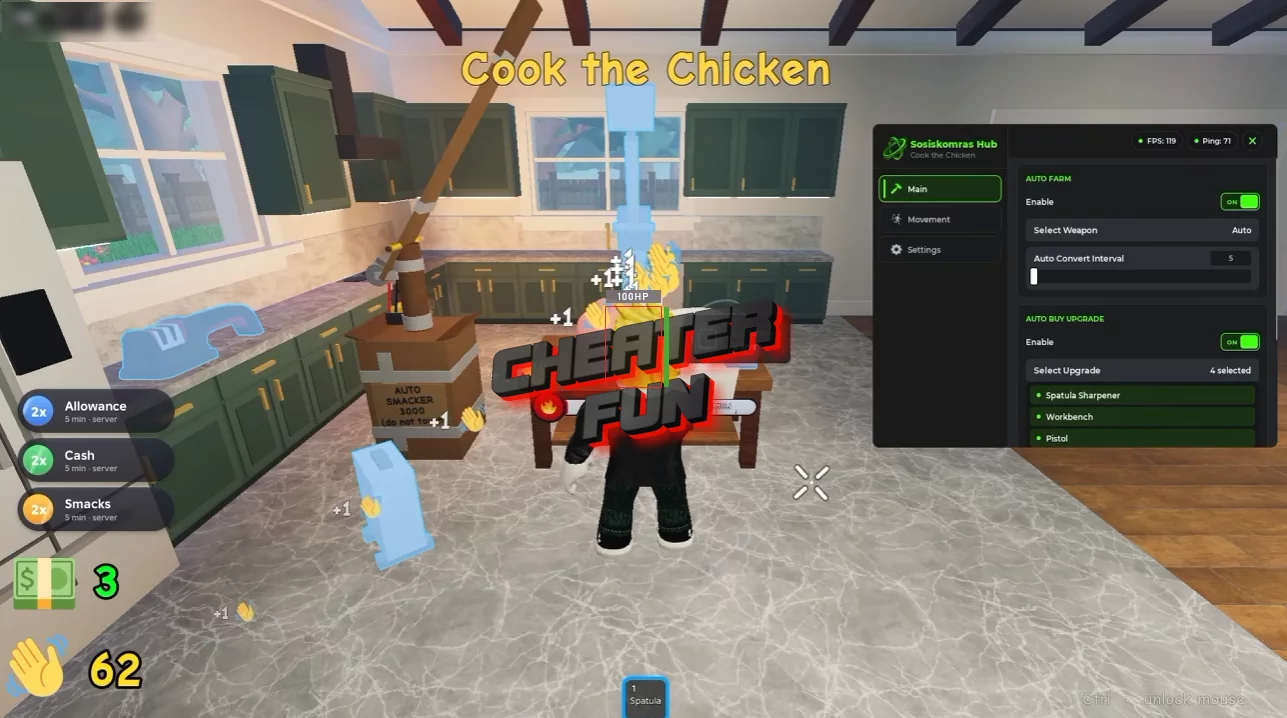
Cook the Chicken Script includes automation for smacking, farming, collecting cash, and purchasing upgrades. Instead of manually repeating the same actions, you can use Auto Smack and Auto Farm to automate parts of the gameplay loop.
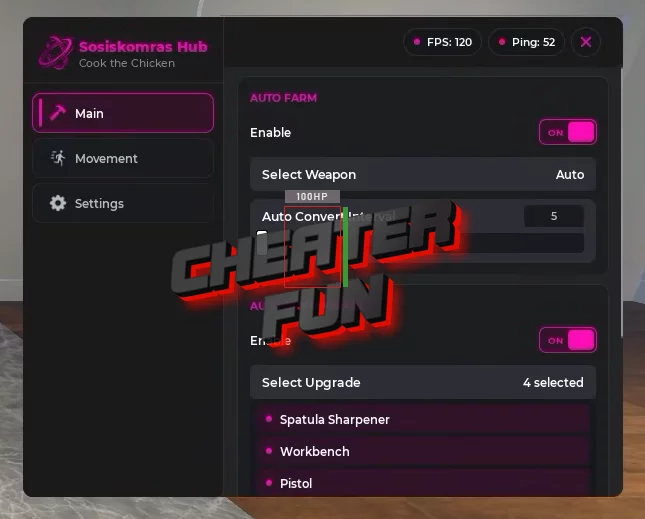
Additional tools let you select a weapon, configure the smack-conversion interval, and manage server-related options. Movement features such as Speed, Infinite Jump, and NoClip provide extra flexibility while playing.
About Cook the Chicken
What do you do when your oven explodes and you still need to cook a chicken? In Cook the Chicken, you slap it until it's done! This bizarre Roblox incremental simulator turns an ordinary cooking task into a ridiculous grind where every smack brings you closer to your goal.
The gameplay revolves around hitting the chicken, earning cash, and investing in upgrades to make each round more productive. Keep smacking to improve your progress, unlock better weapons, and build up your earnings as you work toward cooking the bird. The more you progress, the more opportunities you have to improve your setup.
Cook the Chicken Script Sosiskomras Hub | Auto Farm, Auto Upgrade
loadstring(game:HttpGet("https://raw.githubusercontent.com/Biskus0/CooktheChicken/refs/heads/main/Loading.lua"))()Cook the Chicken Script Features
🍗 Smacking & Cooking Progress
Auto Smack – Automatically smacks the chicken.
Auto Convert Smack – Automates the conversion of smacks.
Auto Convert Interval – Lets you configure the interval between conversion actions.
Select Weapon – Lets you choose your weapon.
Auto Play – Automates supported gameplay actions.
💰 Farming, Cash & Upgrades
Auto Farm – Automates farming activities.
Auto Collect Cash – Automatically collects available cash.
Auto Buy Upgrade – Automates the purchase of available upgrades.
