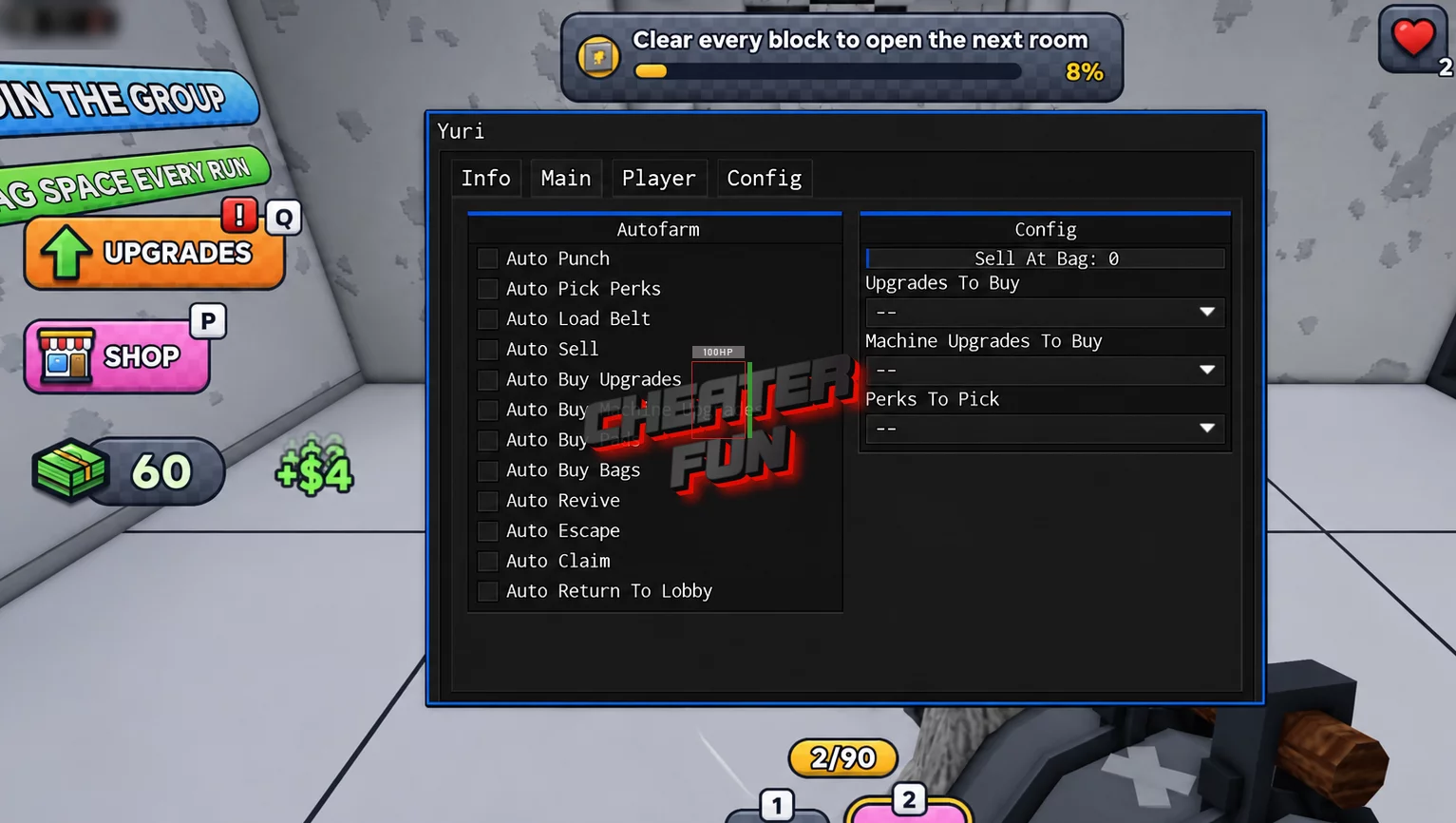
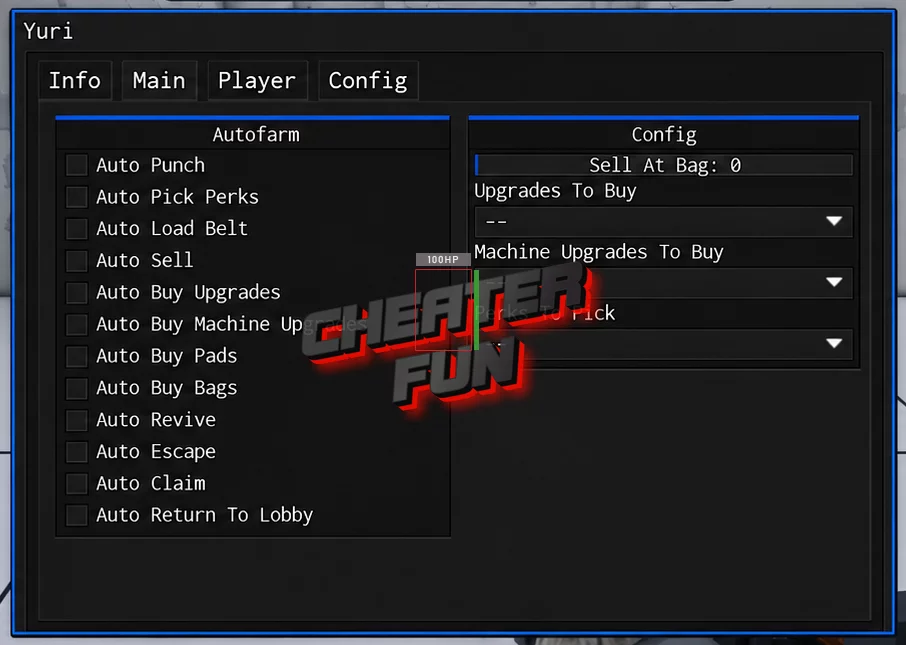
Punch to Escape Script offers an extensive collection of automation features for escaping, punching, farming, selling, and purchasing upgrades. Auto Punch and Autofarm handle repetitive gameplay activities, while Auto Escape focuses on progressing through the prison escape mechanics.
You can also automate machine upgrades, perk selection, bag purchases, and selling. Advanced configuration options let you choose which upgrades and perks to prioritize, while server management tools help automate reconnecting and switching sessions. Additional movement, camera, graphics, and performance settings provide further customization.
About Punch to Escape
Your prison sentence won't end itself! In Punch to Escape, your goal is to break through prison walls, clean up the rubble, and turn your escape efforts into money. Punch through obstacles, vacuum the debris, and sell your collected materials to your cellmate to fund better equipment.
Progression is all about improving your setup. Purchase machine upgrades, unlock better bags, and invest in robots to make your operation more efficient. But don't get too comfortable prison guards may come looking for you, so you'll need to keep working toward your escape.
Punch to Escape Script Yuri Hub | Auto Punch, Auto Escape, Auto Revive
_G.autoExec = false loadstring(game:HttpGet("https://raw.githubusercontent.com/iLove-yuri/leeeeesbian/refs/heads/main/homumado.lua"))()Punch to Escape Script Features
👊 Punching & Escape Automation
Auto Escape – Automates supported prison escape activities.
Auto Punch – Automatically punches walls and other supported targets.
Autofarm – Automates repetitive farming activities.
Auto Revive – Automatically handles available revive actions.
Auto Return To Lobby – Automatically returns your character to the lobby.
🏭 Machines & Upgrade Management
Auto Buy Machine Upgrades – Automatically purchases available machine upgrades.
Machine Upgrades To Buy – Lets you select which machine upgrades to purchase.
Auto Buy Upgrades – Automates general upgrade purchases.
Upgrades To Buy – Allows you to configure your preferred upgrades.
Auto Buy Pads – Automatically purchases available pads.
Auto Buy Bags – Automates bag purchases.
Auto Pick Perks – Automatically selects available perks.
Perks To Pick – Lets you configure which perks should be selected.
Auto Load Belt – Automates loading the belt.
💰 Selling & Rewards
Auto Sell – Automates selling collected materials.
Sell At Bag – Provides an option to sell when your bag reaches a selected condition.
Auto Claim – Automatically claims available rewards.
🌐 Server & Automation Controls
Auto Serverhop – Automatically switches between available servers.
Serverhop – Provides a manual server-switching option.
Rejoin – Attempts to rejoin the game.
Auto Reconnect – Automatically attempts to reconnect after disconnection.
Auto Execute – Automatically executes the configured setup.
Anti AFK – Helps reduce inactivity during gameplay.
🏃 Movement & Character Modifications
Auto Jump – Automates jumping.
WalkSpeed – Adjusts character movement speed.
JumpPower – Changes jumping power.
Gravity – Provides gravity customization.
HipHeight – Adjusts character height relative to the ground.
TPWalk – Provides teleport-based walking movement.
NoClip – Allows movement through certain solid objects.
Anti Knockback – Includes protection intended to reduce knockback effects.
Instant Prompt – Speeds up supported ProximityPrompt interactions.
📷 Camera & Visual Settings
Field Of View – Adjusts the camera's field of view.
Camera Zoom – Controls camera zoom.
Time Of Day – Provides time-of-day customization.
No Fog – Removes or reduces fog effects.
Fullbright – Brightens the game environment.
⚡ Performance & Graphics
FPS Boost – Provides an option aimed at improving frame rates.
Set Max FPS – Allows you to configure the maximum frame rate.
Disable 3D Rendering – Disables 3D rendering to reduce graphical workload.
No Gameplay Paused – Prevents gameplay from pausing under supported conditions.
