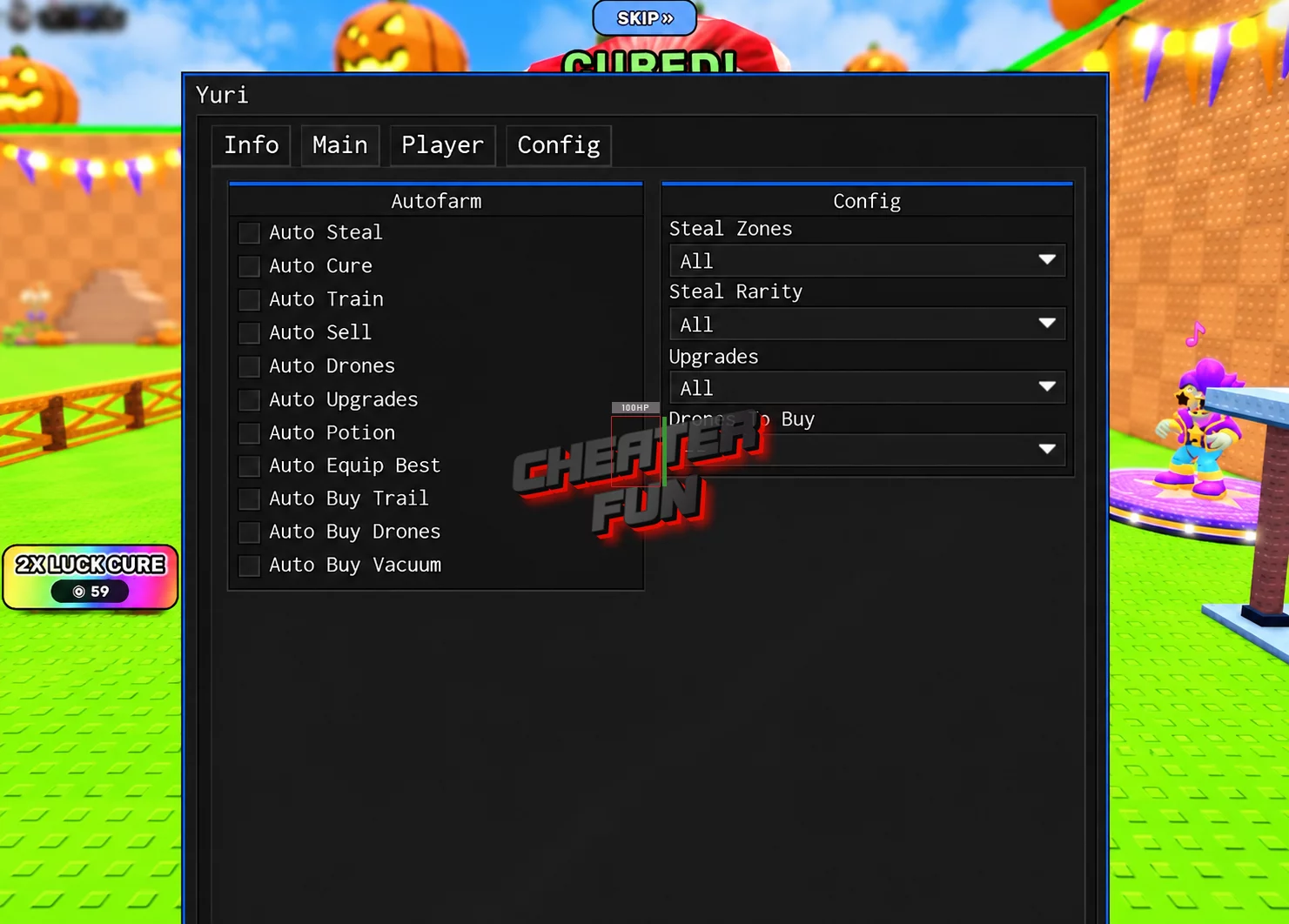
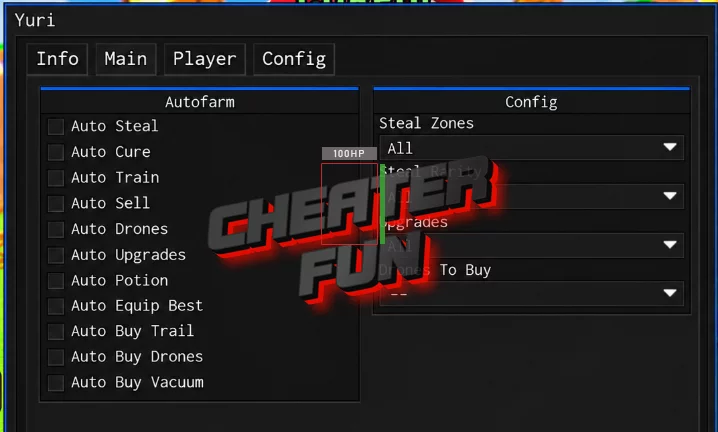
Steal and Cure a Zombie Script offers a large collection of automation and customization features covering zombie stealing, curing, training, equipment purchases, and character movement.
Auto Steal automates zombie collection, while Auto Cure handles the laboratory-related progression. You can also automate training, potion usage, upgrades, and equipment purchases. Drone-related features help manage your available drones, while Auto Sell and Auto Equip Best simplify inventory and equipment management.
Additional movement, camera, graphics, and performance settings provide more control over your gameplay, making the script suitable for longer farming sessions.
About Steal and Cure a Zombie
What if you could turn dangerous zombies into little money-making machines? In Steal and Cure a Zombie, your mission is to sneak into the hunting corridor, steal zombies, and escape before the guard catches you. Once you've made it safely back, you'll need to cure your captured zombie in the laboratory using a vacuum before placing it in your pen.
Steal and Cure a Zombie Script Yuri Hub | Auto Steal, Auto Cure and More
loadstring(game:HttpGet("https://raw.githubusercontent.com/iLove-yuri/leeeeesbian/refs/heads/main/homumado.lua"))()Steal and Cure a Zombie Script Features
🧟 Zombie Stealing & Curing
Auto Steal – Automates stealing zombies from supported locations.
Auto Cure – Automates zombie-curing activities in your laboratory.
💰 Farming & Equipment
Auto Sell – Automatically sells eligible items.
Auto Equip Best – Automatically equips your best available equipment.
Auto Buy Vacuum – Automates purchasing available vacuums.
Auto Buy Trail – Automatically purchases available trails.
🚁 Drones & Automation
Auto Buy Drones – Automates drone purchases.
Auto Drones – Automates supported drone-related activities.
💪 Training & Upgrades
Auto Train – Automates treadmill training activities.
Auto Potion – Automates potion-related actions.
Auto Upgrades – Automatically purchases or applies available upgrades.
🏃 Movement & Character Modifications
Auto Jump – Automates jumping.
WalkSpeed – Adjusts character movement speed.
JumpPower – Changes jumping strength.
TPWalk – Provides teleport-based walking movement.
NoClip – Allows movement through certain solid objects.
Gravity – Provides gravity customization.
HipHeight – Adjusts character height relative to the ground.
Anti Knockback – Includes protection intended to reduce knockback effects.
📷 Camera & Visual Settings
Camera Zoom – Adjusts camera zoom.
Field of View – Changes the camera's field of view.
Fullbright – Brightens the game environment.
No Fog – Removes or reduces fog effects.
Time Of Day – Provides time-of-day customization.
Instant Prompt – Speeds up supported ProximityPrompt interactions.
⚡ Performance & Session Management
FPS Boost – Provides an option aimed at improving frame rates.
Set Max FPS – Allows you to configure the maximum frame rate.
Disable 3D Rendering – Disables 3D rendering to reduce graphical workload.
No Gameplay Paused – Prevents gameplay from pausing under supported conditions.
Auto Reconnect – Automatically attempts to reconnect after disconnection.
Anti-AFK – Helps reduce inactivity-related disconnections.
Auto Execute – Automatically executes the configured setup.