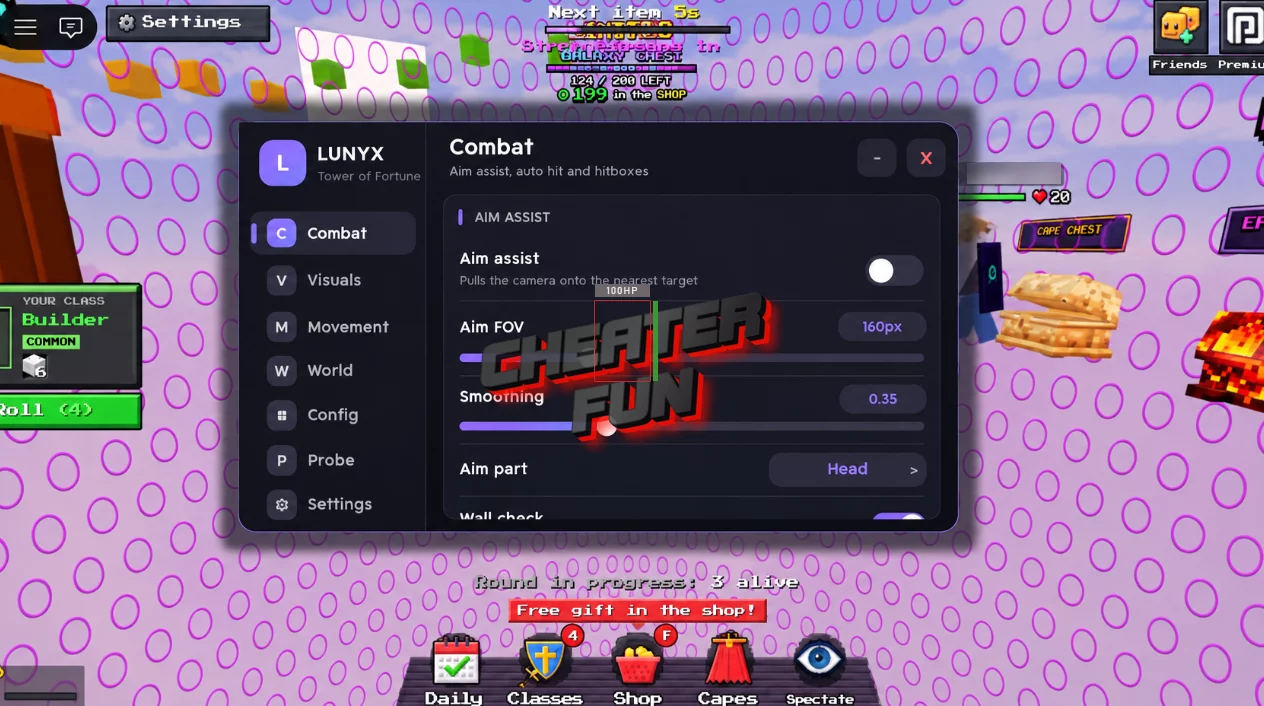
Towers of Fortune Script includes a collection of combat assistance, targeting customization, movement modifications, and visual enhancement features. Configure Aim Assist, Auto Hit, and Hitbox Expander to customize your combat setup. Adjust aiming smoothness, target selection, reach, FOV, and delays to suit your preferred settings.
About Towers of Fortune
Build your tower, collect random items, and fight your way to victory in Towers of Fortune! Every player starts on their own pillar, receiving random items and blocks every few seconds. Use your resources to build upward, create bridges between towers, and knock opponents into the void.
Every elimination brings additional rewards, including bonus blocks and coins, giving you more opportunities to expand your tower and gain an advantage. But be careful! Other players are building their own strategies, and only the last survivor wins.
Towers of Fortune Script Lunyx Hub (Keyless)
loadstring(game:HttpGet("https://pastebin.com/raw/g2wXbbVZ"))()Towers of Fortune Script Features
🎯 Aim Assist & Targeting
Customize aiming behavior and select which opponents can be targeted:
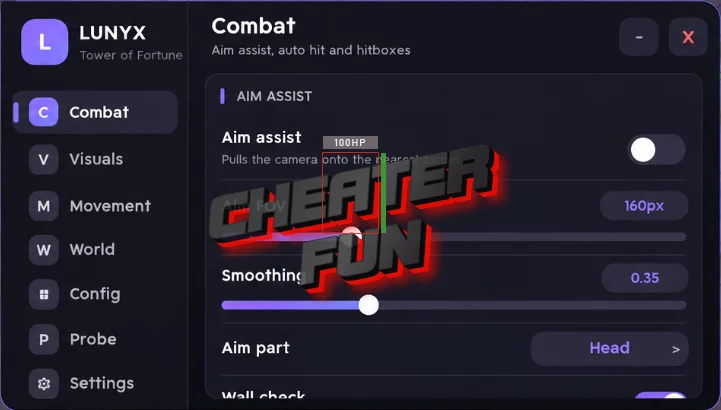
Aim Assist – Provides additional aiming assistance during combat.
Aim Smoothing – Adjusts the smoothness of aiming behavior.
Aim Part – Selects the target body part.
Target Players – Enables targeting of other players.
Target Bots – Includes bots in target selection.
Wall Check – Adds visibility-based target filtering.
Crosshair Radius – Adjusts the crosshair targeting radius.
FOV Circle – Displays a visual field-of-view circle.
Aim FOV – Configures the effective aiming field of view.
Delay – Adjusts the delay between automated actions.
⚔️ Combat & Hitbox Modifications
Improve your combat setup with additional attack and targeting options:
Auto Hit – Automates hit-related combat actions.
Hitbox Expander – Provides customizable hitbox expansion.
Reach – Adjusts attack reach.
Humanoid Override – Includes a humanoid-related override option.
🏃 Movement & Mobility
Customize your character's movement and jumping capabilities:
Fly – Enables flying.
Fly Speed – Adjusts flying speed.
Speed Boost – Increases movement speed.
WalkSpeed – Customizes walking speed.
JumpPower – Adjusts jumping strength.
Infinite Jump – Allows repeated jumping.
🌟 Visual Enhancements
Improve visibility and customize the appearance of the game environment:
Fullbright – Brightens the game environment.
Custom FOV – Allows camera field-of-view customization.
Field Of View – Provides an additional FOV setting.
Strip Post Effects – Removes selected post-processing effects.
No Fog – Removes fog effects.
ESP – Provides additional visual information about relevant entities.
🚀 Performance Settings
FPS Cap – Allows you to configure the frame rate limit.
🌐 Server & Utility Options
Anti-AFK – Helps prevent Roblox inactivity kicks during extended sessions.
Server Hop – Switches to another server.
Rejoin Server – Reconnects to the current game server.

0 comments
Information
Users of Guests are not allowed to comment this publication.
If you have a problem, write to us.