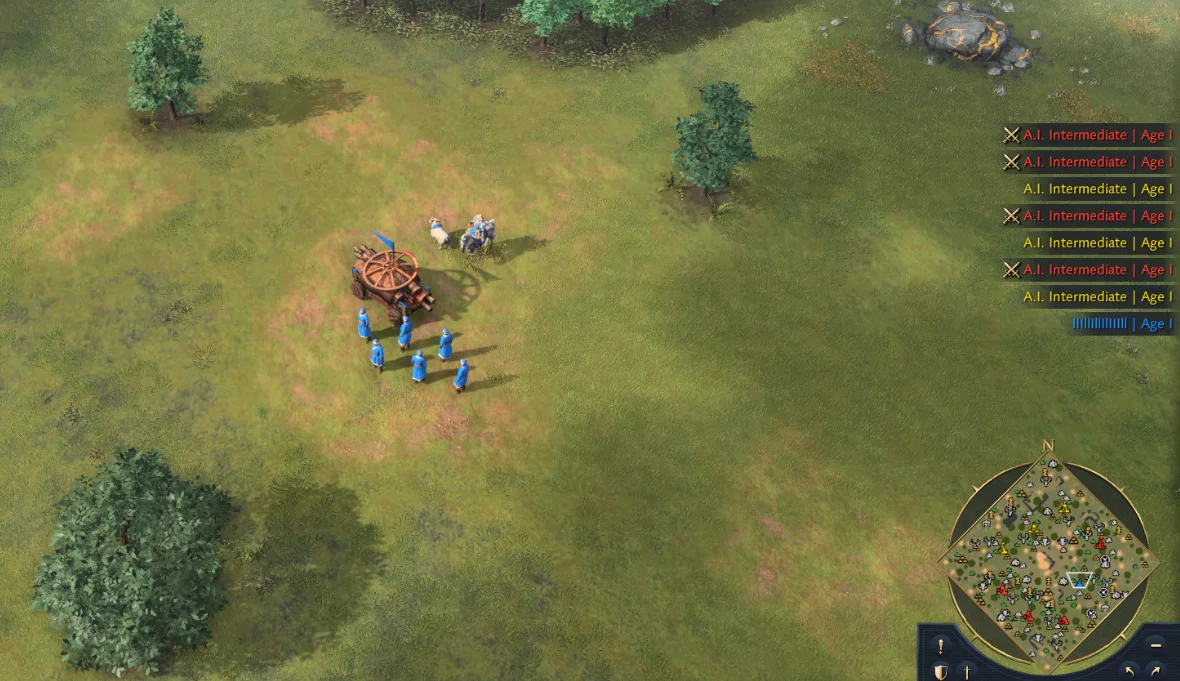
Age of Empires IV Free Cheat - MapHack, NoFog

Project Information

Developer: Rmzn0
Status: UNDETECTED
Updated: June 23, 2023 at 11:00 AM
Version: steam / windows store version

Age of Empires IV Free Cheat

Free and working cheat for the game Age of Empires IV with MapHack, NoFog. You will be available to the radar (server map) where all the players will be displayed. Additionally, the NoFog function will remove all the fog, allowing you to see the entire map.

Age of Empires 4 cheat by developer Rmzn0 is compatible with Steam and the Windows Store. A very simple solution if you lack the hidden gameplay features in the game Age of Empires. All functionality is controlled by hotkeys, and its configuration is very simple, even a child can figure it out.
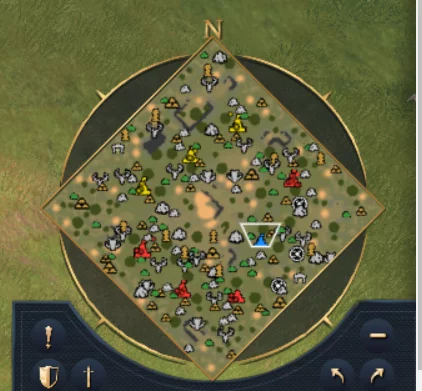
Age of Empires IV Map Hack

How to use:

To run the cheat you need to use the Cheat Engine

To activate map hack , press page UP and after page DOWN

To activate max zoom hack , press INSERT


ChangeLogs:

23-06-2023, 11:01: update game version 7.0.5861

Free Download Age of Empires IV Free Cheat - MapHack, NoFog

Only authorized users can download files. Please Log in or Register on the website.
Comments: 4 Views: 8 098

4 comments

  1. gorz
    User
     1
     -1
    6 October 2022 07:52

    Can you please tell me how you can activate it ? the trigger button doesn't work


    1. blake clowser
      User
       1
       0
      20 October 2022 02:09

      any luck?


  2. MARIJOGET88
    User
     2
     0
    29 July 2022 16:24

    dear devolpr can you make map or radar hack for League of Legends plsssssssssssssssss

    \


  3. nifuji
    Real Cheater
     44
     19
    29 May 2022 08:43

    NOICE CHEAT btw


New Comments
all
Fellow_Hooman Fellow_Hooman

when u go into fishing and throw ur reel then it auto damages the fish by itself even if ur not on the green part

OPHIUCHUS OPHIUCHUS

Does anyone know how we can directly update the code ourselves when the new update comes out, without waiting for the site to release it? Can we find the names of the files that have been changed, either within the files themselves or elsewhere, and change them directly? Could you please help, because it takes too much time waiting for the site update?