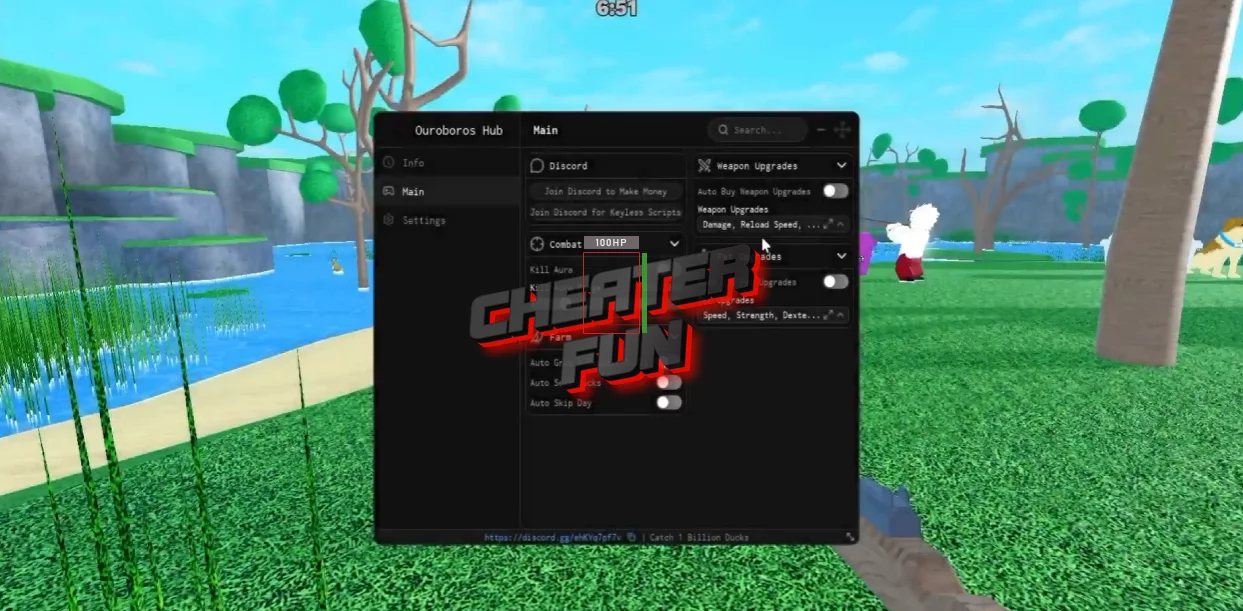
You can get one of the best, proven, and fully functional scripts for Catch 1 Billion Ducks featuring features such as Kill Aura, Auto Farm, Auto Sell, Auto Buy, and many others without a key on this page.
Once you've filled up your haul, you need to get everything deposited and sold. Auto Grab / Deposit Ducks and Auto Sell Ducks take care of that repetitive cycle for you.
Kill Aura automatically attacks nearby ducks within your selected range, while the farming options handle collecting, depositing, and selling your catches. Upgrade automation then keeps your weapon and dog improving as you earn more money.
About Catch 1 Billion Ducks
Welcome to Catch 1 Billion Ducks, a goofy hunting simulator where the goal is pretty straightforward: Find ducks. Catch ducks. Sell ducks. Get rich. Repeat.
You'll head out with your dog and weapon, hunt ducks around the map, then bring your haul back to sell for cash. That money can be reinvested into better equipment and stronger upgrades, letting you hunt more efficiently.
Catch 1 Billion Ducks Script Duck Alter Hub - Auto Shoot, Auto Sell, Auto Buy Best Weapon
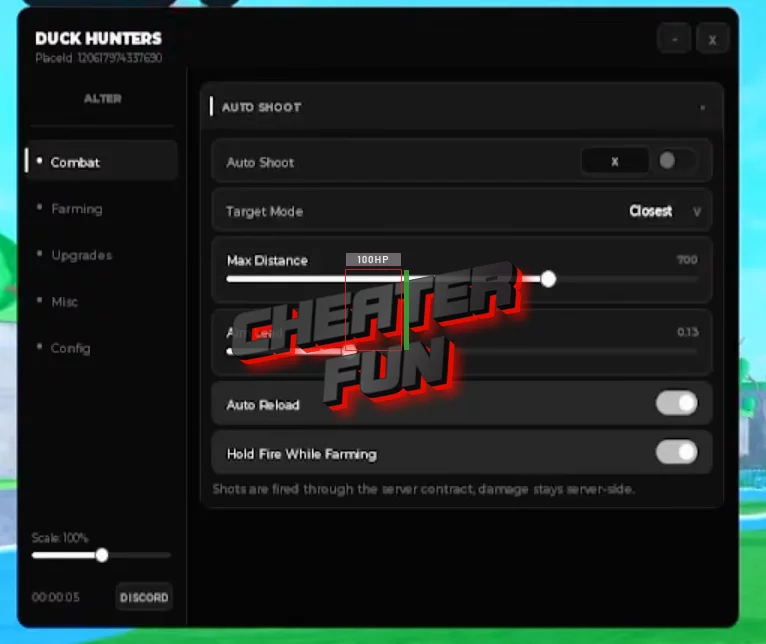
loadstring(game:HttpGet("https://alterhub.site/loader.lua"))()Catch 1 Billion Ducks Script Ouroboros Hub 2026 - Kill Aura, Auto Buy, Auto Farm and More
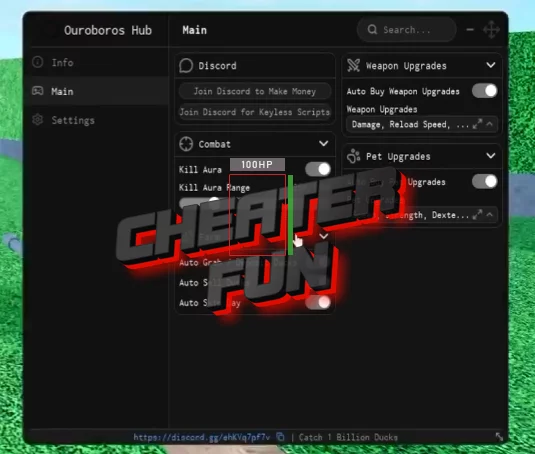
loadstring(game:HttpGet("https://raw.githubusercontent.com/joustingmatch/Ouroboros/main/loader.lua"))()Features
Kill Aura
Kill Aura Range
Auto Grab Ducks
Auto Deposit Ducks
Auto Sell Ducks
Auto Skip Day
Auto Buy Weapon Upgrades
Auto Buy Pet Upgrades
More Features
