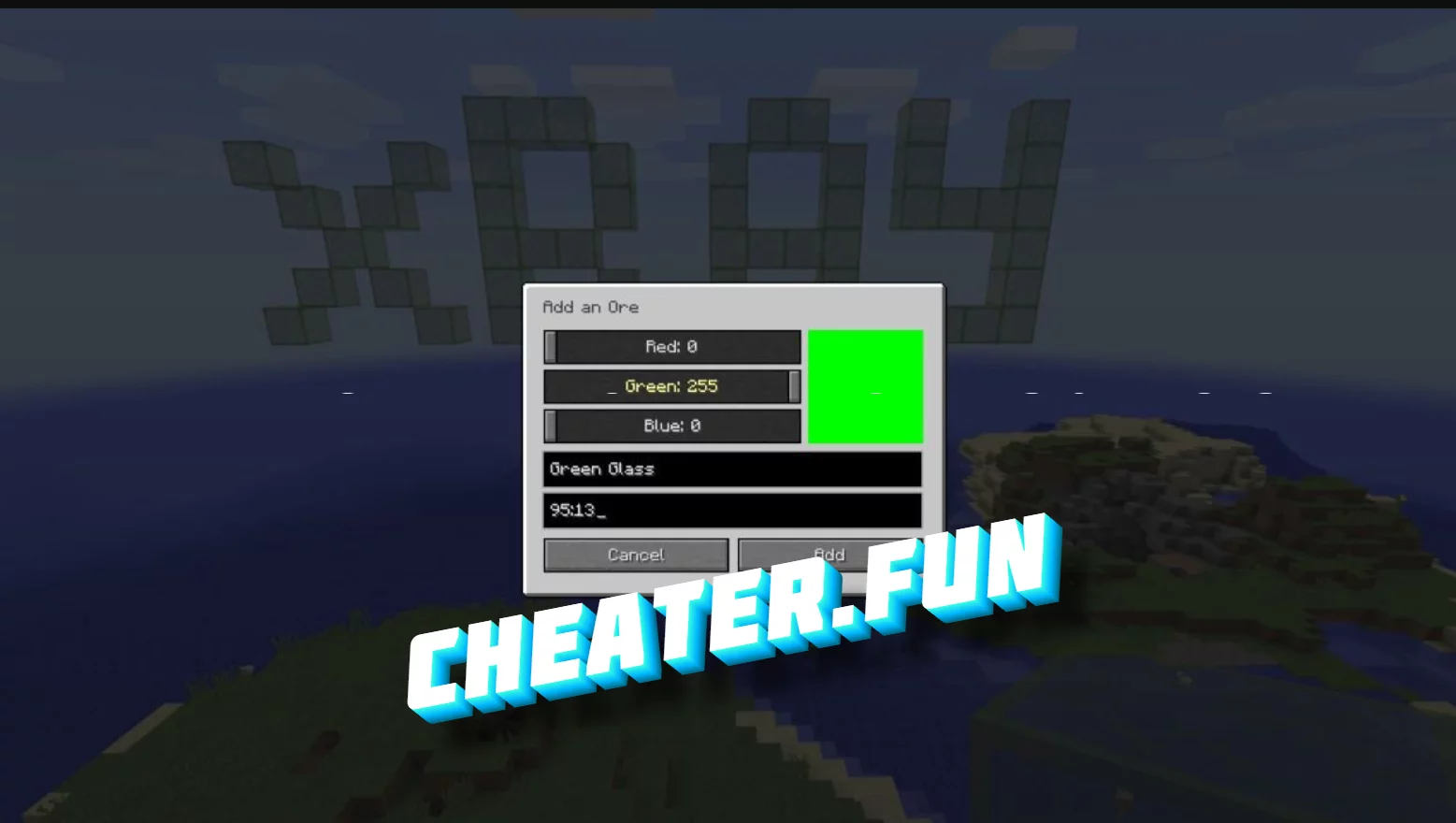
Minecraft Advanced XRay 1.18.2/1.17.1

Project Information

Developer: Unknown
Status: UNDETECTED
Updated: April 3, 2022 at 6:52 PM
Version: 1.18.2/1.17.1

Advanced XRay Minecraft

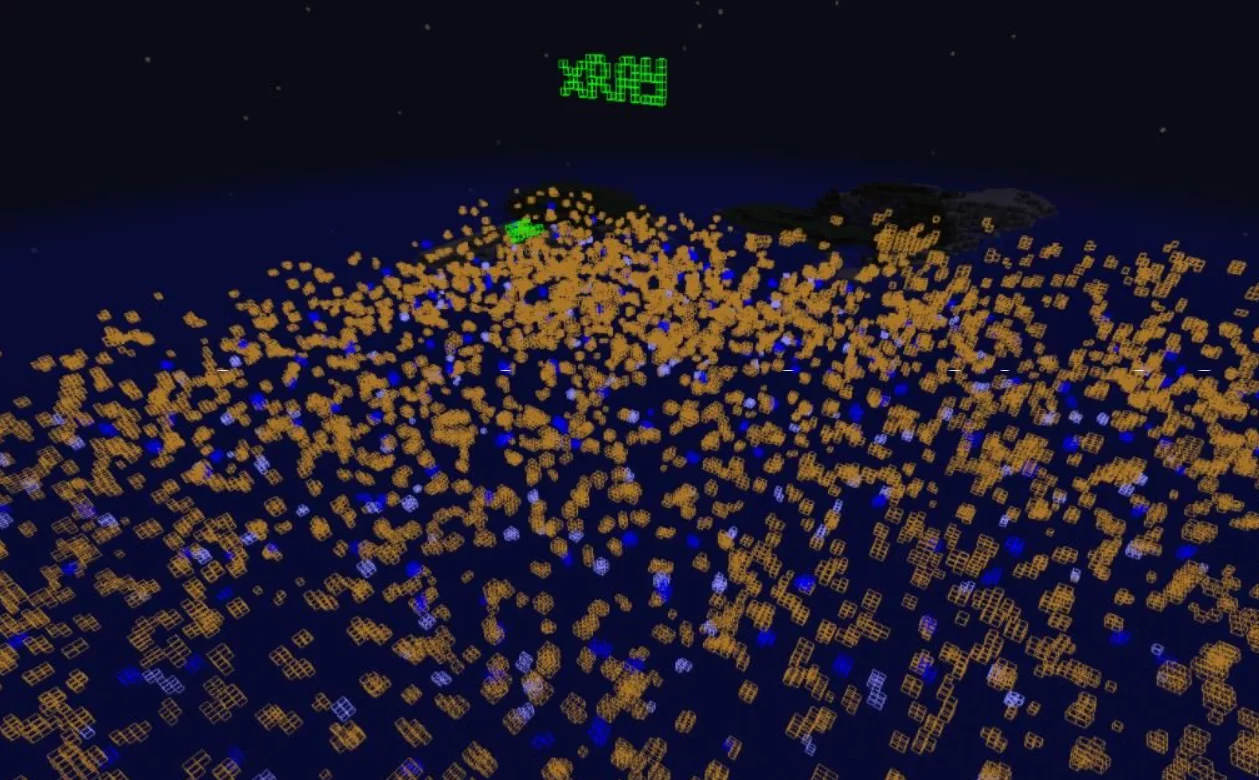
Advanced XRay is a cheat mod for Minecraft 1.18.2/1.17.1 that will allow players to see through blocks and help in finding the right resources quickly. A simple enough interface has been created with which you can easily change the blocks you want to see through. The interface has many settings specifically made to make the task of finding resources easier.

Mod Management

Open the menu: Z

Enable/Disable - backslash
How to use the cheat:

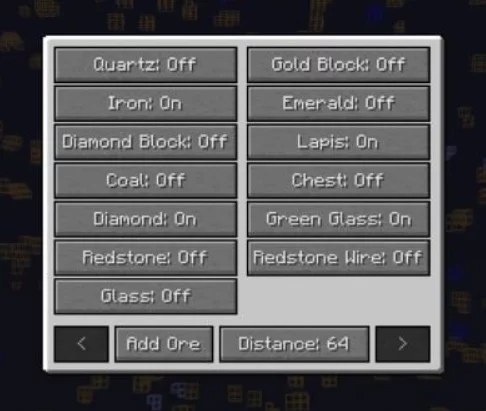
When you open the menu of the mod, you will see a list of blocks, some are on, some are off.

To enable \ changes, click the left mouse button or Shift + left mouse button.

To add another block - Add Block and select.
Advanced XRay Minecraft

HOW TO INSTALL THE MOD:

  1. Download and install Minecraft Forge
  2. Press WIN+R (The "WIN" key is usually between "ALT" and "CTR")
  3. In the window type %appdata%.
  4. Go to the folder .minecraft/mods (If there is no mods folder, then create one)
  5. Move the downloaded mod (.jar) to the mods folder

Free Download Minecraft Advanced XRay 1.18.2/1.17.1

Only authorized users can download files. Please Log in or Register on the website.
Comments: 4 Views: 15 360

4 comments

  1. Furry1823
    User
     1
     0
    29 July 2022 18:37

    I think i like it i spent a hour in a server and got so much dimonds


  2. Landowhatup
    User
     1
     0
    3 May 2022 19:17

    website isnt working please help


  3. Shadow Family
    User
     1
     0
    19 April 2022 18:43

    does it work on tlauncher

    ????


    1. potatoking909
      User
       1
       0
      22 April 2022 07:09

      no, it doesnt


New Comments
all
Tellthemimsingle2 Tellthemimsingle2

Does auto puzzle only work for clockie puzzles?

Rostik24 Rostik24

PLEASE UPDATE!!! AGAIN NOT WORKING!

staysalty2000 staysalty2000

{

  "dwViewMatrix": 31654992,

  "dwLocalPlayerPawn": 29282104,

  "dwEntityList": 30481784,

  "m_hPlayerPawn": 2300,

  "m_iHealth": 844,

  "m_lifeState": 852,

  "m_iTeamNum": 1003,

  "m_vOldOrigin": 5536,

  "m_pGameSceneNode": 816,

  "m_modelState": 400,

  "m_boneArray": 128,

  "m_nodeToWorld": 16,

  "m_sSanitizedPlayerName": 2128

}

karlodudas112 karlodudas112

how do you use frame delay?